If your team lives in Slack, managing time off shouldn't force them into a clunky spreadsheet or an endless email chain. Juggling PTO requests, tracking balances, and giving everyone visibility into who's out can quickly become a chaotic, time-consuming mess. The old way is broken: it's prone to errors, lacks transparency, and pulls your team out of their primary workspace, which is Slack. For a modern, Slack-first team, this friction is a productivity killer.
Table of Contents
A modern vacation tracker integrated directly into Slack solves this pain. Since Slack is your team's daily workspace, managing leave there keeps the entire process—from request to approval to calendar updates—flowing smoothly within the app you use all day. This guide cuts through the noise to show you the best vacation trackers that integrate with Slack. We'll explore a range of solutions, from native bots to powerful HR platforms with deep Slack integrations, to help you find the perfect tool and ditch spreadsheets for good.
What Is a Slack Vacation Tracker?
A Slack vacation tracker is a tool that automates how your team requests, approves, and monitors paid time off (PTO) and other types of leave directly within the Slack application. Instead of relying on manual emails or spreadsheets, these tools use bots, slash commands, and interactive buttons to create a seamless workflow inside your team's digital headquarters.
Common features include:
- Time-off Requests: Employees can submit vacation, sick leave, or other requests using simple commands (e.g.,
/vacation tomorrow). - Approval Workflows: Managers receive instant notifications in Slack and can approve or deny requests with a single click.
- Team Visibility: Automated notifications and shared calendars show who is out of the office, preventing scheduling conflicts.
- Calendar Sync: Approved leave automatically syncs with Google Calendar or Outlook Calendar, keeping everyone aligned.
There are two main types: Slack-native bots are built from the ground up to live exclusively inside Slack, offering the most seamless user experience. In contrast, external tools with Slack integrations are larger HR platforms (like BambooHR or Gusto) that connect to Slack, pushing notifications and allowing some actions without leaving the app.
What to Look for in a Vacation Tracker for Slack
When choosing the right tool, prioritize features that reduce friction and boost adoption. Here’s what to look for:
- Slack-Native Experience: The best tools feel like a natural part of Slack. Look for simple slash commands, interactive buttons, and notifications that don't require switching to another app.
- Easy PTO Requests: Team members should be able to request time off in seconds without a complicated form or process.
- Approval Workflows: Managers need a clear, one-click process to approve or deny requests directly from a Slack notification.
- Team-Wide Visibility: A shared calendar view or automated daily/weekly "who's out" posts in a specific channel are essential for planning and coordination.
- Calendar Sync (Google / Outlook): The tool must integrate with your company's primary calendar to ensure leave is visible outside of Slack.
- Simple Setup and Adoption: The tool should be easy to configure and require minimal training for your team to start using it immediately.
1. Vacation Tracker
Vacation Tracker is a purpose-built leave management tool designed to operate natively within your existing communication platforms like Slack, Microsoft Teams, and Google Workspace. Its core strength lies in its deep integration, allowing team members to request time off and managers to approve it with simple slash commands, all without ever leaving their primary chat application. This chat-first workflow significantly reduces the friction and training time associated with adopting a new tool, making it an excellent choice for teams aiming for quick implementation and high adoption rates.
Key Features & Considerations
What truly sets this vacation tracker apart is its simplicity combined with powerful customization. Admins can quickly configure different leave policies, set up location-based holidays, and define custom leave types beyond just vacation, such as sick days or personal leave. The automated daily or weekly digests posted in designated Slack channels provide effortless visibility into who is out of the office, preventing scheduling conflicts.
- Pros: Its chat-native experience is top-notch, the setup is incredibly fast, and configurable notifications keep everyone informed.
- Cons: The platform is highly specialized for leave tracking and doesn't function as a full Human Resource Information System (HRIS). The free trial is limited, and pricing tiers vary.
Pricing for Vacation Tracker starts at $1 per user per month. It's an ideal solution for small to mid-sized businesses looking for a straightforward, efficient PTO management system that lives where their team works.
Website: https://vacationtracker.io/
2. Deel – Time Off by Deel
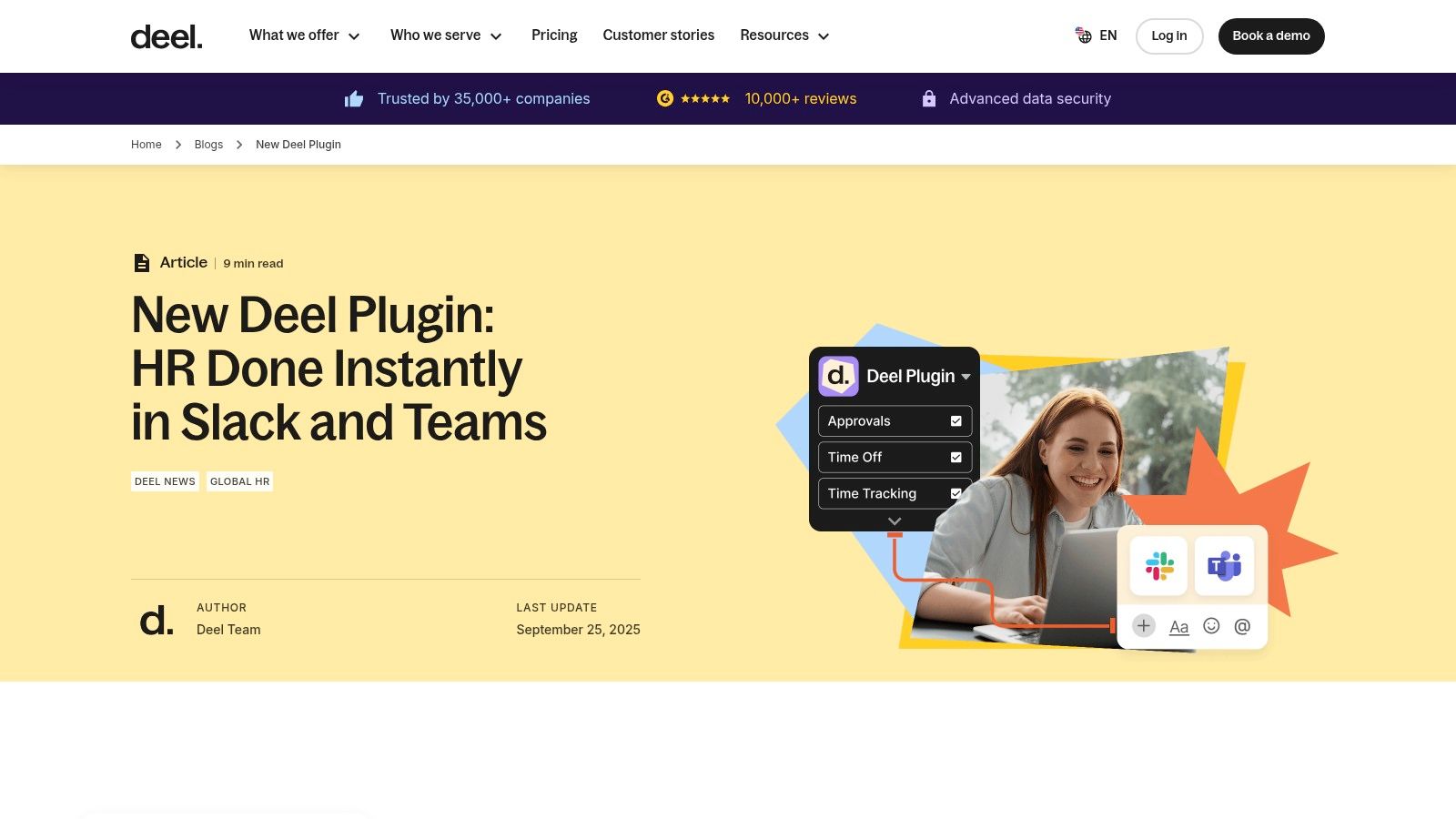
Deel’s Time Off app is a Slack-native plugin designed to seamlessly integrate with its broader HR and payroll platform. Its primary advantage is providing a unified experience for global organizations already using Deel for hiring, payroll, and compliance. This integration allows teams to manage PTO requests and approvals entirely within Slack, eliminating the need to switch contexts to a separate web application for routine time-off tasks, which is ideal for businesses that have standardized their HR stack on the Deel platform.
Key Features & Considerations
What makes this vacation tracker stand out is its deep connection to a comprehensive HRIS. It centralizes requests, approvals, and visibility directly into Slack channels, providing automated status updates and "who's out" reminders. This setup is particularly beneficial for distributed teams, ensuring everyone is aware of colleague availability. The ability to export team reports directly from Slack also adds a layer of convenience for managers needing quick access to leave data without logging into the main Deel dashboard. The integration helps to keep calendars and team availability in sync, a process you can learn more about in resources detailing how to connect Slack and Google Calendar.
- Pros: It’s a perfect, no-friction solution for existing Deel customers and keeps all PTO workflows conveniently inside Slack.
- Cons: The experience is entirely a Slack plugin rather than a feature within the main Deel web app. It requires users to have matching emails across both platforms and proper admin permissions for installation.
Time Off by Deel is available as part of the Deel HR platform, which is free for companies with up to 200 employees. It's best suited for organizations looking for an integrated leave management tool that complements their existing global HR system.
Website: https://www.deel.com/engage/pto
3. AttendanceBot
AttendanceBot is a comprehensive, chat-native tool for Slack and Microsoft Teams that expands beyond simple leave management. It integrates time off, time tracking, employee scheduling, and hybrid work status updates into a single bot. This all-in-one approach is particularly popular with remote teams and SMBs that want to consolidate multiple HR functions into one familiar interface, minimizing the need for separate subscriptions and platforms. Users can handle everything from PTO requests to logging project hours directly within their chat application.
Key Features & Considerations
What makes this vacation tracker unique is its breadth of functionality. Beyond custom leave policies and accruals, it offers timesheets, project-based time tracking, and employee rostering. This makes it a powerful option for businesses that bill by the hour or manage shift-based workers. Daily summaries and calendar sync ensure scheduling visibility, while slash commands and automated reminders maintain a seamless workflow inside Slack, making it one of several cool Slack apps available today.
- Pros: Its feature set is broad, covering PTO, time tracking, and scheduling. A free tier is available for very small teams (up to 5 users), and it integrates deeply into chat workflows.
- Cons: The extensive features can require more initial configuration. Pricing can increase as you add modules and users.
Pricing for AttendanceBot starts with a free plan, with paid tiers beginning at $4 per user per month. It's a great fit for teams needing a multi-purpose bot that handles more than just time off.
Website: https://www.attendancebot.com/
4. Timetastic
Timetastic is a lightweight and user-friendly leave management tool focused on simplicity and speed. It offers dedicated web and mobile apps, along with integrations for Slack and Microsoft Teams, making it a flexible choice for teams that aren't exclusively chat-based. Its main appeal lies in its clean interface and straightforward setup, allowing small to mid-sized businesses to get a modern time-off system running in minutes, not hours.
Key Features & Considerations
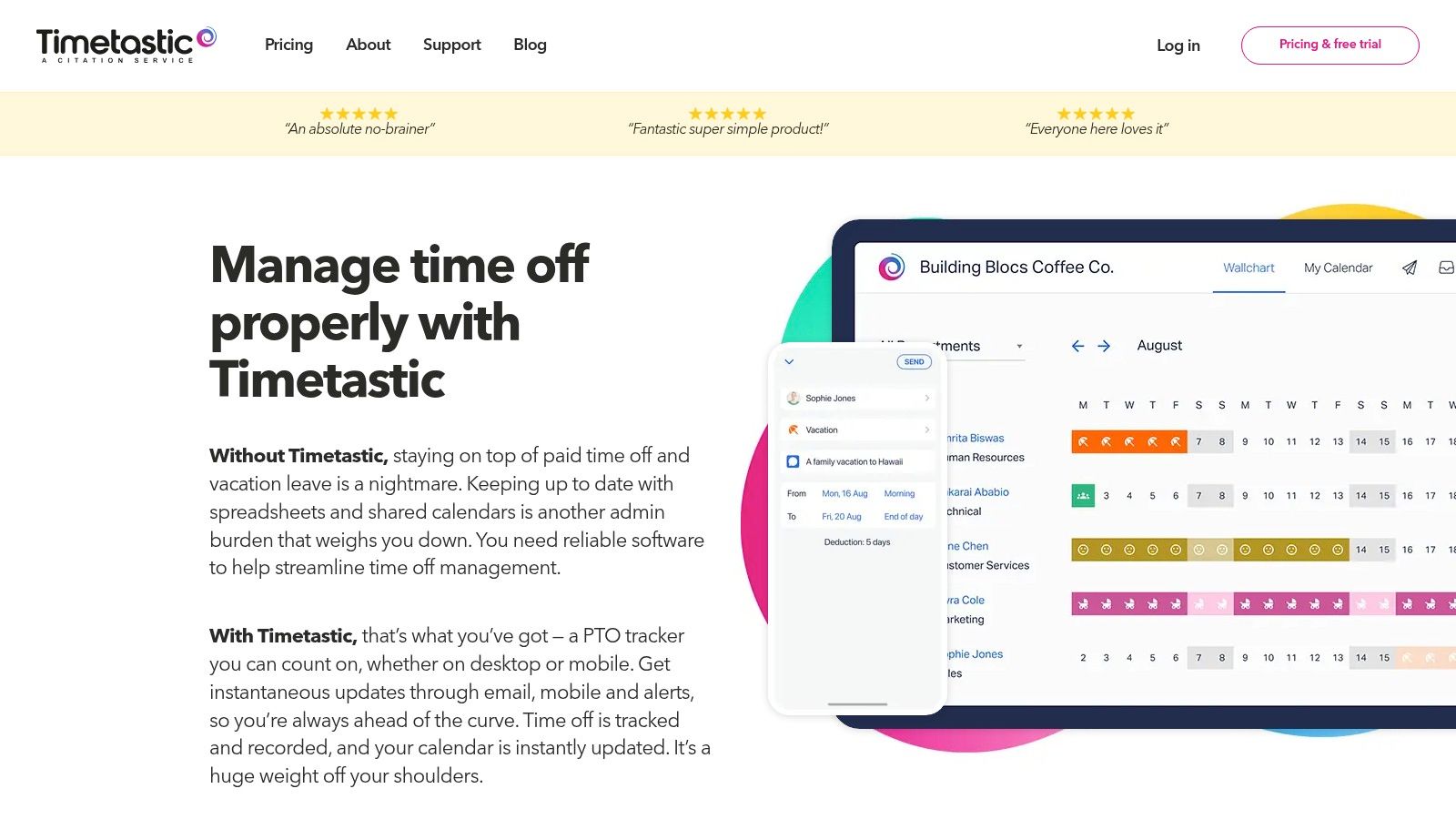
What makes this vacation tracker stand out is its visual "Wallchart," a shared calendar that provides an at-a-glance view of who is out of the office. While it supports Slack slash commands for requests and approvals, its primary strength is the central web dashboard. For managers, the Pro tier adds valuable insights with reports that can flag potential employee burnout or highlight periods where too many team members have booked time off, helping with resource planning.
- Pros: It’s very affordable with a quick setup process, and the interface requires minimal training for new users.
- Cons: It lacks payroll or broader HR functionalities and some of the more advanced reporting features are locked behind the higher-priced Pro tier.
Timetastic starts at $2.50 per user per month. It's an excellent option for businesses seeking an affordable, no-fuss PTO management solution with a strong visual component.
Website: https://timetasticapp.com/
5. BambooHR
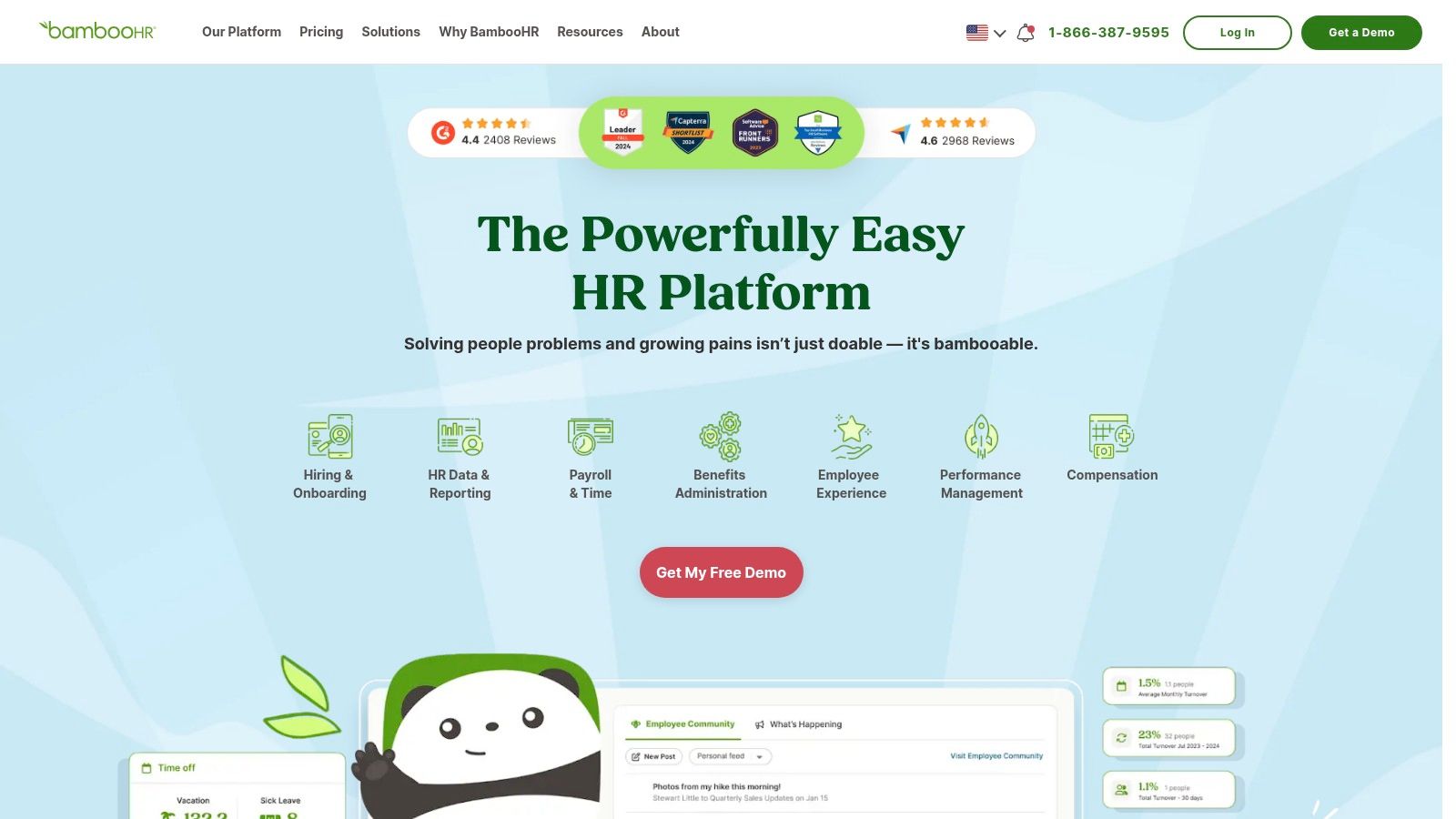
For organizations seeking a comprehensive Human Resource Information System (HRIS) that includes robust leave management, BambooHR is a leading choice. Unlike specialized bots, BambooHR positions its time-off features as a core component of a much broader HR platform. Employees can request time off, view balances, and see a company calendar directly within the system, while managers receive notifications to approve or deny requests, creating a streamlined workflow that connects PTO to the larger employee record. This approach is ideal for companies wanting to consolidate HR functions into a single source of truth.
Key Features & Considerations
What makes BambooHR a powerful vacation tracker is its integration with other HR modules like performance management, employee data, and optional payroll. Admins can create detailed time-off policies, generate reports on PTO usage trends, and manage accruals automatically. Its mobile app provides on-the-go access for requests and approvals, ensuring the process doesn't bottleneck when team members are away from their desks. While it has a Slack integration, the primary experience is within the BambooHR platform itself.
- Pros: It’s an all-in-one HR platform with strong, integrated PTO workflows that scales beyond just leave tracking to include onboarding, performance, and more.
- Cons: It can be overly complex and expensive for teams that only need a simple leave tracker. Pricing requires a custom quote, and add-ons increase the overall cost.
BambooHR is best for small to medium-sized businesses looking for a complete HR solution where PTO management is one piece of a larger puzzle.
Website: https://www.bamboohr.com/
6. Gusto
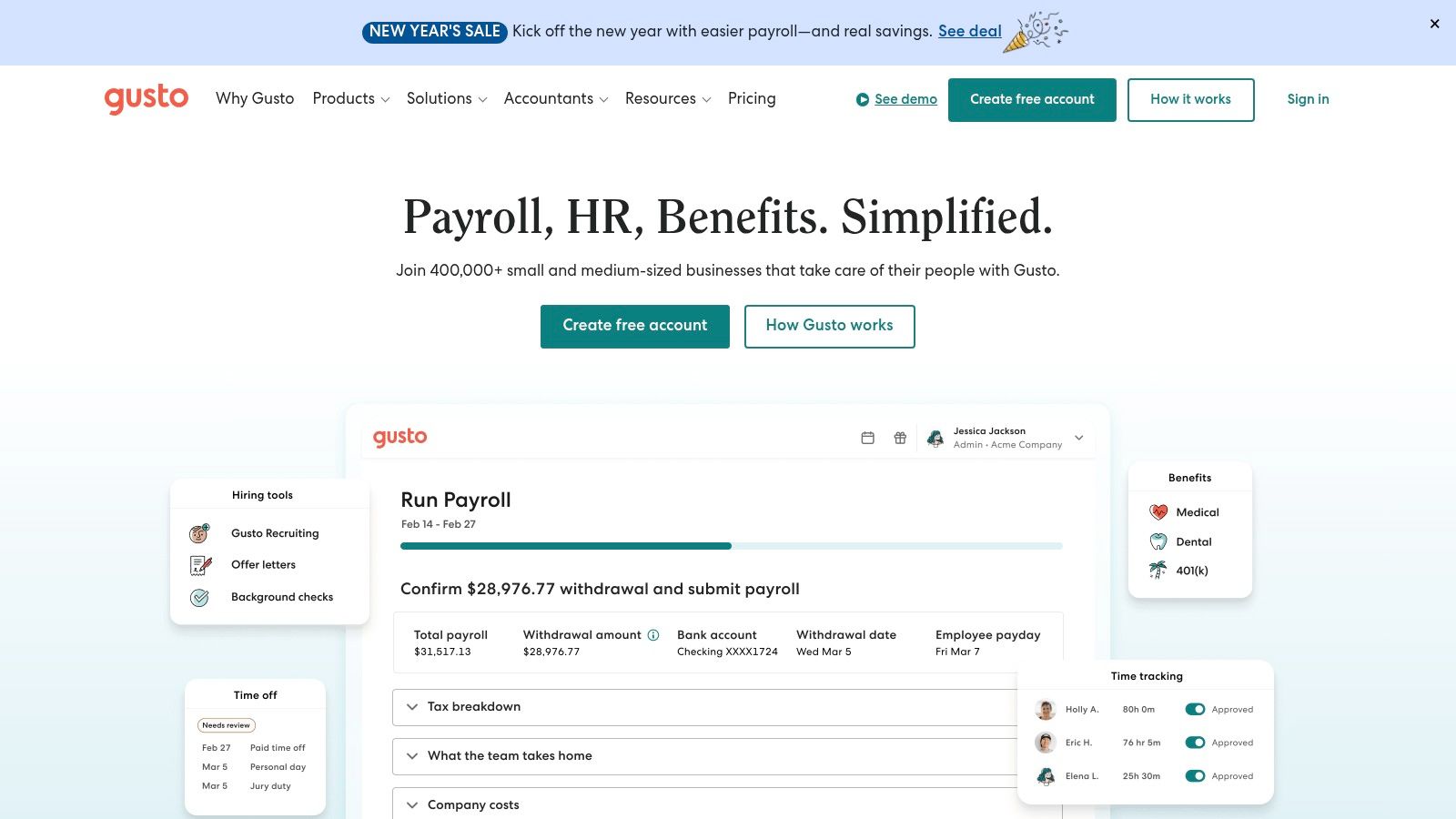
Gusto is a comprehensive HR platform primarily focused on payroll, benefits, and compliance for U.S.-based businesses. While not a standalone leave management tool, its powerful vacation tracker is seamlessly integrated into its broader HR ecosystem. This makes it an excellent choice for organizations that need time-off requests, accruals, and holiday pay to sync directly with their payroll processing, ensuring accuracy and reducing manual data entry for HR administrators.
Key Features & Considerations
What makes Gusto stand out is its all-in-one approach. Admins can create custom PTO policies that automatically calculate accruals, which then flow directly into payroll. Employees use a self-service portal or mobile app to request time off, and managers can approve it within the same system. While it works alongside Slack rather than natively within it, this integration ensures that critical HR functions are connected. If Gusto's comprehensive features appeal to you, this practical guide to payroll solutions further explores how such platforms can simplify HR tasks.
- Pros: The deep integration between PTO and payroll is a major advantage for U.S. businesses. The platform is user-friendly and popular with SMBs.
- Cons: It's primarily designed for U.S. companies. Key features like time tracking may require higher-tier plans or are available as add-ons.
Pricing for Gusto's core HR and payroll plans starts with a base fee plus a per-employee monthly charge.
Website: https://gusto.com/
7. Rippling
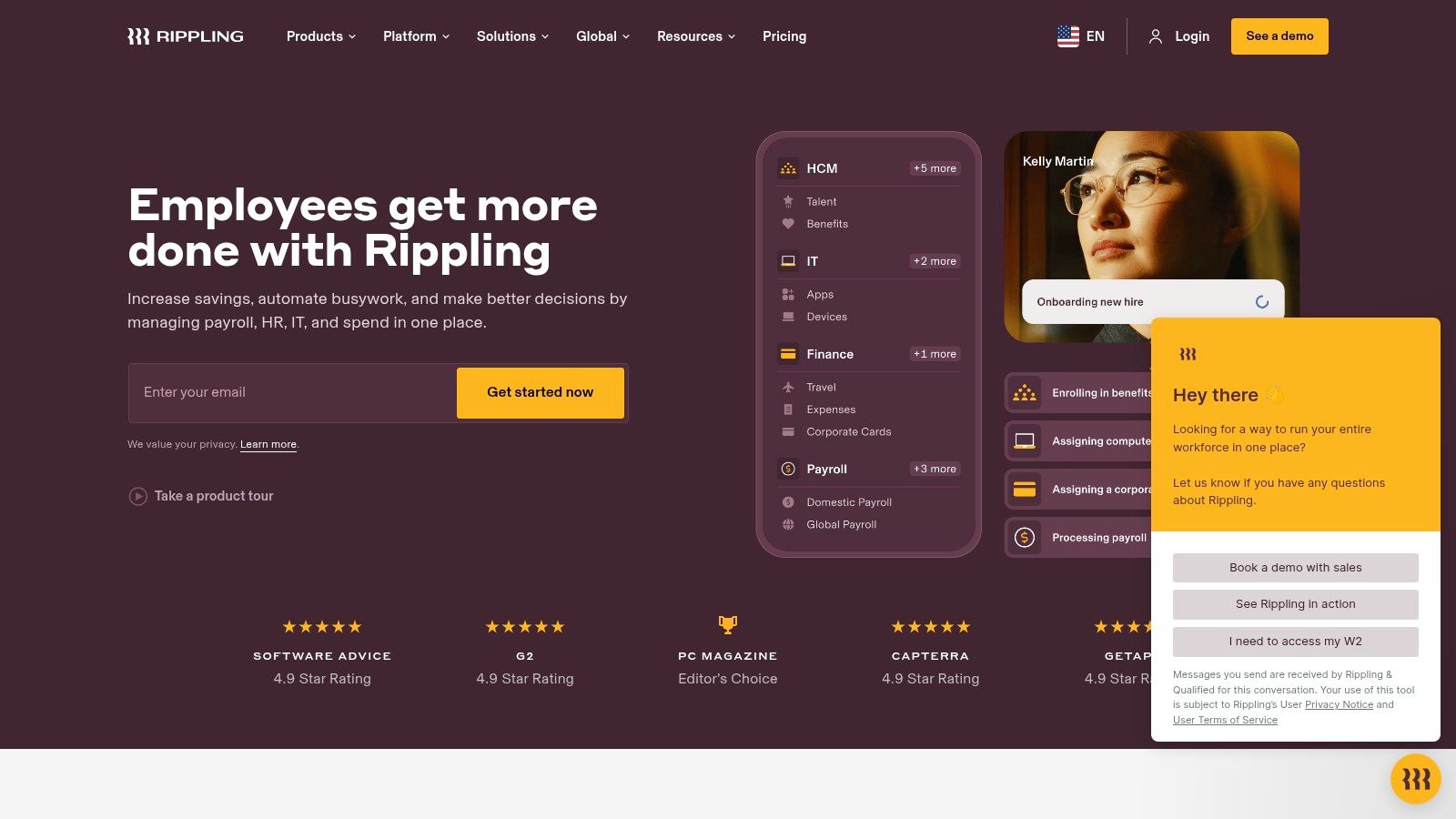
Rippling is a comprehensive "employee cloud" that unifies HR, IT, and Finance into a single platform. While it does much more than track time off, its core HRIS module includes a robust leave management system. This makes it an ideal choice for businesses looking for a scalable solution that can handle vacation tracking initially and later expand to manage payroll, device management, and benefits administration without needing to stitch together multiple disparate systems. Its strength is in its all-in-one, automated approach.
Key Features & Considerations
What makes this vacation tracker stand out is its ability to create powerful automations that span different business functions. For example, an approved time-off request can automatically sync with payroll, adjust project access in IT systems, and update team calendars in Slack. The platform is built to be modular, allowing companies to start with the core HR features and add more capabilities like Time & Attendance or global payroll as they grow, ensuring the system scales with their needs.
- Pros: Its build-your-own bundle model is highly scalable, and the deep automation capabilities across HR, IT, and finance are unparalleled.
- Cons: Pricing is entirely quote-based and can become expensive as modules are added. The platform may be overly complex for very small teams needing only simple leave tracking.
Pricing for Rippling is customized based on the modules you select. It is best suited for mid-sized to large companies that can leverage its extensive automation and integrated system architecture.
Website: https://www.rippling.com/
8. Zoho People
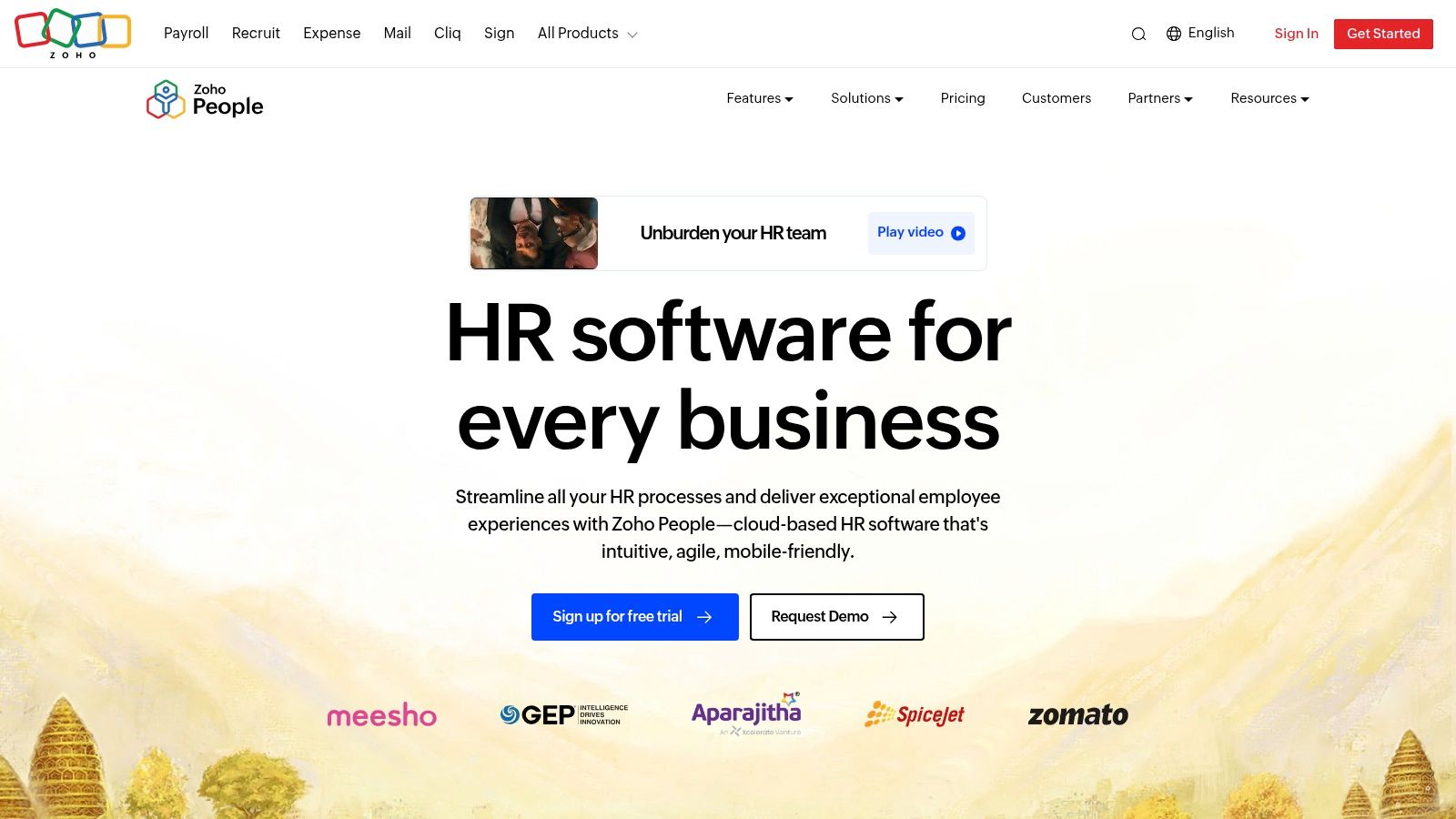
Zoho People is a comprehensive Human Resources Information System (HRIS) that includes a robust leave management module, positioning it as more than just a simple tracker. It’s designed for small to midsize businesses that need a centralized platform for various HR functions, including time-off management, attendance, and employee self-service. Its value comes from being an affordable, all-in-one system where leave tracking is a core component rather than the sole focus, integrating smoothly with the wider Zoho ecosystem.
Key Features & Considerations
What makes this vacation tracker a strong contender is its scalability and depth. You can configure complex leave policies, create multi-level approval workflows, and generate detailed reports on leave balances and trends. Employees can access a self-service portal to view their time-off balance and submit requests, which reduces the administrative burden on HR. While it offers a Slack integration, its primary strength is as a standalone HR hub that also happens to handle leave well.
- Pros: Very competitive pricing with a free tier for small teams, and it offers great value for SMBs needing a full HR suite.
- Cons: The interface can be complex due to its breadth, and some advanced features are locked behind higher-priced plans.
Pricing for Zoho People starts with a free plan for up to 5 users, with paid plans offering more features. It’s ideal for companies looking to consolidate HR tools into one platform.
Website: https://www.zoho.com/people/
9. Calamari
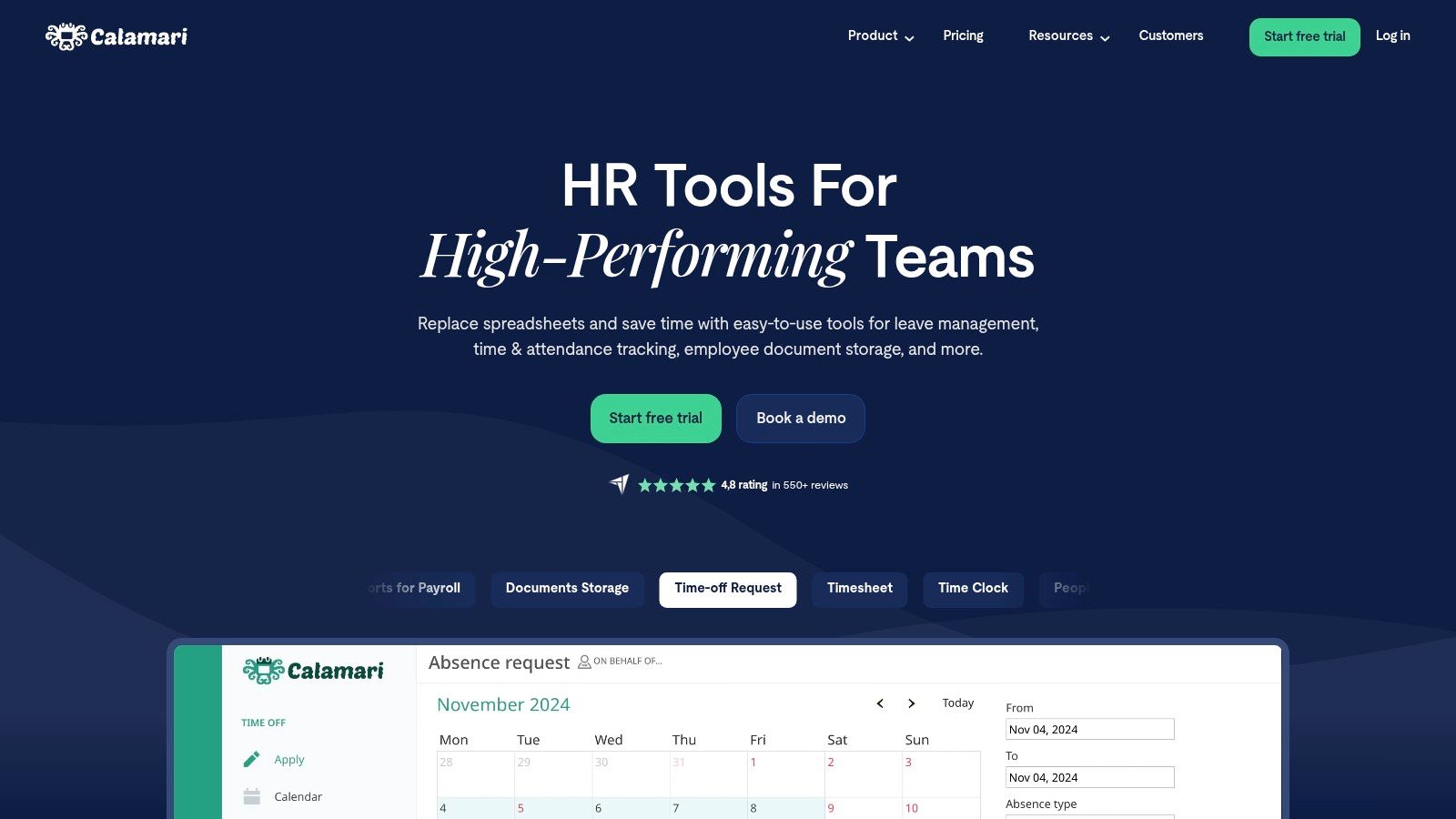
Calamari is a comprehensive leave management system that excels in handling complex, multi-national time-off policies. While it operates as a standalone platform, it offers robust integrations, including Slack and Microsoft Teams notifications, which allow teams to manage requests and see who is away without leaving their chat. Its strength is in its granular control over policies, making it ideal for global organizations that need to manage different public holiday calendars, accrual rules, and approval workflows across various locations.
Key Features & Considerations
What makes this vacation tracker stand out is its ability to support diverse and growing teams. Admins can configure unlimited custom absence types, automate complex accrual and carryover rules, and set up multi-stage approval chains. The platform’s reporting capabilities are also extensive, providing valuable insights for HR planning. This makes it a powerful step up from simpler tools when your leave management needs become more sophisticated.
- Pros: Excellent for international teams with complex policy needs, modular pricing lets you buy only the Time Off module, and strong reporting features.
- Cons: The interface and extensive features can feel heavy for very small teams, and its per-module pricing requires careful attention to the total cost.
Calamari's pricing is modular, with the Leave Management module starting at $2 per user per month. It's a great fit for mid-sized to large businesses, especially those with an international presence that have outgrown simpler leave trackers.
Website: https://www.calamari.io/
10. Float
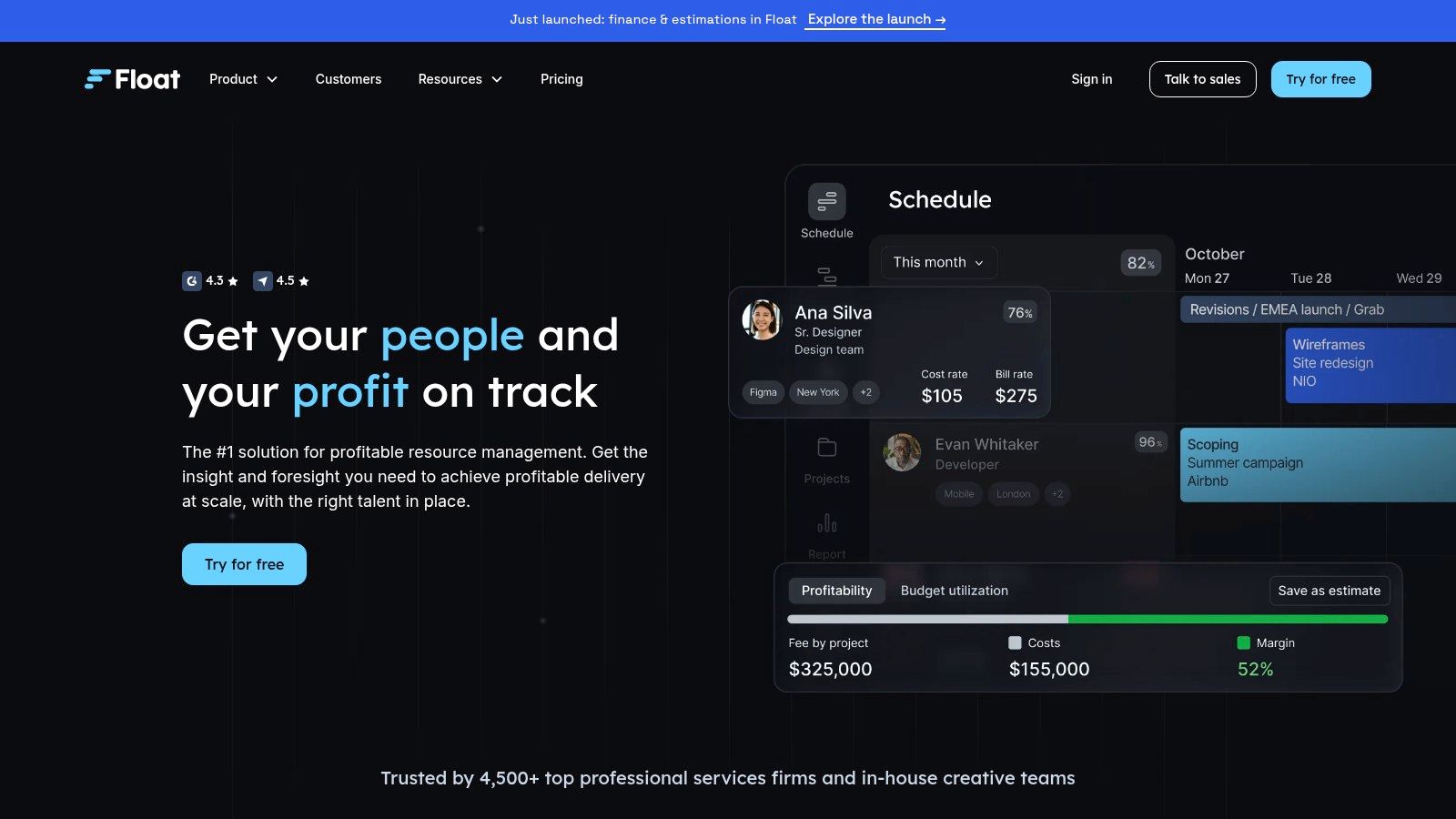
Float is a resource and capacity planning tool that positions time-off management as a critical component of project scheduling. Unlike dedicated HR tools, Float’s strength lies in visualizing how vacation and leave impact project timelines and team availability. This makes it a perfect vacation tracker for agencies, consultancies, and other service-based teams where billable hours and resource allocation are paramount. It integrates with your workflow, ensuring that time off is considered during every stage of planning.
Key Features & Considerations
What makes Float unique is its focus on the operational consequences of leave. Project managers can see exactly who is available and when, preventing overbooking and ensuring deadlines are realistic. The platform includes global holiday calendars and syncs with Google and Outlook calendars, providing a single source of truth for team availability. The visual scheduler gives a clear, high-level view of your entire team's capacity at a glance.
- Pros: Excellent for planning project work around PTO, provides clear visual insights into team scheduling and availability, and syncs well with existing calendars.
- Cons: It's not a full HRIS, meaning its PTO function is for planning, not payroll. Pricing is based on "scheduled persons," which can be a different cost model.
Pricing for Float starts at $6 per person per month. It is the ideal choice for teams that need to tightly integrate leave management with their project and resource planning.
Website: https://www.float.com/
11. Time Off Cloud
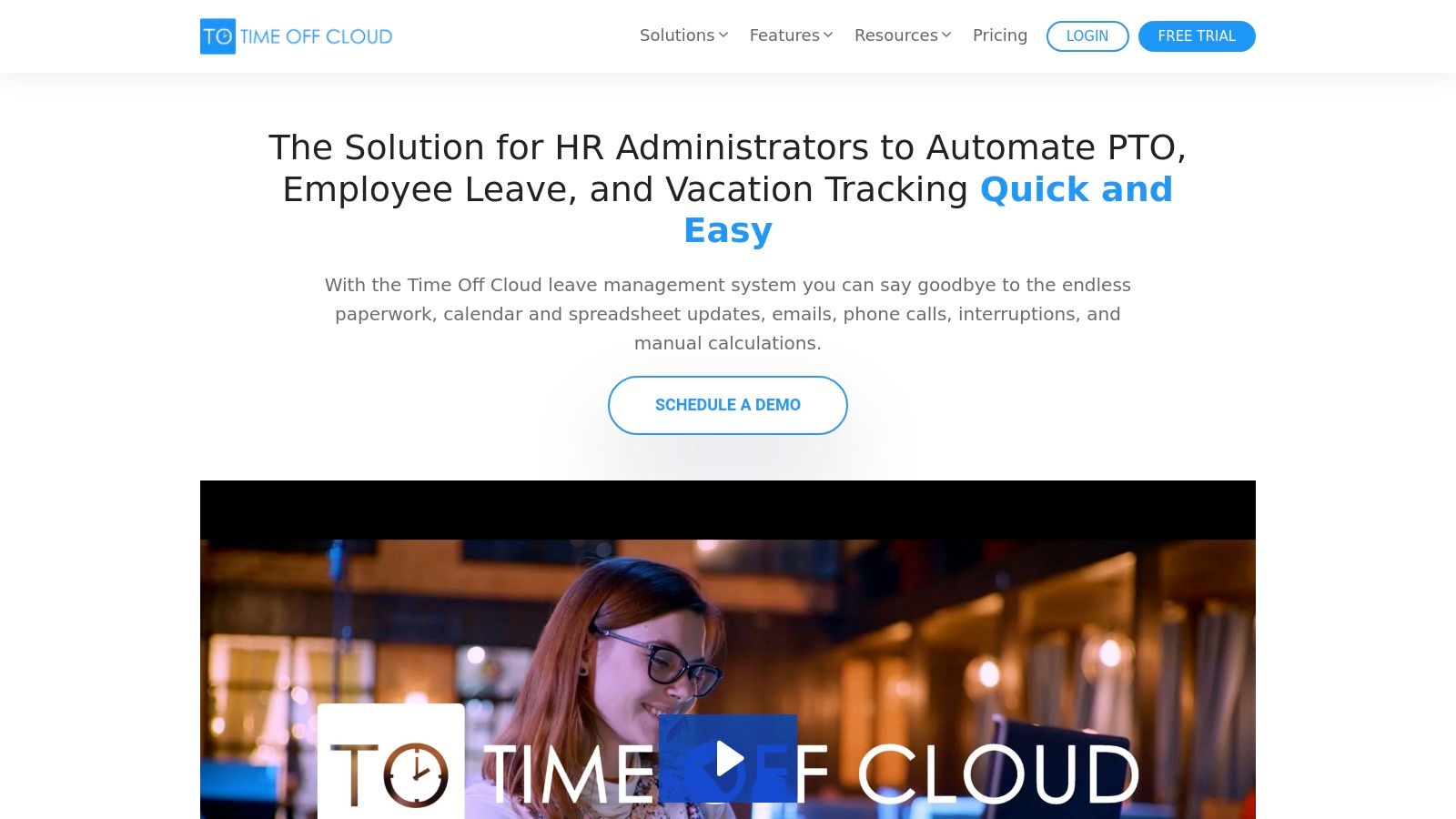
Time Off Cloud is a comprehensive PTO and leave management system built for US-based companies that need strong administrative control and highly configurable rules. While it doesn't operate natively within chat apps, its web and mobile applications provide a dedicated portal for employees to check balances, request time off, and for managers to oversee approvals. This platform is ideal for organizations that prefer a traditional, centralized system over a chat-integrated workflow and require granular control over complex leave policies.
Key Features & Considerations
What makes this vacation tracker stand out is its powerful accrual and carryover engine. Admins can configure intricate rules for different employee groups, automate calculations, and manage policies with precision, which is a major benefit for companies with diverse employment types or locations. Shared calendars and org-chart-driven approval workflows ensure that requests are routed correctly and that team visibility is maintained, even without a direct Slack integration.
- Pros: The setup is straightforward, and its powerful, configurable rules engine can accommodate almost any PTO policy. It offers strong admin controls and detailed reporting dashboards.
- Cons: The platform lacks a native Slack or MS Teams integration, making it less ideal for chat-first teams. Its interface is more traditional and less modern than some competitors.
Pricing starts at $2 per user per month. It's a solid choice for businesses that need a robust, policy-driven PTO management tool and prioritize administrative features over chat-based convenience.
Website: https://www.timeoffcloud.com/
12. Flamingo
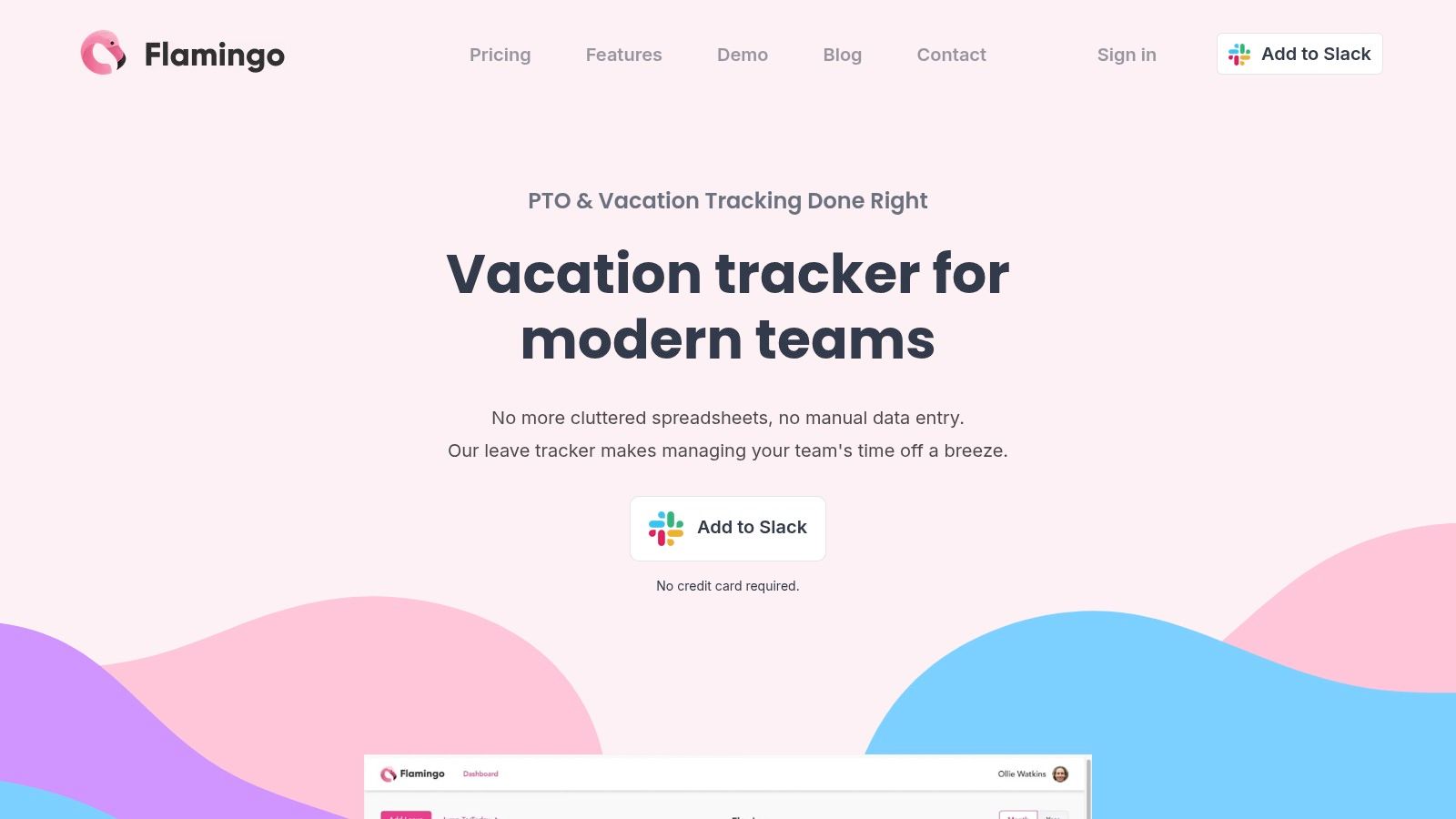
Flamingo is a dedicated leave tracker built exclusively for teams that live and breathe Slack. Its primary appeal is its seamless, Slack-first design, which handles everything from requests and approvals to accruals and notifications directly within the chat interface. For small to midsize, Slack-centric teams, Flamingo offers a powerful yet straightforward way to manage time off without forcing users to adopt a separate, external platform. This deep integration promotes rapid adoption and simplifies the entire leave management process.
Key Features & Considerations
What makes this vacation tracker a strong contender is its balance of essential features and user-friendly operation. Flamingo automates leave accruals based on flexible policy rules and keeps the entire team informed with daily or weekly "who's off" posts in designated channels. It also supports calendar feeds for Google, Outlook, and Apple calendars, ensuring everyone’s availability is visible across platforms. The optional Slack status updates provide an extra layer of visibility, automatically showing when a team member is away.
- Pros: The Slack-native experience ensures very quick adoption, and its low-cost plan options are ideal for smaller teams.
- Cons: Its utility is severely limited if your team does not use Slack as its primary communication tool. The free trial period for paid plans is short.
Flamingo offers a free plan for up to 5 users, with paid plans starting at $1 per user per month. It's a perfect fit for startups and SMBs seeking an affordable, no-frills PTO tracker that integrates deeply into their daily Slack workflow.
Website: https://flamingoapp.com/
Top 12 Vacation Tracker Comparison
| Product | Core features | UX & quality ★ | Value & price 💰 | Target audience 👥 | Unique / Top strength ✨🏆 |
|---|---|---|---|---|---|
| Vacation Tracker | Slack/Teams/G Workspace PTO, calendars, policies, reporting | ★★★★☆ Fast setup, chat-native | 💰 Mid-priced; limited trial | 👥 Chat-first teams wanting focused PTO | ✨ Purpose-built chat integrations; 🏆 PTO-focused simplicity |
| Deel – Time Off by Deel | PTO requests/approvals in Slack, exports, status updates | ★★★☆☆ Seamless if on Deel | 💰 Best value when bundled with Deel | 👥 Teams using Deel payroll/HR | ✨ Native tie-in with Deel platform |
| AttendanceBot | PTO + time tracking, scheduling, timesheets, approvals | ★★★★☆ Broad features; more config | 💰 Free ≤5 users; grows with modules | 👥 SMBs & remote teams needing all‑in‑one | ✨ Chat-native time & attendance bundle |
| Timetastic | Wallchart calendar, requests, accruals, Slack alerts | ★★★★☆ Very simple, quick adoption | 💰 Very affordable; Pro for advanced | 👥 Small teams wanting lightweight PTO | ✨ Low-cost, minimal training required |
| BambooHR | HRIS with PTO workflows, dashboards, add-ons | ★★★★☆ Scales; polished HR UX | 💰 Quote-based; add-ons increase cost | 👥 SMBs needing full HR platform | 🏆 End-to-end HR + PTO capabilities |
| Gusto | PTO policies with payroll sync, approvals, mobile | ★★★★☆ Strong payroll integration (US) | 💰 Transparent plans; US-focused | 👥 US startups/SMBs tying PTO to payroll | ✨ Payroll‑linked PTO workflows |
| Rippling | Modular HR/IT/Finance, PTO, automations, Slack hooks | ★★★★☆ Powerful, can be complex | 💰 Quote-driven; modular pricing | 👥 Growing orgs needing automation | 🏆 Deep cross-system automation |
| Zoho People | Leave management, attendance, timesheets (higher tiers) | ★★★☆☆ Good value; setup needed | 💰 Very competitive; free tier available | 👥 Budget-conscious SMBs | ✨ Integrates across Zoho suite |
| Calamari | Leave + attendance, multi-country policies, mobile | ★★★★☆ Strong for complex international rules | 💰 Modular; buy Time Off only if needed | 👥 International teams with complex policies | ✨ Multi-country policy & holiday support |
| Float | Resource & capacity planning + PTO, calendar sync | ★★★★☆ Visual planning; clear availability | 💰 Per scheduled person pricing | 👥 Agencies & project teams planning capacity | 🏆 PTO-aware capacity & utilization planning |
| Time Off Cloud | Self‑service requests, accruals, org-chart workflows | ★★★☆☆ Admin-friendly; traditional UI | 💰 Mid-range; PTO-focused | 👥 HR admins needing flexible rules | ✨ Highly configurable accrual/carryover rules |
| Flamingo | Slack-first PTO, accruals, channel posts, status updates | ★★★★☆ Rapid Slack adoption | 💰 Low-cost plans; short trial | 👥 Slack-centric small/midsize teams | ✨ Slack status updates + daily “who’s off” posts |
Beyond Tracking: Building a Culture That Values Time Off
Choosing the right vacation tracker is more than a logistical decision; it’s a foundational step toward building a healthier, more supportive work environment. Throughout this guide, we've explored a range of solutions, from simple Slack workflows and shared calendars to sophisticated, dedicated apps like Deel, AttendanceBot, and BambooHR. Each option offers a unique pathway to streamline how your team requests, approves, and visualizes time off.
The core objective remains the same: to move away from clunky spreadsheets and chaotic email chains. By integrating a seamless vacation tracker directly into Slack, you eliminate friction and make taking well-deserved breaks a transparent, simple process. This visibility is crucial, as it normalizes rest and helps prevent the burnout that often plagues high-performing teams. When everyone can see who is away, it fosters better planning and a shared sense of responsibility.
Key Takeaways for Selecting Your Vacation Tracker
As you decide on the best path forward, reflect on your team's specific needs. Your choice will ultimately depend on several key factors:
- For Simplicity and Budget-Consciousness: A native Slack Workflow or a simple app like Time Off Cloud might be all you need. These options are perfect for small teams or startups just starting to formalize their leave policies.
- For Growing Teams Needing Automation: Tools like Timetastic or Calamari offer robust approval workflows and excellent calendar integrations. They strike a great balance between ease of use and powerful features, saving managers significant administrative time.
- For All-in-One HR Integration: If your company already uses an HRIS platform like Gusto, Rippling, or Zoho People, leveraging their built-in Slack integration is the most logical choice. This keeps all your employee data, including leave balances and payroll, consolidated in one system.
Implementing a Tool is Just the Beginning
Successfully launching a new vacation tracker requires more than just a technical setup. True adoption happens when the tool supports and enhances your company culture. Encourage managers to lead by example by taking and logging their own time off. Use the team’s shared vacation calendar to plan ahead and celebrate upcoming trips.
Most importantly, use the return of a team member as an opportunity for connection and recognition. A simple "Welcome back! We missed you" in a team channel reinforces their value. Acknowledging colleagues who covered responsibilities while they were away builds a culture of mutual support. This practice transforms leave management from a purely administrative task into a meaningful part of your team's lifecycle, fostering engagement and proving that you value your employees as people, not just for their output. Ultimately, the best tool is one that not only tracks days off but also actively contributes to a culture where everyone feels empowered to rest, recharge, and return to work at their best.
Ready to take your team's culture of appreciation to the next level? While a great vacation tracker manages absences, AsanteBot helps you celebrate the moments that matter when your team is together. Effortlessly recognize achievements, celebrate work anniversaries, and welcome team members back from leave, all within Slack. Visit AsanteBot to see how you can build a more connected and motivated team today.