
12 Cool Slack Apps to Boost Team Morale and Productivity in 2026
Dusan Milovanovic
A quick shout-out in a busy channel is easily missed, and important team milestones can get buried under a flood of messages. While Slack is essential for communication, relying on its basic functions alone often falls short of building a truly vibrant and connected team culture. It can be much more than just a chat tool; with the right additions, it transforms into a central hub for productivity, engagement, and genuine team recognition.
Table of Contents
- 1. AsanteBot
- 2. Slack Marketplace (App Directory)
- 3. Slack Integrations Hub
- 4. Product Hunt – Slack Topic
- 5. G2
- 6. Capterra
- 7. GetApp
- 8. Zapier – Slack Integrations Directory
- 9. Make (formerly Integromat) – Slack Integrations
- 10. IFTTT – Slack Applets
- 11. GitHub – "slack-bot" Topic and Awesome Slack
- 12. Pipedream – Slack Integrations and Workflows
- Top 12 Cool Slack Apps — Quick Comparison
- Integrating Your Culture: The Next Step for Your Slack Workspace
Meaningful recognition is a powerful driver of performance. It reinforces positive behaviors, clarifies company values, and fosters a sense of belonging. The importance of team recognition can't be overstated: when employees feel seen and valued, they are more engaged, innovative, and committed. In fact, organizations that effectively recognize employees see a 31% lower voluntary turnover rate. The challenge is making that recognition consistent, visible, and integrated into daily workflows. This is where specialized apps make a significant impact.
This guide is designed for HR leaders, People Ops managers, and team leads looking to find the best cool Slack apps to solve specific team challenges. We've moved beyond generic feature lists to provide a curated roundup organized by need, from boosting peer recognition to streamlining onboarding. Each entry includes practical use cases, setup tips, and direct links to help you find and implement the perfect tools to enhance your workspace. Let’s dive into the apps that can truly elevate your team's experience.
1. AsanteBot
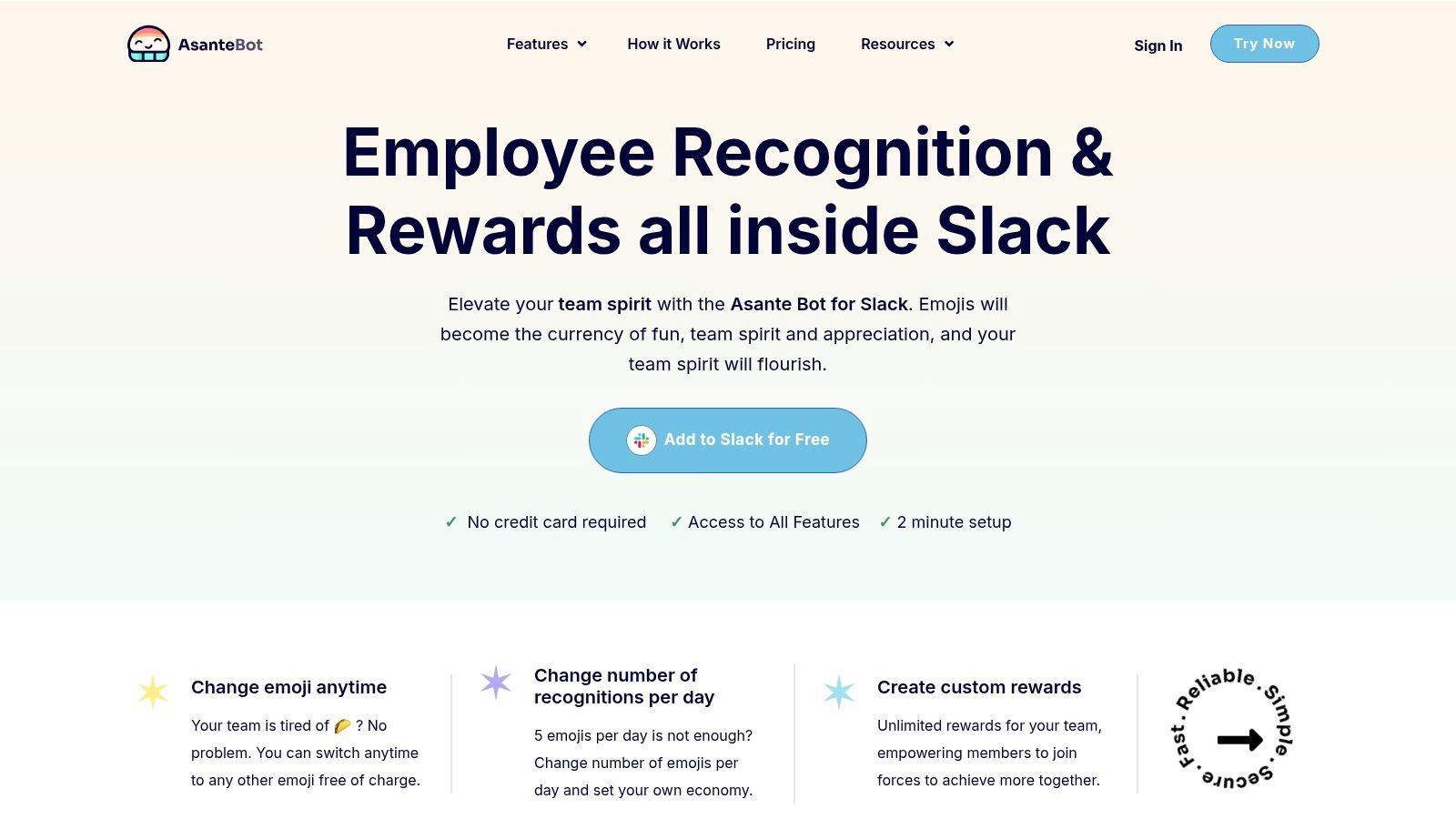
AsanteBot stands out as one of the coolest Slack apps available because it masterfully solves a critical workplace challenge: making employee recognition a consistent, visible, and measurable habit. It transforms simple emoji reactions into a powerful system for peer-to-peer appreciation, embedding the process directly into the daily conversations where work actually happens. This frictionless approach removes the typical barriers to recognition programs, which often feel like a separate, burdensome task.
For team leaders and HR managers, the importance of consistent team recognition cannot be overstated; it's a direct driver of engagement, morale, and retention. AsanteBot operationalizes this by creating a lightweight "economy" of appreciation where team members can give a set number of custom emoji "thanks" each day. For example, a developer who helps a support agent solve a tricky customer bug can be instantly recognized in the public channel by the agent using a simple emoji reaction. This not only rewards the developer but also makes cross-team collaboration visible to everyone. This simple mechanic encourages frequent, timely praise rather than letting good work go unnoticed.
Why It's a Top Choice
What makes AsanteBot a superior choice is its combination of simplicity and strategic depth. The setup takes about two minutes with no credit card required, granting immediate access to all features. This allows teams to pilot the full experience without commitment. More importantly, its features are designed not just to track praise, but to actively cultivate a culture of gratitude.
For instance, a manager can use the "Feedback Day" feature to schedule a weekly prompt, asking everyone to share a shout-out for a colleague. This single, automated action can significantly boost visibility for cross-departmental collaboration that might otherwise be overlooked. A practical example would be the prompt automatically posting "It's #ShoutoutFriday! Who made your week better?" into the #general channel, encouraging dozens of public thank-yous.
Key Advantage: AsanteBot provides actionable analytics that reveal hidden influencers and collaboration patterns. Leaders can see who the key connectors are on their teams by tracking who consistently gives and receives recognition, offering valuable data for performance reviews and team development.
Core Features & Use Cases
- Emoji-Based Recognition: Use a custom emoji (like a high-five or trophy) to give thanks. This makes recognition quick and fun.
- Leaderboards & Rewards: Public leaderboards amplify positive behavior, while fully customizable, redeemable rewards (e.g., a coffee gift card, extra PTO) create tangible incentives for participation.
- Automated Celebrations: A built-in bot automatically celebrates birthdays and work anniversaries, ensuring no milestone is missed.
- Admin Controls & Analytics: Admins can manage user roles, customize messages, and view reports to track engagement trends and identify top performers.
Pricing & Access
AsanteBot is currently free to add to Slack, and all features are included upon installation. The company emphasizes a privacy-first approach, ensuring it is GDPR compliant and does not read or store private message content.
- Pros: Extremely fast setup, fully-featured free access, and powerful analytics that provide real cultural insights.
- Cons: It is exclusively built for Slack, so it isn't an option for teams on other platforms.
Website: https://asantebot.com
2. Slack Marketplace (App Directory)
Before diving into specific third-party tools, the best place to start any search for cool Slack apps is Slack's own App Directory. This is the official, canonical marketplace and serves as the central hub for discovering, vetting, and installing thousands of verified applications. It's an essential first stop for any HR or People Ops leader looking to enhance their Slack workspace, offering everything from complex project management tools to simple, fun apps for team recognition. Recognizing and rewarding effort is crucial for morale, and the marketplace has a dedicated category for apps designed to do just that.
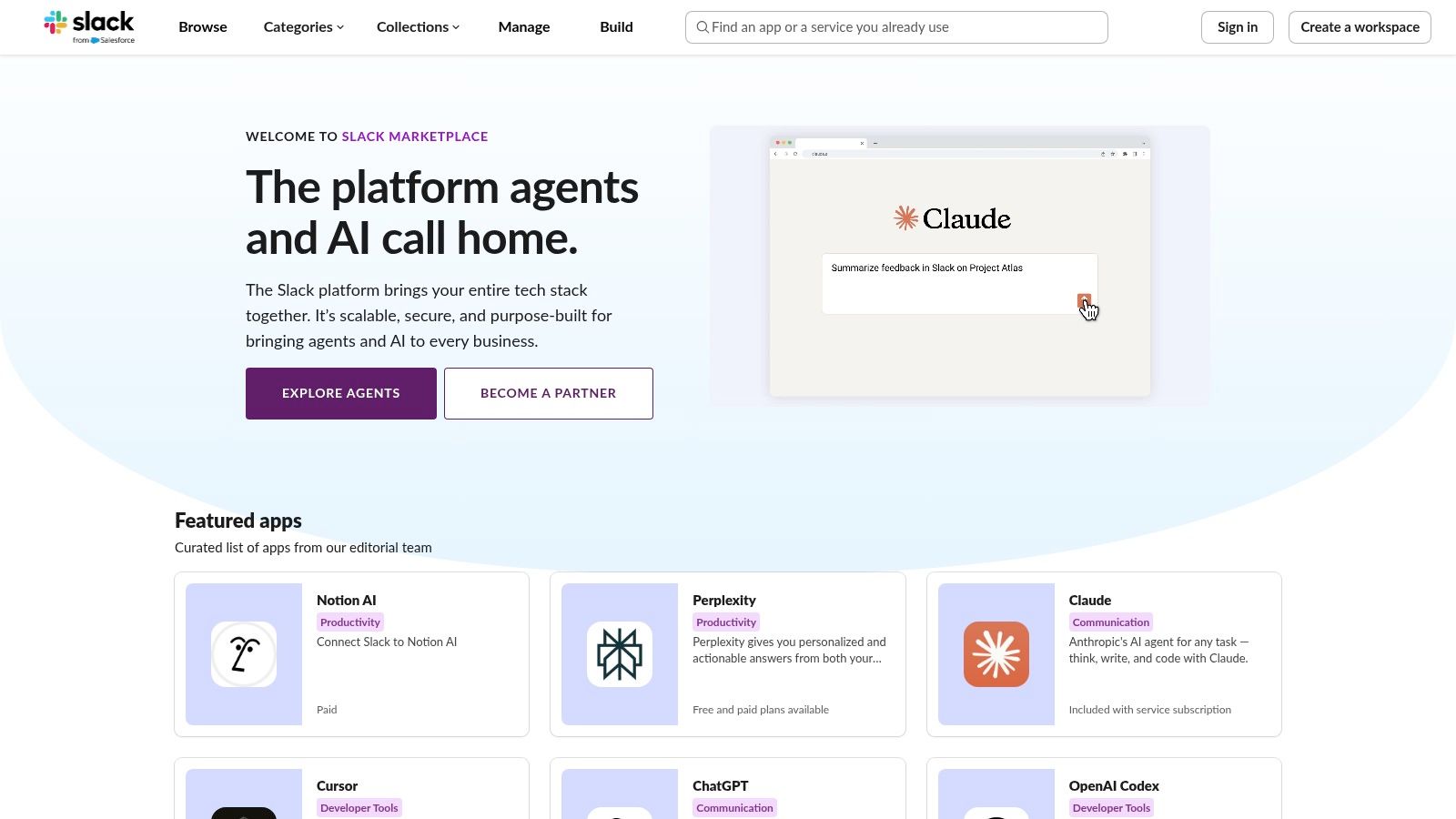
The user experience is seamless, allowing you to install apps with a single click or request admin approval directly. Its primary advantage is transparency; you can clearly see the permissions each app requires before installing, ensuring security and compliance. While the sheer volume can feel overwhelming, its robust filtering system helps narrow your search. For instance, you could search for "polls" to find apps that let you quickly gather team feedback on a new initiative.
Key Details & Pro Tips
- Best For: Initial discovery and exploring the full landscape of available Slack integrations.
- Pricing: Access is free, but individual app pricing varies. Also, note that Slack’s free plan limits you to 10 app integrations.
- Pro Tip: Use the "Works with" filter to find apps that connect with tools your team already uses, like Google Calendar or Asana. This helps create a more unified digital ecosystem.
Website: https://slack.com/marketplace
3. Slack Integrations Hub
If the full Slack Marketplace feels like a vast library, the Slack Integrations Hub is like the curated "Staff Picks" section. This page serves as a guided tour, grouping popular and cool Slack apps into key business categories like HR, Project Management, and Customer Support. It’s an ideal starting point for leaders who know their business need but aren't yet sure what specific tools can solve it. For example, under the "HR" section, you might find apps for onboarding new hires or celebrating work anniversaries—both key moments for team recognition and retention.
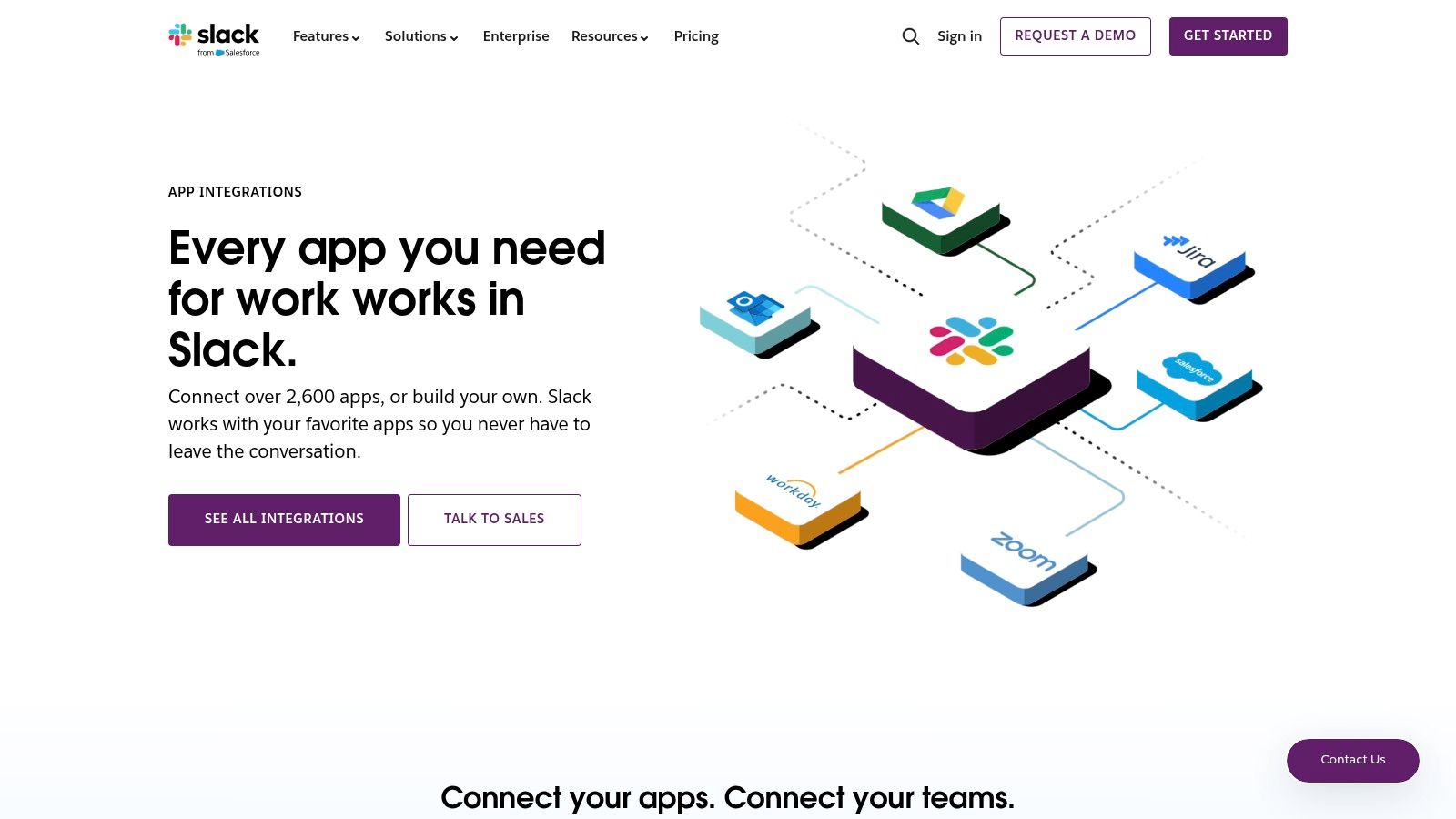
Unlike the Marketplace, the Integrations Hub is less about exhaustive search and more about education and discovery. It helps non-technical managers understand what's possible within Slack, from automating simple team updates to integrating complex CRM data. By spotlighting top tools for specific functions, it simplifies the initial shortlisting process before you dive deeper into the full directory.
Key Details & Pro Tips
- Best For: Leaders and non-technical managers looking for a high-level overview of app categories before starting a detailed search.
- Pricing: Access is free; pricing depends on the individual apps you choose to explore and install.
- Pro Tip: Use this page to align with department heads. If your sales team needs better CRM integration, send them the link to the "Sales" category to get their feedback on which tools look most promising.
Website: https://slack.com/integrations
4. Product Hunt – Slack Topic
While the Slack Marketplace is the official source, Product Hunt is where you find the future. This community-driven discovery site is the best place to find new, trending, and often groundbreaking Slack apps before they hit the mainstream. It’s an invaluable resource for People Ops leaders who want to be early adopters of innovative tools, especially in emerging categories like AI copilots, unique team recognition platforms, and niche analytics dashboards. The importance of discovering fresh recognition tools is that they can re-energize a stale rewards program and get employees excited about celebrating each other again.
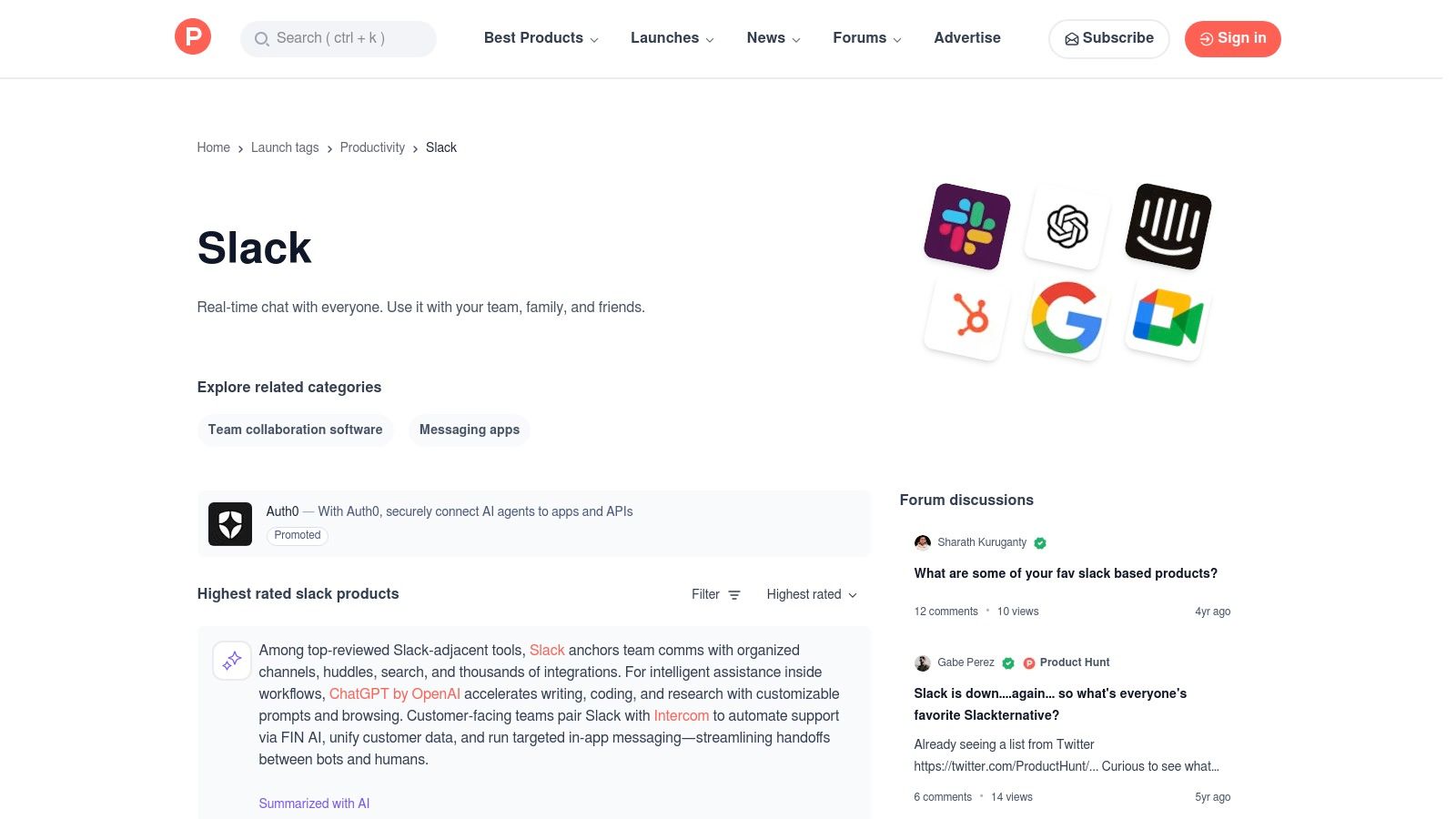
The platform’s strength lies in its community. You get real user feedback, upvotes, and direct Q&A with the app makers themselves, offering unfiltered insight into a tool's practicality and potential. For instance, finding a new, lightweight app that gamifies peer-to-peer kudos could be a game-changer for team morale, and Product Hunt is where you'll discover it first. A practical example could be finding an app that integrates with Spotify to create collaborative team playlists in a channel, a small but powerful culture-building tool.
Key Details & Pro Tips
- Best For: Discovering innovative, early-stage, and unique Slack apps that aren't yet widely known.
- Pricing: Access is free, but pricing for the featured apps varies.
- Pro Tip: Use the comment sections on a product page to gauge real-world friction. Users and makers often discuss bugs, pricing concerns, and feature requests, giving you a transparent look at an app’s maturity.
Website: https://www.producthunt.com/topics/slack
5. G2
While not an app store itself, G2 is an indispensable B2B software marketplace for discovering and vetting cool Slack apps based on peer experiences. Its power lies in verified, user-generated reviews and detailed comparisons. For HR leaders, it's the perfect platform to build a shortlist of potential tools for recognition, engagement, or productivity by seeing what similar companies are using successfully. The importance of this peer-review approach is that it helps you understand real-world ROI and implementation challenges before committing. Instead of relying on marketing copy, you get real-world feedback on implementation, usability, and support.
The platform allows you to filter software categories specifically for tools that integrate with Slack, making it a targeted research tool. This approach is ideal for due diligence, especially when comparing multiple apps that seem similar on the surface. For a practical example, you could compare three different employee recognition apps side-by-side on G2, looking specifically at reviews from companies of a similar size to yours to see which one integrates more smoothly into a daily workflow.
Key Details & Pro Tips
- Best For: Building a data-backed shortlist of apps and comparing solutions based on verified user reviews.
- Pricing: Free to browse reviews and comparisons. Vendor pricing is listed on individual product pages.
- Pro Tip: When viewing a category like "Employee Recognition," use the filters on the left-hand side to select "Integrates with Slack." This immediately narrows the results to relevant apps and saves you from manually checking each one for compatibility.
Website: https://www.g2.com
6. Capterra
While not a Slack app itself, Capterra is a powerful review and comparison platform that serves as an excellent research tool for finding the right integrations. Similar to G2, it allows HR and People Ops leaders to discover and vet software, but with a particularly strong focus on small-to-midsize businesses (SMBs). Its key advantage is the ability to filter extensive software categories, like "Employee Recognition" or "Performance Management," specifically for tools that integrate directly with Slack. Prioritizing tools that integrate with Slack is important because it centralizes activities and reduces context-switching for your team, boosting adoption.
This makes it one of the most practical resources for finding cool Slack apps that also meet broader business needs outside the Slack ecosystem. The platform shines with its clear pricing grids and side-by-side feature comparisons, helping you quickly assess whether a tool fits your budget and functional requirements before you even visit the vendor’s website. For example, you can compare the cost-per-user of two different survey tools to decide which offers better value for your team size.
Key Details & Pro Tips
- Best For: Evaluating and comparing Slack-integrated tools based on pricing, features, and user reviews, especially for SMBs.
- Pricing: Free to use for research; software pricing is listed on individual product pages.
- Pro Tip: After filtering for Slack integration, use the "Sort by" feature to organize results by "Highest Rated" or "Most Reviews" to surface proven and popular options first. Always cross-reference pricing on the official vendor site, as sponsored listings can sometimes have outdated information.
Website: https://www.capterra.com
7. GetApp
For leaders building an integrated tech stack beyond just Slack, GetApp serves as a powerful discovery engine. Backed by Gartner, this platform allows you to find software not just by its category but by what it integrates with, making it one of the best ways to find cool Slack apps that also connect to your other critical tools. You can start with a business need, like "performance management," and then filter for solutions that specifically plug into Slack. The importance of this approach is creating a seamless data flow, where, for example, performance review reminders automatically post in Slack.
This approach is invaluable for ensuring your new tools don’t create information silos. The platform’s strength lies in its robust filtering capabilities, letting you slice and dice options by pricing model, business size, and deployment type (cloud or on-premise). It helps you build a holistic, interconnected system where Slack acts as the central communication layer, not just an isolated app hub. While not a direct marketplace, it’s an essential research tool for strategic tech adoption.
Key Details & Pro Tips
- Best For: Building a comprehensive tech stack where Slack integration is a key requirement, not the only feature.
- Pricing: Free to use for research; software pricing varies by vendor.
- Pro Tip: After finding a promising app on GetApp, always cross-reference it with the official Slack App Directory to confirm the integration's latest version and read user reviews specific to its Slack performance.
Website: https://www.getapp.com
8. Zapier – Slack Integrations Directory
While not a single Slack app, Zapier’s integrations directory is a powerful engine for creating custom, automated workflows that behave like cool Slack apps. It acts as a bridge between Slack and thousands of other tools, allowing you to build "Zaps" that trigger actions in Slack based on events happening elsewhere. This is perfect for HR and People Ops teams who want to automate routine notifications without needing to write any code. The importance of this automation is that it makes recognition timely and effortless.
For example, you can create a Zap that automatically posts a celebratory message in the #wins channel every time a new customer signs up in HubSpot or a positive review is submitted via a Typeform survey. This practical example shows how you can make team victories instantly visible without any manual effort. It's an indispensable resource for prototyping an integration’s value before committing to a dedicated, paid app. This approach allows you to test concepts quickly and see what resonates with your team.
Key Details & Pro Tips
- Best For: Creating custom, no-code automations and connecting apps that don't have a native Slack integration.
- Pricing: Offers a free plan with limited Zaps; paid plans start at $19.99/month (billed annually) for more complex, multi-step automations.
- Pro Tip: Start with Zapier's pre-made Slack templates to get a feel for what’s possible. Automating new Google Sheet rows to post in a project channel is a simple but highly effective first Zap. Learn more about how to create powerful Slack automations with Zapier.
Website: https://zapier.com/apps/slack/integrations
9. Make (formerly Integromat) – Slack Integrations
For teams that need more than just pre-built apps, Make offers a powerful visual automation platform to create custom, no-code Slack workflows. It goes beyond simple "if this, then that" logic, allowing you to build sophisticated, multi-step automations that connect Slack to hundreds of other applications. This is ideal for creating internal mini-apps. A practical example is building a workflow that automatically creates a new employee welcome channel, invites the right people, and posts a scheduled welcome message when a candidate is marked "Hired" in your ATS. This ensures every new hire gets a consistent, warm welcome.
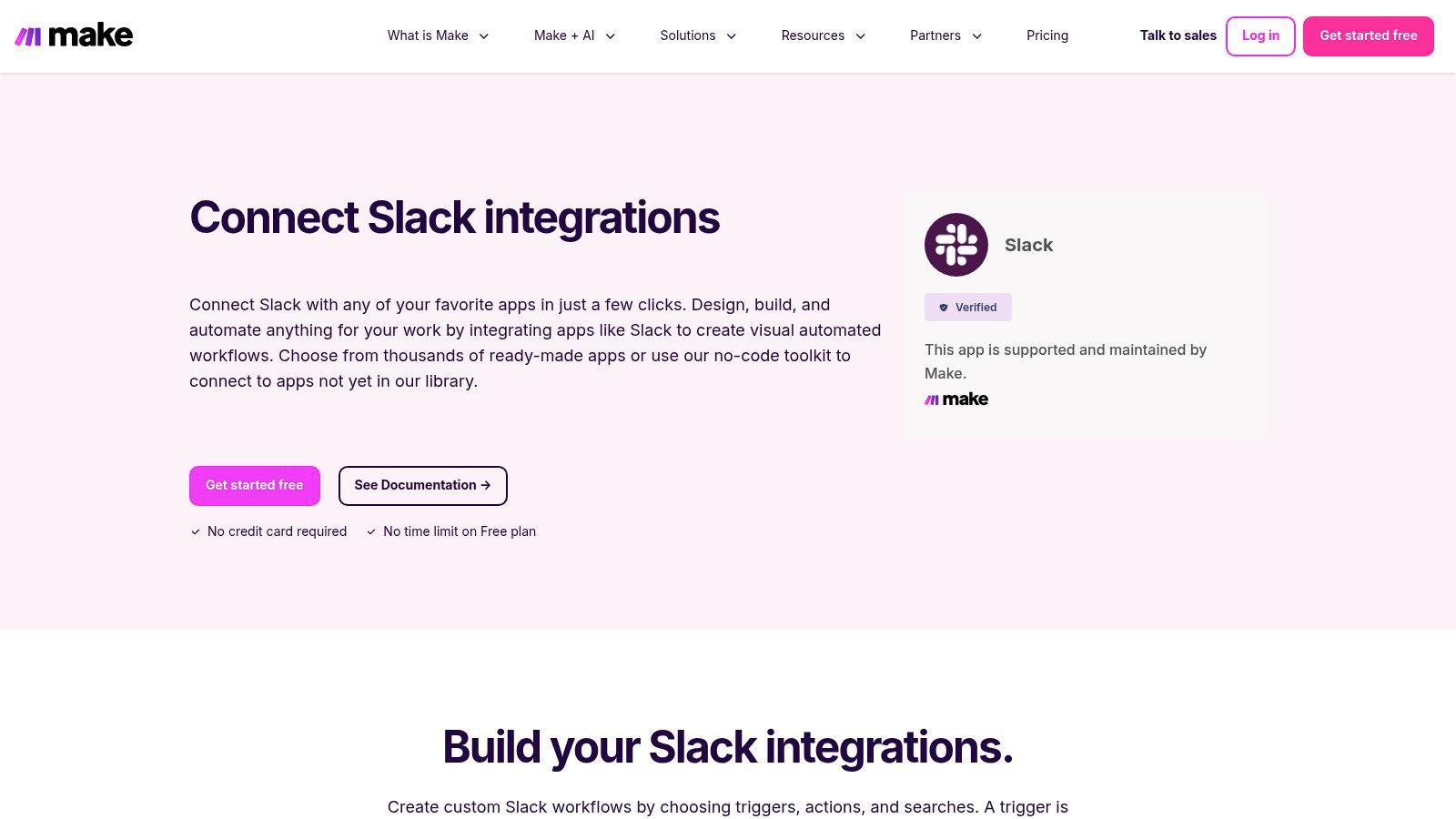
Make's visual builder is its key differentiator, letting you drag and drop modules and set branching logic without writing any code. For HR teams, this means automating complex processes like cross-posting important announcements from an HRIS to specific Slack channels or creating a daily digest of team achievements pulled from a project management tool. The importance of such automation is freeing up HR's time for more strategic initiatives. The flexibility is immense, but it does come with a steeper learning curve compared to simpler apps.
Key Details & Pro Tips
- Best For: Tech-savvy HR and Ops teams wanting to build custom, complex automations without coding.
- Pricing: A free forever plan is available for prototyping; paid plans scale based on the number of operations.
- Pro Tip: Start with Make's template gallery. Find a pre-built Slack automation that's close to your needs and customize it. This significantly shortens the learning curve and helps you understand how different modules connect.
Website: https://www.make.com/en/integrations/slack
10. IFTTT – Slack Applets
For teams looking for simple, set-it-and-forget-it automations, IFTTT (If This, Then That) is one of the most approachable tools available. It connects Slack with hundreds of other services and smart devices through simple conditional statements called "Applets." Think of it as the fastest way to create lightweight utilities without needing any technical expertise, making it a truly cool Slack app for quick experiments and personal productivity hacks.
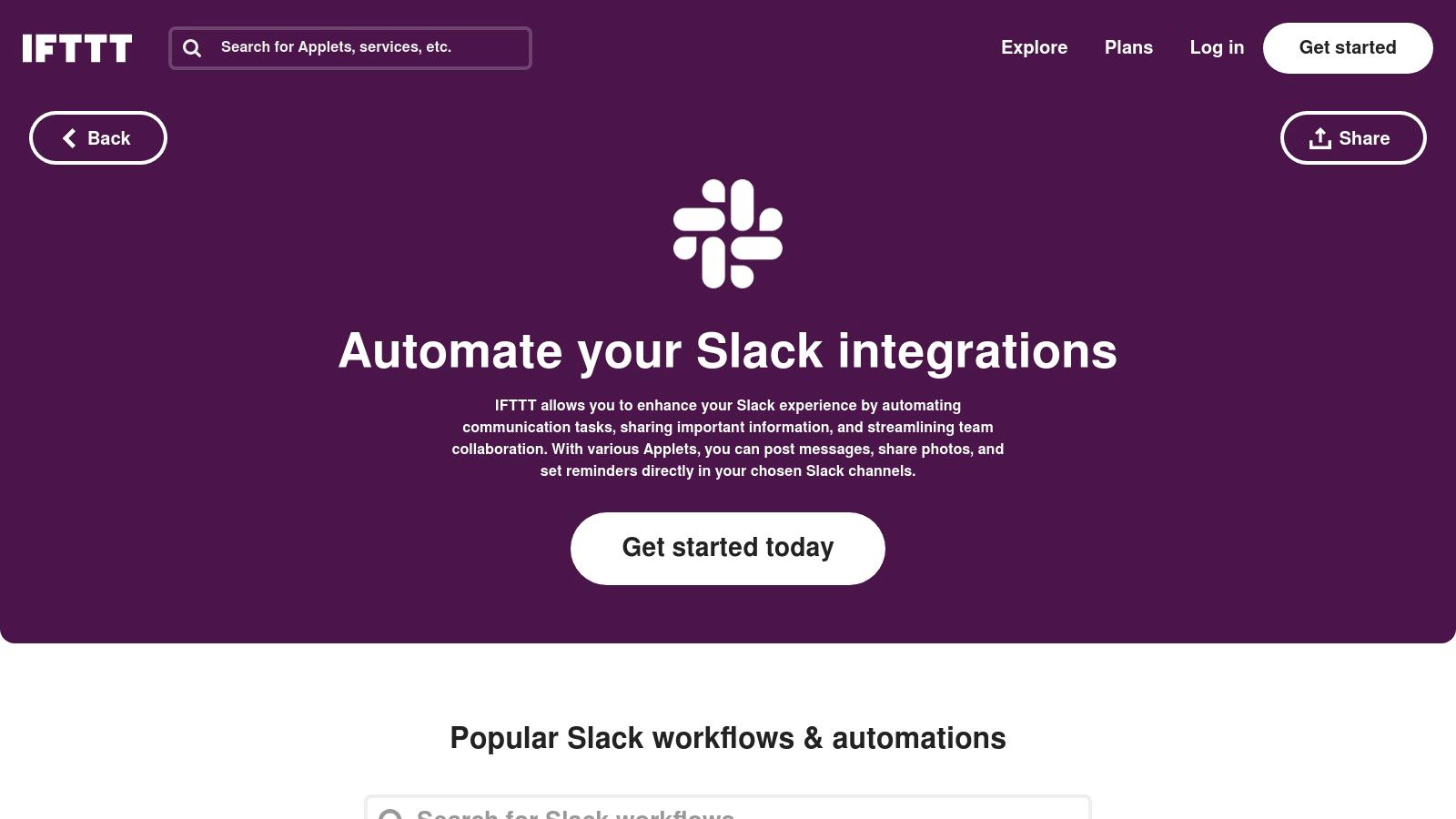
Unlike more complex platforms, IFTTT excels at single-purpose connections. For example, you can create an Applet to automatically post a message to a #social channel whenever a company Instagram post goes live, or get a direct message when the weather forecast predicts rain. These small automations are important because they reduce mental clutter and keep the team informed without extra effort. While it lacks the multi-step complexity of enterprise-grade tools, its low barrier to entry makes it perfect for HR teams wanting to automate simple announcements or reminders without a developer.
Key Details & Pro Tips
- Best For: Non-technical users creating simple, one-off automations and connecting Slack to personal productivity or social media apps.
- Pricing: A free plan exists with limited Applets. Pro and Pro+ plans ($2.50-$5/month) unlock multi-action Applets and faster execution.
- Pro Tip: Use IFTTT to create a daily agenda reminder. Connect your Google Calendar and set an Applet to post your first event of the day to you as a direct message in Slack each morning.
Website: https://ifttt.com/slack
11. GitHub – "slack-bot" Topic and Awesome Slack
For teams with engineering resources, GitHub is the ultimate destination for building custom, cool Slack apps from scratch. Instead of a polished marketplace, it offers a vast repository of open-source Slack bots, frameworks, and curated "Awesome Slack" lists. This approach is ideal for organizations that need a highly tailored solution. A practical example is building a bot that connects to a proprietary internal tool, such as posting alerts from a custom-built server monitoring system directly into the #devops channel.
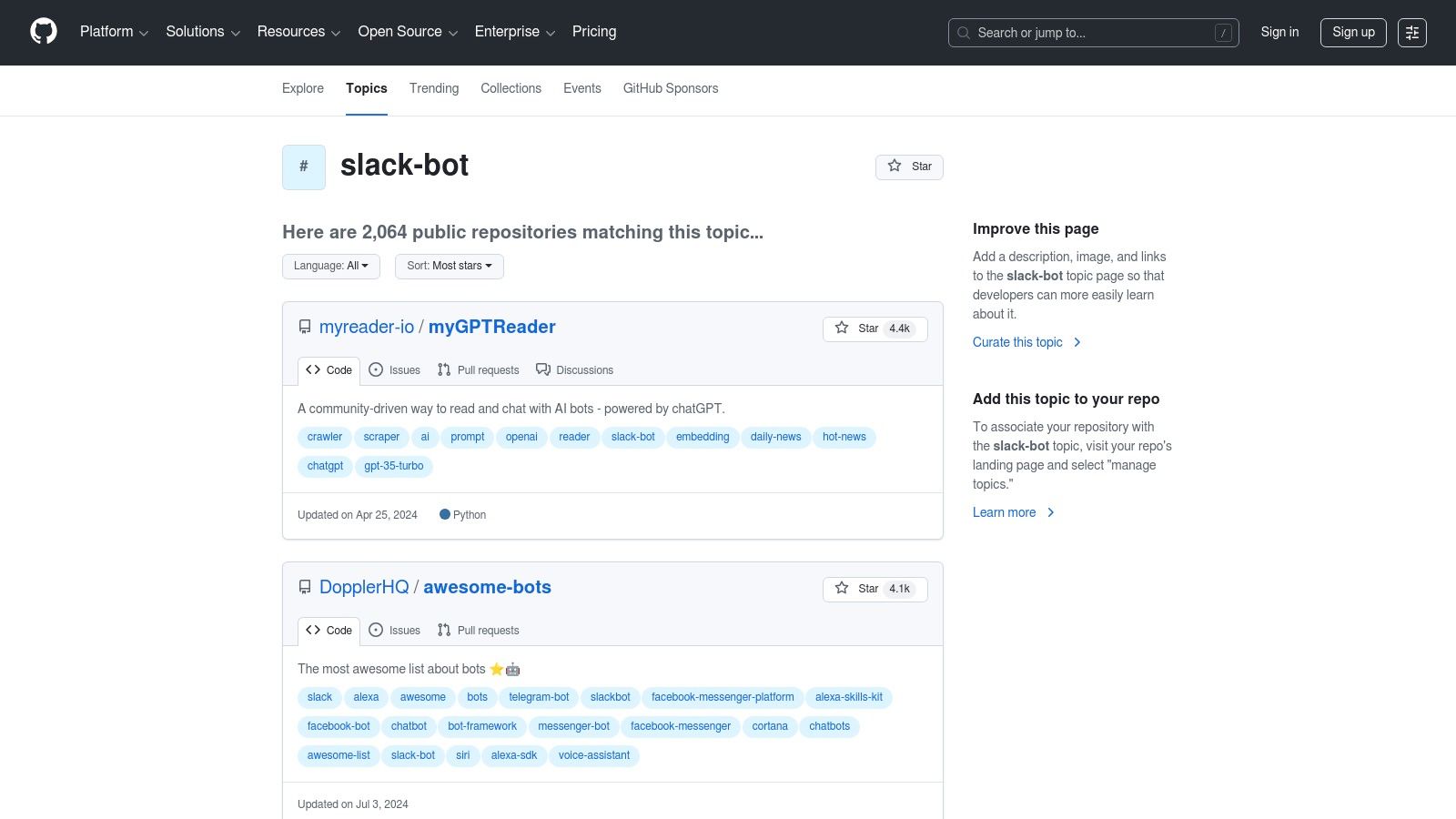
The primary advantage here is total control. You can fork existing code to build precisely what you need, ensuring full data privacy and avoiding recurring SaaS fees. The importance of this control is paramount for companies with strict security or compliance requirements. While this route requires development time, hosting, and ongoing maintenance, it unlocks unlimited potential for creating a bot that perfectly fits your team's needs, whether it's for complex engineering alerts or a custom team recognition system. For those interested in this technical integration, you can explore the process further with our guide on connecting GitHub and Slack.
Key Details & Pro Tips
- Best For: Engineering-led teams who need custom-built bots or prefer self-hosted solutions for full control over data and functionality.
- Pricing: Access to repositories is free, but you will incur costs for development time, hosting, and ongoing maintenance.
- Pro Tip: Start by browsing the "Awesome Slack" lists. They are curated collections that can save you hours of searching by pointing you directly to the most popular and well-maintained libraries and open-source bots.
Website: https://github.com/topics/slack-bot
12. Pipedream – Slack Integrations and Workflows
For teams that need more power than typical no-code tools offer, Pipedream serves as a developer-friendly automation platform. It acts as a bridge between simple automations and custom code, allowing you to build highly specific Slack bots, micro-apps, and workflows. The importance of this flexibility is that it allows for highly specialized solutions that off-the-shelf apps can't provide. You can create event-driven alerts or even complex AI summaries that connect thousands of different APIs directly into your Slack channels, making it one of the most versatile tools available.
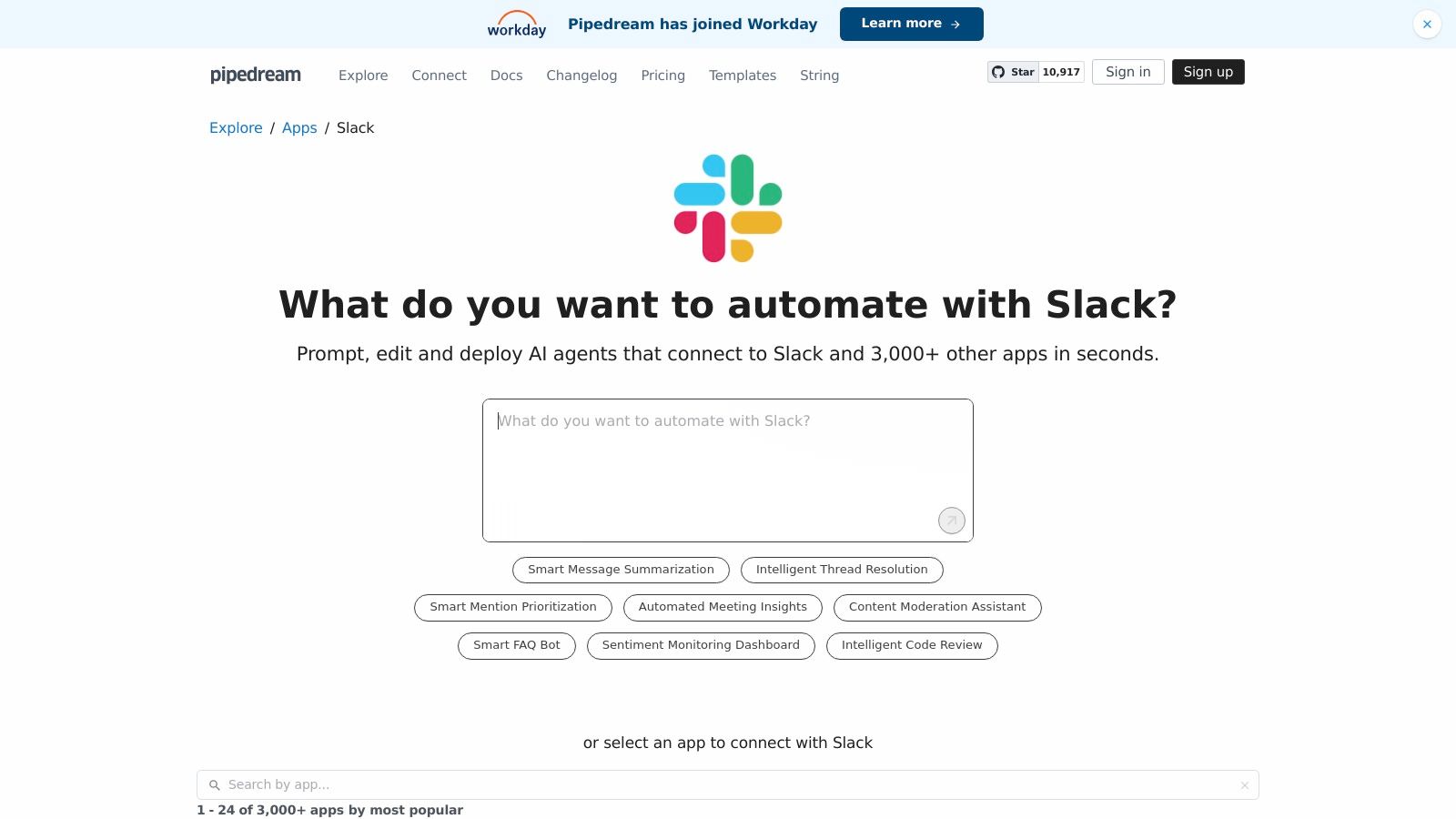
Pipedream's strength lies in its flexibility; you can use pre-built templates for common tasks like sending GitHub updates to Slack, or write your own JavaScript/Python scripts for unique needs. A practical example would be creating a workflow that, upon a new support ticket being marked "urgent," not only posts to a Slack channel but also queries your database for that customer's history and includes it in the message. The platform provides excellent logging and debugging tools, offering clear visibility into how your workflows are running. While it requires some technical know-how, it empowers teams to build cool Slack apps tailored exactly to their processes.
Key Details & Pro Tips
- Best For: Technical teams or People Ops with developer support who need to build custom, code-enhanced Slack automations.
- Pricing: Offers a generous free tier for individuals and small projects, with paid plans for higher usage and team features.
- Pro Tip: Start with a pre-built template to understand the workflow structure. For example, use the "New Zendesk Ticket to Slack" template and then customize the message formatting or add a step to pull customer data from your CRM before posting.
Website: https://pipedream.com/apps/slack/integrations
Top 12 Cool Slack Apps — Quick Comparison
| Product | Core features | UX & Quality (★) | Price / Value (💰) | Target & USP (👥 / ✨) |
|---|---|---|---|---|
| AsanteBot 🏆 | Emoji-based recognition, leaderboards, rewards, anniversary bot, analytics | ★★★★★ | 💰 Free to add; full features included, no CC | 👥 HR, team leads, remote teams — ✨ Slack-native, 2‑min setup, privacy-first |
| Slack Marketplace (App Directory) | App discovery, filters, one‑click installs, permissions | ★★★★ | 💰 Free directory; app pricing varies | 👥 All Slack admins — ✨ Canonical app index & security context |
| Slack Integrations Hub | Category guides, Workflow Builder how‑tos, plan notes | ★★★ | 💰 Free resource | 👥 Non‑technical buyers — ✨ Curated category spotlights |
| Product Hunt – Slack Topic | New launches, upvotes, maker Q&A, reviews | ★★★ | 💰 Free to browse | 👥 Early adopters, innovators — ✨ Fresh, community feedback |
| G2 | Verified reviews, comparisons, filters (Slack) | ★★★★ | 💰 Free listing; vendor pricing varies | 👥 Enterprise buyers — ✨ Deep peer feedback & enterprise signals |
| Capterra | Side‑by‑side comparisons, pricing snapshots | ★★★★ | 💰 Free; quick pricing views | 👥 SMBs & procurement — ✨ Fast pricing + plan breakdowns |
| GetApp | Integration filters, budget & deployment slicing | ★★★ | 💰 Free; consult options available | 👥 Buyers comparing stacks — ✨ Clear "Integrates with Slack" filters |
| Zapier – Slack Integrations Directory | Prebuilt Slack zaps, templates, app pairings | ★★★★ | 💰 Usage‑based plans (can scale) | 👥 Non‑devs prototyping automations — ✨ Rapid prototyping of workflows |
| Make (formerly Integromat) | Visual builder, multi‑step workflows, templates | ★★★★ | 💰 Free tier; affordable for many automations | 👥 Power users & ops — ✨ Flexible visual logic, low‑code |
| IFTTT – Slack Applets | Simple applets for posts & reminders | ★★★ | 💰 Low cost / Pro tiers | 👥 Casual users & quick fixes — ✨ Fast, very low barrier |
| GitHub – "slack-bot" Topic | Open‑source bots, libraries, curated lists | ★★★ | 💰 Free (self‑hosted) | 👥 Engineers & teams needing control — ✨ Fully customizable codebase |
| Pipedream – Slack Workflows | Code + event workflows, templates, logs | ★★★★ | 💰 Generous free tier; pay as you scale | 👥 Devs & SREs — ✨ Codeable workflows with strong debugging |
Integrating Your Culture: The Next Step for Your Slack Workspace
Navigating the expansive world of Slack integrations can feel overwhelming, but as we've explored, the goal isn't just to add more tools; it's to intentionally shape your digital workspace. The coolest Slack apps are not defined by flashy features or novelty, but by their ability to solve a genuine human need within your team. They are the bridges that foster connection, amplify recognition, streamline workflows, and ultimately, build a stronger, more engaged culture.
The most critical takeaway is to begin with a clear purpose. Before you even open the Slack App Directory, ask yourself: "What specific challenge are we trying to solve?" Are you struggling with siloed teams? Is employee recognition inconsistent? Does onboarding feel disjointed? The importance of team recognition, for example, is so high because it directly impacts retention and morale. Identifying your core need transforms your search from a random hunt for cool Slack apps into a strategic mission to find the perfect solution.
From Communication to Connection: Key Takeaways
As you move forward, keep these core principles in mind to ensure a successful integration:
- Purpose Before Product: Always start with your "why." A tool like AsanteBot is powerful not just because it sends messages, but because it addresses the fundamental human need for appreciation and visibility. When you lead with purpose, the right tool becomes obvious.
- Focus on High-Impact Areas: For most teams, the fastest way to see a positive change is by focusing on recognition and engagement. These areas directly impact morale, motivation, and retention, creating a ripple effect that improves productivity and collaboration across the board.
- Implementation Matters: The most powerful app will fail if its rollout is confusing or poorly communicated. Your implementation strategy is just as important as the tool itself.
Step-by-step guides for the most-used integrations
Once you've picked a tool, these walkthroughs cover the actual setup:
- Project tracking — Jira, Jira Cloud, Asana, Wrangle
- Engineering — GitHub, Bitbucket, Sentry, Pipedream
- Docs and design — Notion, Miro, Dropbox, Lucidchart, Adobe Express
- Sales and CRM — HubSpot, Salesforce
- Calendar and meetings — Google Calendar, Outlook Calendar, Zoom, Webex
- HR and forms — Workday, Typeform, Vacation trackers
Your Actionable Next Steps
To turn these insights into action, avoid the temptation to install multiple apps at once. Instead, adopt a measured, strategic approach to build momentum and ensure user adoption.
A great starting point is to start small and focused. Pick one high-priority area you identified, like improving peer-to-peer recognition. Select a single app from our list that excels in this function, such as AsanteBot, and pilot it with a single, enthusiastic team. This small-scale test allows you to gather authentic feedback, work out any kinks, and build a case study for a company-wide rollout. Document the process and, more importantly, the outcomes. Share testimonials and positive feedback from the pilot team to generate excitement and buy-in from other departments.
By intentionally selecting and implementing tools that align with your cultural goals, you can transform Slack from a simple communication platform into the digital heart of your organization-a vibrant, supportive, and highly productive workspace where every team member feels valued and connected.
Ready to see the immediate impact of meaningful recognition? AsanteBot makes it simple to build a culture of appreciation directly within Slack, turning gratitude into a visible and celebrated part of your daily workflow. Discover how one of the cool Slack apps can elevate your team's morale by starting your journey at AsanteBot today.
About the author

Keep reading
More from the blog
 adobe express
Unlocking Team Creativity with Slack Adobe Express
In today’s remote and hybrid workplaces, turning a simple text-based shout-out into a genuinely memorable moment can feel like a challenge.
 employee engagement
The Core DNA of What Makes a High Performing Team
So, what really makes a high-performing team tick? It’s more than just a group of talented people working on the same project.
 AsanteBot
8 Small Tokens of Appreciation That Actually Boost Team Morale
In a competitive landscape, employee retention and engagement are paramount. While annual bonuses and grand gestures have their place, the real driver of daily motivation and a strong company culture lies in consistent, authentic acknowledgment.