Your Bonusly login is more than just a username and a password—it's your entry pass to a more connected and appreciative culture at work. It's the simple act that opens the door to celebrating wins, big and small, and making sure everyone on the team feels seen for their contributions. This one click unlocks a powerful tool for lifting morale and engagement across the board. The importance of team recognition can't be overstated; it’s the fuel that drives motivation and reinforces positive behaviors that align with company goals.
Table of Contents
Why Your Bonusly Login Matters
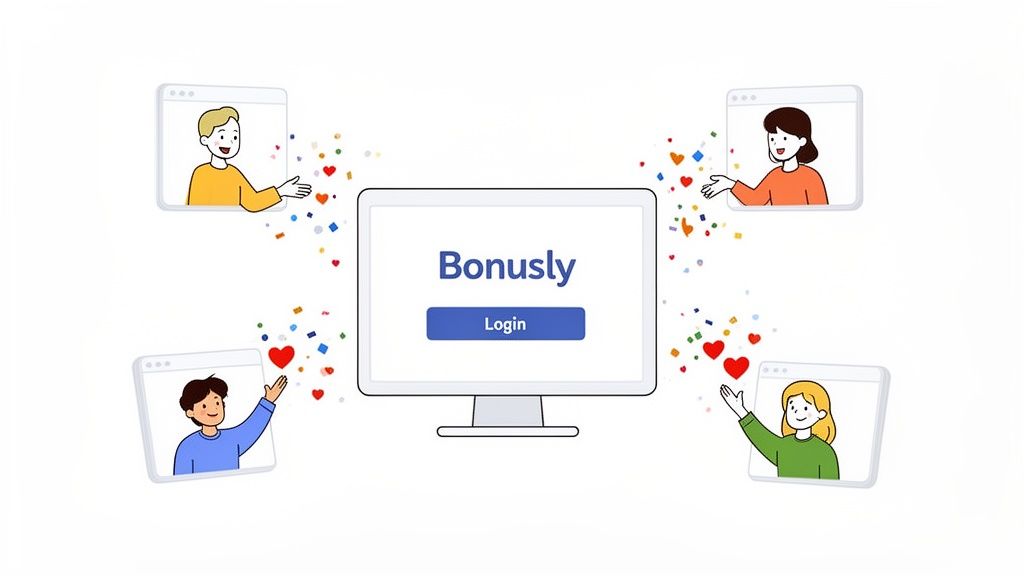
Think of logging into Bonusly as starting a positive feedback loop that ripples through your entire organization. It's not just another daily task. Consistent peer-to-peer recognition is a game-changer for employee satisfaction and retention, and it all starts with that initial sign-in. It's about making appreciation a visible and consistent part of the workday, which builds a stronger, more resilient team culture.
For a practical example, imagine a remote team where small victories can easily get lost in the digital shuffle. A quick login to give a shout-out like, "Big thanks to Sarah for finding that critical bug before the client demo!" can instantly turn a feeling of isolation into one of connection and belonging. This simple routine helps build a culture where appreciation becomes a daily habit, not just a line item in a quarterly performance review. When a colleague gets recognized for "scrappy innovation" or "deep collaboration," it shows everyone what those values look like in action.
A frictionless Bonusly login is a critical first step for user adoption. This idea lines up perfectly with broader SaaS onboarding best practices—when getting in is effortless, people are far more likely to participate.
Ultimately, making recognition easy and accessible is what it's all about. Platforms like Bonusly have become a cornerstone of the best employee recognition software because they weave appreciation directly into your team's workflow. A successful login is the gateway to a more motivated, visible, and unified team.
How to Sign Into Bonusly: A Quick Guide
Getting into your Bonusly account should be the easiest part of your day, letting you get straight to recognizing your colleagues. The exact way you'll sign in depends on how your company has things set up, but most people use one of three main paths.
The whole point is to make giving recognition feel like a natural part of your workflow. For example, if your team practically lives in Slack, signing in through the app keeps everything in one place. Imagine your marketing team just launched a major campaign. The team lead can instantly post, "+50 @jane for that amazing ad copy! #teamwin" right in the channel. This immediate, public praise is powerful and possible because the login process is seamless.
This focus on convenience is a big reason the employee recognition market is booming. Valued at USD 19.6 billion in 2025, it's expected to hit USD 48 billion by 2035. It shows a real shift in how companies think about keeping their teams engaged. For more on this, you can dig into these employee recognition market trends and see how they’re shaping modern workplaces.
Finding Your Way In
When you first land on the Bonusly login page, you'll see all your options laid out clearly.
This page is your starting point. It has buttons for Google, Slack, Office 365, and the good old-fashioned email and password fields. It’s built to get you where you need to go without any fuss, whether your company uses a single sign-on service or you have a dedicated Bonusly password.
Here's a look at the most common ways to access your account.
Comparison of Bonusly Login Methods
Choosing the right login method can make a big difference in how easily recognition fits into your daily routine. This table breaks down the main options to help you see which one makes the most sense for you and your team.
| Login Method | Best For | Key Benefit |
|---|---|---|
| Email & Password | Contractors or companies without a company-wide identity provider. | Direct and straightforward access, independent of other systems. |
| Google or Office 365 | Organizations using Google Workspace or Microsoft 365. | One less password to remember; seamless integration with your primary work account. |
| Slack Integration | Teams that use Slack as their main communication hub. | The most integrated experience; give recognition without ever leaving Slack. |
Ultimately, the best method is the one that removes the most friction. For most people, that means using the same login they use for everything else at work.
Your Login Options Explained
-
Email and Password
This is the traditional route. It’s a great fallback or primary method for companies that don't have a single sign-on (SSO) system. As a practical example, think of a freelance designer working with your team—they might not be in your main company directory, so a direct email and password login gives them easy access to participate in the team's culture of recognition. -
Google or Office 365
If your company runs on Google Workspace or Microsoft 365, this is almost always the way to go. It connects your Bonusly access directly to your work account. For a project manager logging in for the day, one click on the "Sign in with Google" button gets them in and ready to give props for a milestone met in just a few seconds. -
Slack Integration
This is less of a login method and more of a lifestyle for teams deep in Slack. You’re not just signing in—you're using Bonusly from Slack. When a software engineer pushes a critical bug fix, the product manager can thank them right there in the team channel:+20 @engineer for that lightning-fast fix! #customersfirst. The praise is instant, public, and powerful.
Streamlining Access with SSO for Admins
If you're an admin in IT or People Ops, setting up Single Sign-On (SSO) is your secret weapon for making the Bonusly login a breeze for everyone. Let's be honest, nobody wants another password to remember. By integrating Bonusly with your company's identity provider—whether it's Okta, Azure AD, or OneLogin—you eliminate that friction entirely.
When employees can hop into Bonusly using the same credentials they already use every day, giving recognition becomes second nature. It removes that tiny moment of hesitation ("Ugh, what's my password for this?") and helps weave appreciation right into the fabric of your company culture. This ease of access is crucial; if giving recognition is hard, it won't happen. Making it effortless ensures the platform gets used, reinforcing the positive behaviors you want to see.
A Quick Look at SAML Configuration
The magic behind SSO is a standard called SAML (Security Assertion Markup Language). It sounds technical, but the setup is pretty straightforward. You're basically just creating a secure handshake between Bonusly and your identity provider.
You'll need to share a couple of key details with Bonusly:
- Identity Provider URL: This is the unique address for your company's SSO service.
- X.509 Certificate: A digital certificate that acts like a company ID, confirming that the login requests are legitimate.
Once configured, every login is verified through your central system. This gives you complete control over who has access and seriously tightens up security.
From an admin perspective, centralizing the Bonusly login via SSO is a game-changer for user management. When someone leaves the company, deactivating their main account instantly revokes their Bonusly access. No more manual offboarding or worrying about lingering security gaps.
This flowchart gives you a visual of the different ways people can get into the platform.
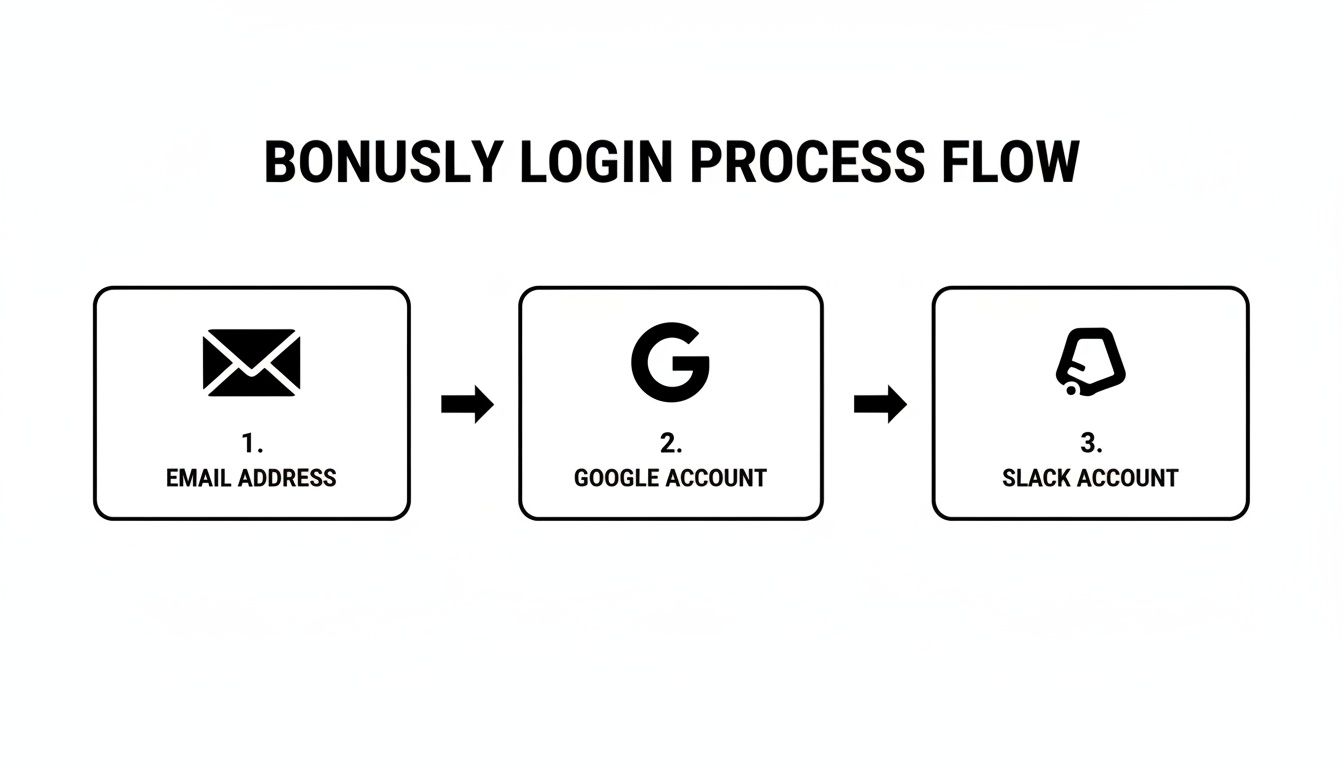
While there are a few paths, implementing SSO consolidates them into a single, secure entry point that you control. It just makes life easier for everyone involved.
Working Through Common Bonusly Login Issues
Even the most straightforward systems can hit a snag, and getting stuck at the Bonusly login screen is no exception. The good news is that most login problems are simple to fix and you'll be back to recognizing your teammates in no time.
If you see an "Incorrect Password" or "Account Not Found" error, it's often a simple typo. Start by double-checking that you’ve entered your email address correctly. Still no luck? The next step is to clear your browser's cache and cookies—it’s a surprisingly common culprit for login conflicts. For instance, if you've recently changed your password on another company system, your browser might be trying to auto-fill the old one. If that doesn't do the trick, just hit the "Forgot your password?" link on the login page to start the reset process.
Navigating SSO Login Errors
Seeing a "Single Sign-On (SSO) Error" can feel more complicated, but it points you in a clear direction. This usually means the problem isn't with Bonusly itself, but rather with the connection to your company's identity provider, like Okta or Google Workspace.
Your first and best move is to reach out to your internal IT admin. They’re the ones who manage the SSO setup and can quickly spot any issues with permissions or expired certificates on your company's end.
A login hiccup shouldn't get in the way of your team's recognition flow. Keeping that momentum going is crucial, especially for distributed teams. That immediate, positive reinforcement is what makes team members feel valued and connected. It's a major reason why North America commands 35% of the employee recognition market—a slice worth an estimated USD 14.5 billion in 2024. These platforms are the glue that keeps remote teams connected and engaged. You can dig deeper into the growth of the employee recognition market to see just how vital these tools have become.
Login troubles aren't unique to Bonusly, of course. If you want a broader perspective, check out these common reasons for login failures on similar platforms. Getting these issues sorted out quickly is key to keeping your recognition culture thriving.
Keeping Your Bonusly Account Secure
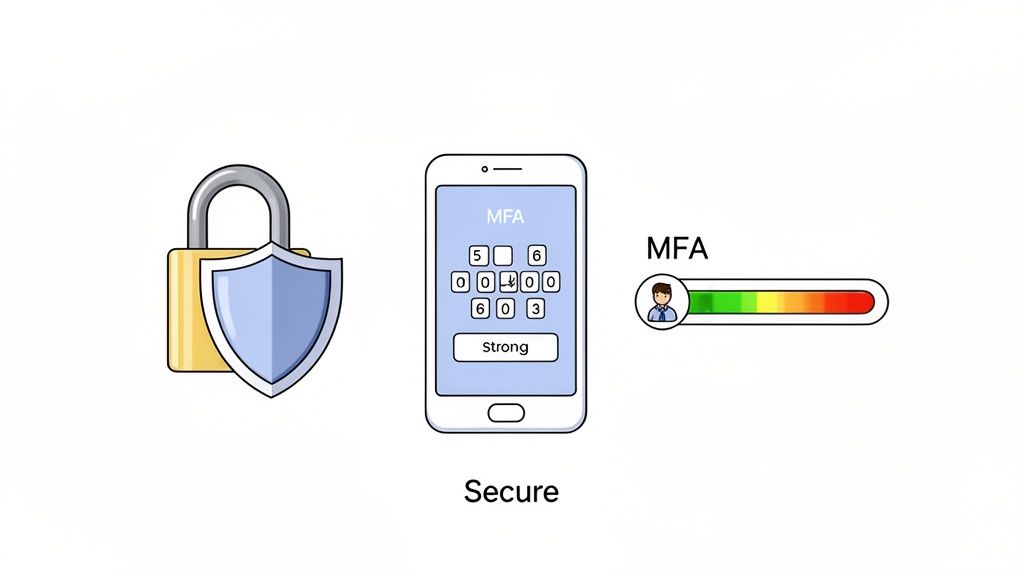
Keeping your Bonusly login secure is about protecting both your account and your company’s data. The single most effective step you can take is enabling Multi-Factor Authentication (MFA). Think of it as a digital deadbolt—it requires a second code, usually from your phone, to prove it's really you. For example, after entering your password, you'd open an app like Google Authenticator to get a 6-digit code to complete the login. It’s a simple action that adds a critical layer of defense.
Of course, your password is still the first line of defense. Steer clear of common mistakes like using your pet's name or easily guessable words. A great password is a unique passphrase that’s easy for you to remember but tough for anyone else to crack. Something like "MyCatHatesMondays!24" is worlds better than "Password123."
Using a password manager is a game-changer for this. Check out these 10 Essential Password Manager Best Practices to see how they can help you create and store super-strong passwords without having to memorize them all.
For the admins out there, security is an ongoing process. It's a good habit to regularly audit who has access to Bonusly, especially as team members change roles or move on from the company. A quick review of permissions ensures only current, authorized people are in the system, maintaining your recognition program as a safe and trusted space for everyone.
Common Bonusly Login Questions, Answered
Stuck trying to log in to Bonusly? You're not alone. Here are quick answers to the most common login hurdles we see, so you can get back to giving great recognition.
What If I Forgot My Password?
It happens to the best of us. On the Bonusly login screen, just look for the "Forgot your password?" link. Click it, enter your work email, and you'll get an email with instructions to set a new password.
One important heads-up: If your company uses a Single Sign-On (SSO) provider like Google, Okta, or Azure AD to manage logins, you won't reset your password through Bonusly. You'll need to go through your company's standard password reset process for that specific service.
Can I Just Use Bonusly in Slack?
Yes, and it's easily the most convenient way to use it! If your organization has the Bonusly Slack integration set up, you can handle everything without leaving your conversations.
The first time you go to give recognition through the Bonusly app in Slack, it will automatically connect your accounts. No separate login needed—it just works. For instance, you can simply type /give +10 @teammate for jumping in to help with that urgent request directly into any channel. It's recognition in the flow of work.
Why Am I Seeing an SSO Error?
Seeing a Single Sign-On (SSO) error can be confusing, but it almost always points to an issue on your company's end, not with Bonusly itself. Think of it as a miscommunication between your company's identity system and Bonusly.
This could be caused by something as simple as an expired security certificate or an incorrect user permission. Your best bet is to reach out directly to your internal IT or help desk team. They manage the SSO configuration and can sort it out for you quickly.
Ready to build a culture of appreciation right inside Slack? With AsanteBot, you can launch a recognition program in minutes. Explore AsanteBot and start your free trial today.