
Streamline your development workflow by connecting GitHub to Slack. This guide shows you how to automate PR alerts, issue tracking, and deployment notifications.
Table of Contents
Connecting your team’s development workflow shouldn’t be a chore. The GitHub Slack integration eliminates constant context-switching by piping real-time updates on pull requests, issues, and commits straight into the Slack channels your team already uses. This creates a single, collaborative space for discussing code in real time.
By bridging these two essential tools, you’ll see faster collaboration and gain real-time visibility into your entire development lifecycle. The result?
- Fewer missed pull requests.
- Faster feedback loops and code reviews
This integration turns your chat app into a dynamic command center for your entire engineering operation.
Prerequisites: What You’ll Need to Get Started
Before you start, let’s make sure you have the correct permissions. Getting this right from the beginning will save you a ton of headaches later.
Here’s what you need to have in place:
- Slack Workspace Permissions: You’ll need the ability to install apps in your Slack workspace.
- GitHub Account with Repo Access: For any repository you want to link, you must have admin or owner access.
Note for IT Teams: If you don’t have permission to install apps, ask your workspace admin. When you reach out, explain that you want to install the official GitHub app to get real-time development updates into team channels to improve workflow and speed up code reviews.

Alt text: A dashboard on a computer screen showing activity icons for a GitHub and Slack integration.
Step-by-Step: How to Connect GitHub to Your Slack Workspace
Let’s walk through the entire process of setting up the official GitHub and Slack integration. It’s a straightforward setup that turns your channels into a live feed of what’s happening in your repositories.
Step 1 — Add the GitHub App to Slack
Everything starts in the Slack App Directory.
- Navigate to the Slack App Directory in your browser or Slack client.
- Search for “GitHub” and select the official app.
- Click the Add to Slack button to begin the installation.
- Slack will show you a list of permissions the GitHub app needs. Review them and click Allow to approve and install the app in your workspace.
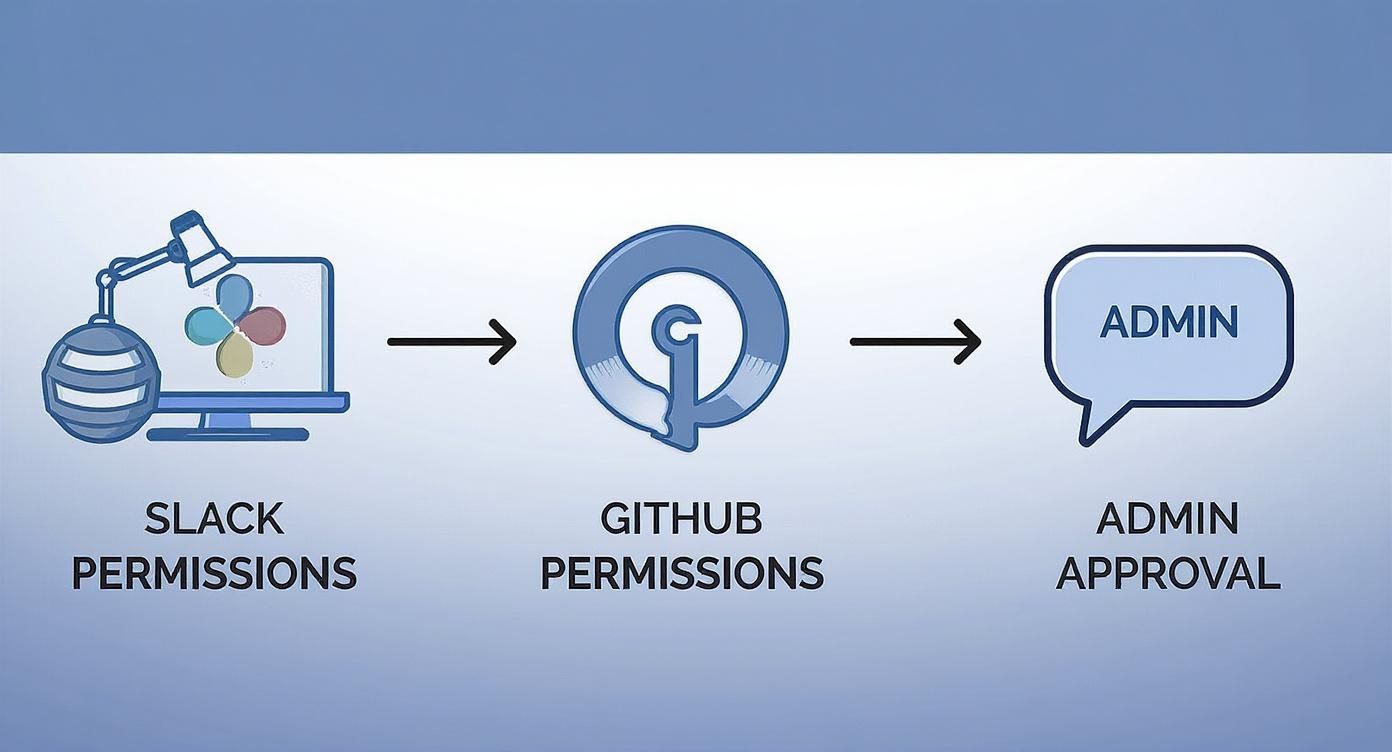
Alt text: A workflow diagram showing the permissions needed for GitHub Slack integration, starting with Slack, then GitHub, and finally admin approval.
Step 2 — Connect Your GitHub Account
Next, securely link your personal GitHub account to your Slack identity. This ensures you only get notifications from repositories you have access to.
In any Slack channel, type the slash command:
/github signin
The GitHub app will send you a private message with a button to connect your account. Click it, and you’ll be taken to a secure GitHub authorization page. Once you approve, you’re all set.
Step 3 — Subscribe a Channel to a Repository
Now for the fun part: creating a real-time feed of repository activity. Choose a relevant channel (e.g., #dev-team, #product-updates) and use the following command structure:
/github subscribe owner/repository
For example, to get updates from the expressjs/express repository in your #dev channel, you would type:
/github subscribe expressjs/express
The GitHub app will confirm the subscription in the channel. By default, you’ll get GitHub notifications in Slack for new issues, pull requests, and commits.
Step 4 — Configure Event Types for Slack and Github integration
The default notifications are a good start, but a tailored feed is better. You can customize which events trigger an alert using the subscribe command.
Here are some practical examples:
- For PR updates and code review requests:
/github subscribe owner/repo pulls,reviews - For tracking new issues and their comments:
/github subscribe owner/repo issues,comments - For monitoring deployment status:
/github subscribe owner/repo deployments
You can also unsubscribe from specific events if a channel becomes too noisy. For example, to stop seeing issue notifications:
/github unsubscribe owner/repo issues
This lets you dial in the perfect amount of information. This works for both public and private repositories, as well as for multiproject channels.
Testing the Slack and GitHub Integration
To make sure everything is working correctly, perform a simple validation test:
- Go to the repository you just connected.
- Create a test issue or add a comment to an existing one.
- Confirm that a notification appears in the subscribed Slack channel almost instantly.
If you don’t see a notification, check your Slack app settings or the GitHub app configuration in your repository to troubleshoot.
Best Practices for a Clean Workflow
- Create dedicated channels: Set up specific channels like
#dev-project-xor#deployments-prodto keep conversations focused and relevant. - Avoid notification spam: Configure only essential events for each channel. Your main engineering channel probably doesn’t need every single commit message.
- Use message threading: Encourage your team to discuss PRs and issues in threads under the original notification to keep the main channel clean.
- Pin a commands cheat sheet: Pin a message in your dev channels with the most common GitHub slack commands for easy reference.
- Celebrate the wins: A simple 🎉 emoji reaction on a “PR merged” notification is a powerful and easy way to provide team recognition and boost morale.

Alt text: A diverse team celebrates success in front of a dashboard showing a rising graph, symbolizing the growth from efficient GitHub and Slack integration.
A Note on Security and Permissions
The official GitHub Slack app is built with security in mind. It intelligently mirrors the permissions that are already in place on both platforms.
Data respects both GitHub and Slack permission scopes. If a user doesn’t have access to a private repository on GitHub, they will not see notifications for it in Slack. Private repos require an explicit, manual approval step before they can send alerts, giving you full control over your data.
Frequently Asked Questions (FAQ)
Can I connect multiple repos to one Slack channel?
Yes, absolutely. You can feed updates from several GitHub repositories into a single Slack channel. Just run the /github subscribe owner/repo command for each repository you want to add to the channel.
Can I get GitHub alerts in DMs?
Yes. The GitHub app will automatically send you direct messages (DMs) for notifications where you are directly involved, such as when you are assigned an issue, someone requests your code review, or your PR is approved.
What if I don’t see notifications?
First, check that you have access to the repository on GitHub. Then, run /github subscribe list in the channel to verify that the subscription is active. If problems persist, check the app’s permissions in both Slack and GitHub.
Does this support GitHub Enterprise?
Yes, the integration supports both GitHub.com (Cloud) and GitHub Enterprise Server. For Enterprise Server, you’ll need an administrator to configure a webhook to connect your self-hosted instance to Slack.
Get Started Today
You’re all set! Your team now sees GitHub updates directly in Slack — enabling faster code reviews and fewer bottlenecks. Start optimizing your workflow with smart automation today!
For an extra boost to team morale, check out AsanteBot. It helps you build a culture of recognition with fun, measurable rewards without ever leaving Slack. Find out more at https://asantebot.com.