
When you need feedback fast, the ability to create a Simple poll in Slack can save time, reduce meetings, and keep projects moving. Instead of long message threads or delayed decisions, a simple poll gives you clear answers in minutes.
Table of Contents
Whether you’re choosing a meeting time, validating an idea, or gathering team preferences, Slack polls turn discussion into action.
Why Use a Simple Poll in Slack?
Teams often search for a “simple poll Slack” solution because everyday decisions don’t need long conversations. A quick vote helps you:
- Avoid unnecessary meetings
- Reduce message noise
- Get instant team alignment
- Encourage participation from remote teams
A simple poll works best for operational decisions, where speed matters more than deep analysis.
Mastering little tricks like this is key to great teamwork; for more ideas, these remote team communication tips are a great place to start.
What Is a Simple Poll in Slack?
A simple poll in Slack is a fast way to collect votes inside a channel or direct message. The goal is simplicity:
- Minimal setup
- Clear poll options
- Instant results
Unlike advanced survey tools, Slack polls focus on quick feedback, not complex analytics.
Most simple polls use multiple choice answers, where team members select one option from a short list.
When to Use a Simple Poll
Simple polls are ideal for everyday team decisions:
Yes / No questions
Should we move the launch date? 👍 Yes | 👎 No
Multiple choice decisions
Which design should we use? A | B | C
Scheduling
Retro meeting: Tuesday 2 PM or Wednesday 10 AM?
Quick sentiment checks
Do you like the new workflow?
These are examples of common question types where speed and clarity matter.
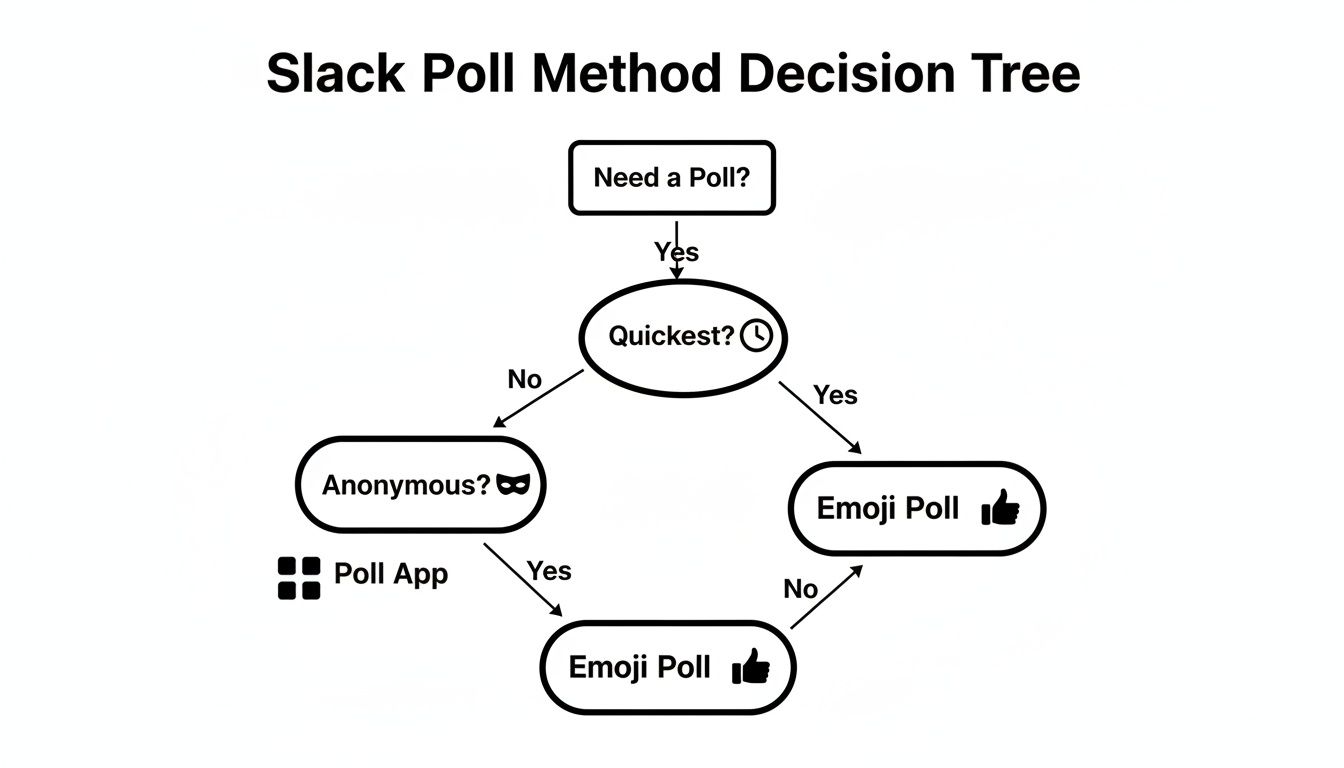
The Easiest Ways to Create a Quick Poll in Slack
1) Emoji Reactions (Fastest Method)
This is the simplest way to create a quick poll without any apps.
How it works:
- Post your question in a channel
- Add emoji reactions for each poll option
- Ask teammates to vote with reactions
Example
What should we order for lunch?
🍕 Pizza
🥗 Salad
🌮 Tacos
Pros
- No installation required
- Takes seconds
Cons
- Manual vote counting
- Not ideal for large teams
2) Use a Slack Poll App
If you want structure and automatic results, install a poll app.
Poll apps allow you to:
- Create multiple choice polls
- Add several poll options
- Run anonymous voting
- Track results in real time
Some apps also support multiple questions in one poll, which is useful for quick team check-ins.
3) Slash Commands (Power Users)
Many poll apps let you create a poll directly from the message field.
Example:
/poll "Which day works best?" "Thursday" "Friday"This method is perfect when you frequently run polls or want a fast workflow.
Simple Poll vs Advanced Poll: When to Use Each
Use a simple poll when you need:
- Fast decisions
- Small team feedback
- One-question voting
Use advanced polls when you need:
- Anonymous employee feedback
- Rating scales (1–5)
- Multiple questions or detailed insights
- Data for reporting
Choosing the right tool keeps communication efficient.
Best Practices for Slack Polls
Ask one clear question
Avoid combining topics.
Bad: “Move deadline and cancel meeting?”
Better: Create two separate polls.
Limit poll options
Too many choices slow decisions.
Stick to 2–4 options.
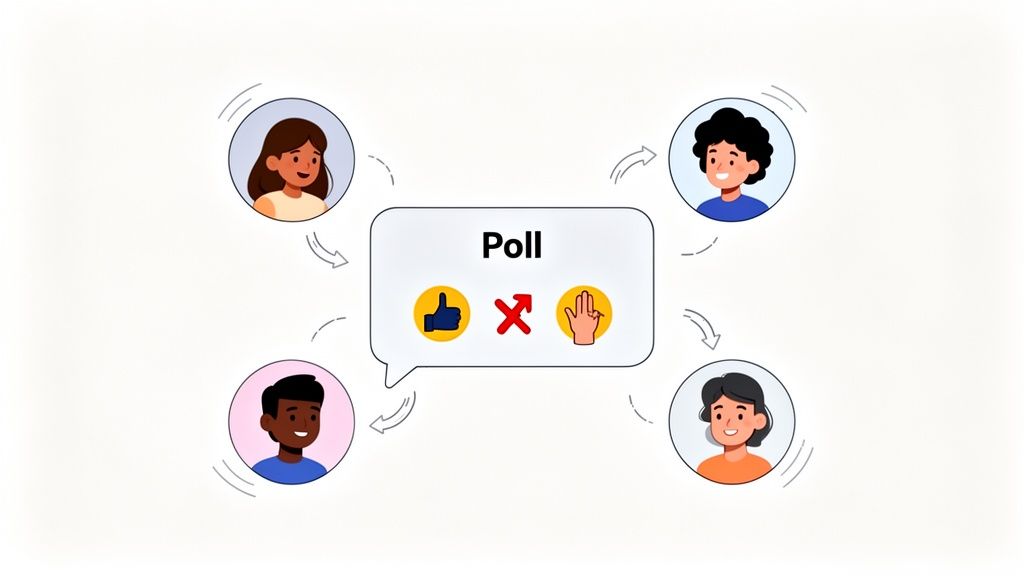
Use clear question types
- Yes/No
- Multiple choice
- Preference selection
Set a deadline
Example: Please vote by 3 PM today.
Share the results
Always close the loop:
Winner: Wednesday at 10 AM. Calendar invite coming next.
This increases participation in future polls.
Common Mistakes to Avoid
- Too many poll options
- Posting in inactive channels
- Running polls without context
- Forgetting to share results
The biggest mistake? Asking for input and never acting on it.
FAQ: Simple Poll in Slack
How do I create a simple poll in Slack?
Post a question and add emoji reactions, or use a poll app for structured multiple choice voting.
Can I create a poll without apps?
Yes. Emoji reactions are the fastest native method.
Can Slack polls include multiple questions?
Basic emoji polls usually support one question. Poll apps allow multiple questions and advanced formats.
What’s the fastest way to create a quick poll?
Type your question and add emoji options. It takes less than 10 seconds.
Why Quick Polls Improve Team Engagement
Simple polls do more than speed up decisions. They:
- Give everyone a voice
- Increase transparency
- Reduce decision bottlenecks
- Build a more agile team culture
When people feel heard, they’re more engaged and motivated.
Turn Quick Feedback into Recognition
If your team already uses emoji reactions for polls and feedback, you can take it a step further.
AsanteBot turns everyday reactions into meaningful recognition:
- Convert emojis into kudos and appreciation
- Celebrate milestones automatically
- Track engagement and collaboration trends
Start building a culture where quick feedback and recognition happen naturally inside Slack.
Check out our full how to guide on how to make a poll in Slack.
Ready to build a culture of appreciation right inside Slack? AsanteBot makes recognition fun and easy. Turn simple emojis into meaningful kudos, celebrate milestones automatically, and get insights into your team’s collaboration patterns. Start building a more engaged team today.