
12 Best Slack Apps to Boost Productivity & Culture in 2025
Dusan Milovanovic

Slack is more than just a messaging platform; it’s a digital headquarters where work happens. But its true power is unlocked when you integrate specialized tools that streamline workflows, enhance communication, and build a stronger company culture. With thousands of options available, finding the best Slack apps to solve your specific challenges, from inefficient meetings to disengaged remote teams, can be overwhelming. This guide cuts through the noise.
Table of Contents
- 1. AsanteBot
- 2. Slack App Directory (Slack Marketplace)
- 3. Product Hunt – Slack Apps and Launches
- 4. Zapier – Slack Integrations Directory
- 5. Make (formerly Integromat) – Slack Integrations
- 6. IFTTT – Slack Service Page
- 7. GetApp – Software Integrated with Slack (Comparison Listings)
- 8. Capterra – Slack‑Compatible Software Listings
- 9. Atlassian Marketplace – Slack Integrations for Jira/Confluence
- 10. Salesforce AppExchange – Slack Ecosystem Gateway
- 11. Microsoft Power Automate – Slack Connector
- 12. Pipedream – Slack API Integrations Catalog
- Top 12 Slack App Resources Comparison
- Beyond Chat: Building a More Connected and Productive Workspace
We’ve curated a comprehensive list of top-tier Slack applications, organized into practical categories like employee recognition, productivity, HR, and security. We’ll explore how these tools solve real-world problems. For instance, fostering a culture of appreciation is critical for retention, and dedicated recognition apps provide a visible, public forum for celebrating wins. The importance of team recognition cannot be overstated; it boosts morale, reinforces company values, and increases employee retention. A simple “great job” in a direct message is fleeting, but a formal recognition in a dedicated channel, amplified by an app, creates a lasting positive impact and motivates the entire team. Practical examples like this are woven throughout our analysis.
This resource is designed for HR managers, team leads, and operations professionals seeking to optimize their digital workspace. Each entry provides a detailed breakdown including:
- Key features and ideal use cases.
- Transparent pricing and setup time estimates.
- Crucial security and privacy considerations.
- An honest assessment of pros and cons.
To ensure every team member can participate fully, it’s also wise to enhance your workspace’s accessibility. To cater to diverse communication styles and boost accessibility, consider implementing a Slack Speech To Text integration. Our goal is to equip you with the insights needed to select and implement the right applications, transforming your Slack environment into a more efficient, engaging, and connected hub for your entire organization. Let’s dive in.
1. AsanteBot
AsanteBot stands out as one of the best Slack apps for fostering a culture of appreciation, turning peer-to-peer recognition into a daily habit. It masterfully uses a lightweight, emoji-based system to make giving and receiving praise feel natural and engaging, directly within your team’s existing workflow. This approach removes the friction often associated with formal recognition programs, making it an ideal solution for remote teams, startups, and SMBs looking to boost morale and engagement without a heavy administrative burden. The importance of team recognition cannot be overstated; consistent, timely acknowledgment reinforces positive behaviors, improves retention, and illuminates the quiet contributions that often go unnoticed. AsanteBot makes this process seamless and fun.
For example, a team member can instantly recognize a colleague for helping with a tough bug fix by reacting to their message with a designated emoji, like a :taco:. This simple action adds points to the receiver’s tally, contributing to a public leaderboard that celebrates both top givers and receivers. This visibility is crucial, as it transforms a quiet act of kindness into a public celebration that reinforces collaborative values for the whole team.
Key Features & Analysis
- Customizable Recognition Economy: Admins have full control to shape the platform to their culture. You can select which emojis act as currency, set daily limits on how many recognitions a person can give, and create unlimited custom rewards that can be redeemed directly in Slack. This could range from a simple coffee gift card to extra PTO, making the rewards meaningful to your team. Learn more about the power of using emojis in Slack to drive engagement.
- Automated Culture-Building: The app includes a Birthday and Work Anniversary bot that automatically celebrates key milestones in a public channel, ensuring no one’s special day is missed. Additionally, its weekly “Feedback Day” feature prompts team-wide shout-outs, creating a dedicated time for positive reinforcement.
- Actionable Analytics: Beyond just celebrating wins, AsanteBot provides reporting that reveals collaboration networks and morale trends. Managers can identify team connectors, spot potential burnout, and see which teams are most engaged, allowing them to act on real data.
| Feature | Details | Use Case for HR/People Ops |
|---|---|---|
| Setup Time | ~2 minutes | Rapid deployment without needing technical resources. |
| Pricing | Free, with all features included. No credit card required. | Zero-budget way to launch a high-impact engagement initiative. |
| Security | GDPR-aligned, Slack-standard compliance, data encryption. | Confidently adopt a tool that respects user privacy and security. |
| Primary Use Case | Building peer-to-peer recognition habits. | Increase daily engagement and surface positive team interactions. |
Recommendation
AsanteBot is an exceptional choice for HR leaders and team managers who want to embed recognition rituals directly into their daily operations. Its plug-and-play setup and free access to all features make it a risk-free, high-reward tool for any organization using Slack.
- Pros: Extremely fast setup, completely free, highly customizable, and provides valuable analytics on team collaboration.
- Cons: The experience is Slack-only. Its gamified, emoji-first approach may not be a fit for enterprises needing formal, HRIS-integrated reward systems.
Website: https://asantebot.com
2. Slack App Directory (Slack Marketplace)
Before diving into specific third-party tools, the best place to start any search for the best Slack apps is the official source: the Slack App Directory. Think of it less as a single app and more as the central, secure hub for discovering and integrating thousands of verified applications directly into your workspace. It’s the foundational resource for any HR manager or team lead looking to enhance their Slack environment with new functionality.
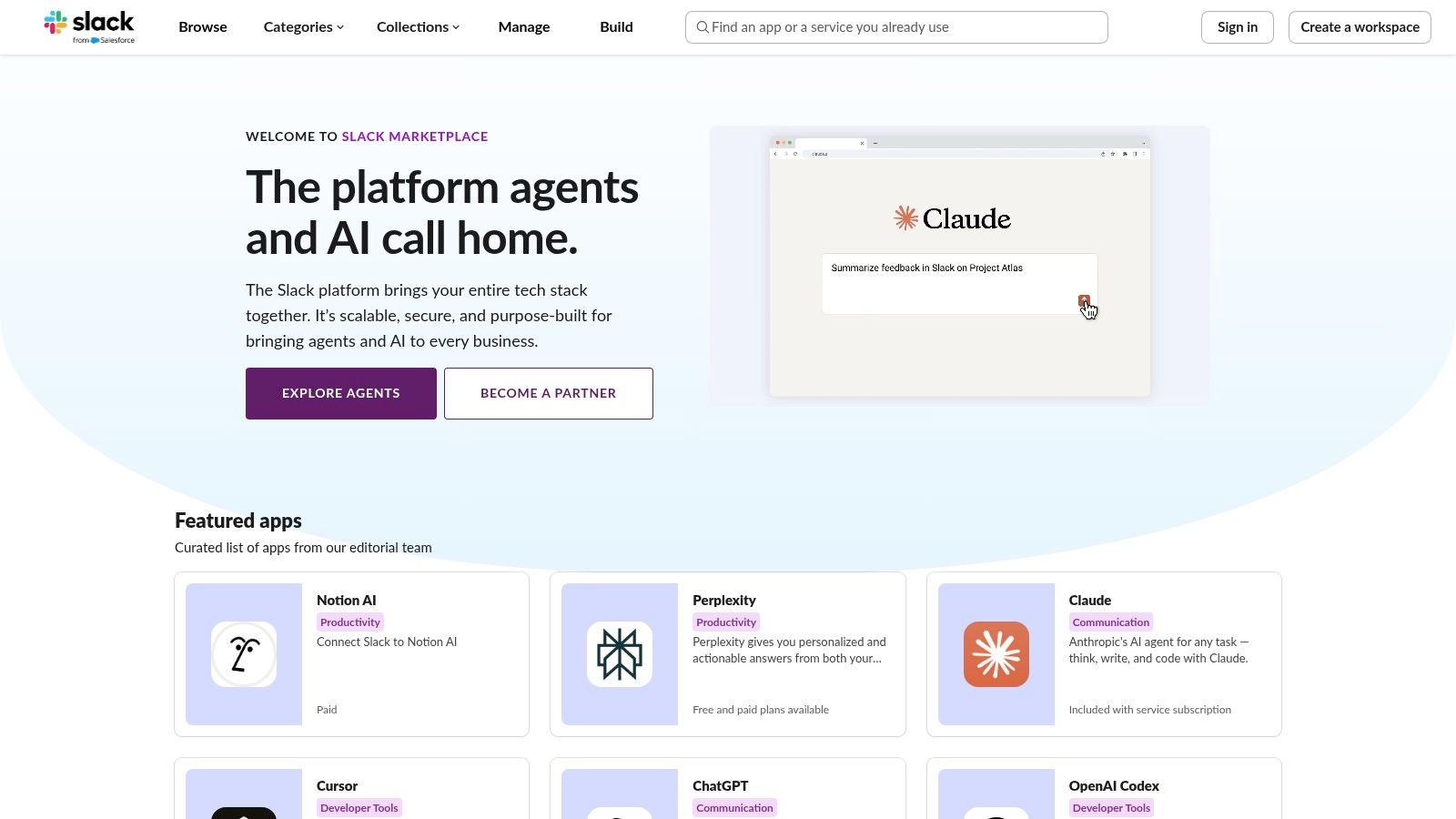
The user experience is seamless, allowing you to filter by categories like “HR & Team Culture” or “Productivity” to find precisely what you need. Each listing provides crucial security and compliance information, detailing the exact permissions an app requires. This transparency is vital for maintaining workspace integrity, as admins can review and approve requests before an app is installed, ensuring every addition meets company standards. For example, when searching for a recognition app, you can instantly see which ones have SOC 2 compliance, making the security vetting process much faster.
Key Details & Recommendation
- Target Use Case: The primary, trusted source for any team leader or People Ops manager to discover, vet, and install approved Slack apps for functions ranging from project management to employee recognition.
- Pricing: The platform itself is free to browse and use. Individual app pricing varies from free to enterprise-level subscriptions.
- Setup Time: Instantaneous access, with app installations typically taking less than a minute via the “Add to Slack” button.
- Pros: Most comprehensive and trustworthy source (all apps are reviewed by Slack), streamlined installation, clear admin approval workflows.
- Cons: Not every tool is listed (some newer or private apps may be missing), and the depth of security information can vary between listings.
- Recommendation: This is the non-negotiable first stop. Its curated collections can inspire new ways to improve team engagement, such as finding tools for virtual team-building activities or running quick team polls.
3. Product Hunt – Slack Apps and Launches
While the official directory is essential for vetted tools, Product Hunt is where you discover the future of best Slack apps. This community-driven platform surfaces the newest and most innovative Slack integrations as they launch. It’s an invaluable resource for forward-thinking HR leaders who want to find cutting-edge tools for team engagement or productivity before they become mainstream. The platform thrives on user upvotes and real-time discussions, giving you an immediate sense of an app’s value and potential.
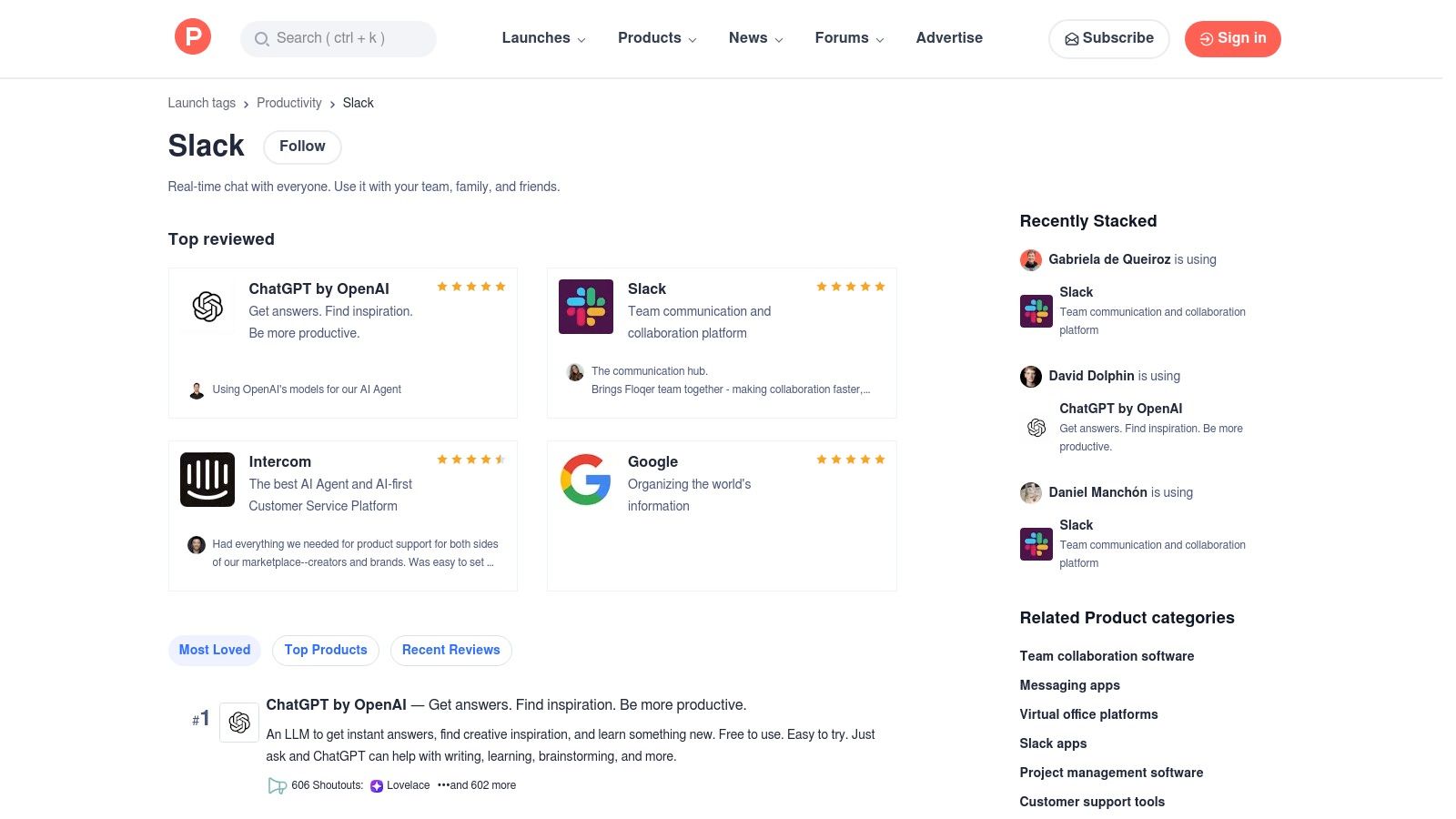
The user experience is dynamic, centered around daily “hunts” where makers present their new products. You can explore dedicated Slack collections, read authentic feedback in discussion threads, and engage directly with the app creators. For example, if you see a new AI-powered meeting summary app, you can ask the founder directly in the comments, “Does this support multi-language transcription?” This direct line of communication is perfect for understanding a tool’s roadmap or asking specific questions about its application for things like fostering team recognition, a critical component of a healthy remote culture.
Key Details & Recommendation
- Target Use Case: Tech-savvy team leads and People Ops managers looking to discover early-stage, innovative, or niche Slack apps and gauge community interest before wider adoption.
- Pricing: Free to browse, discover, and participate in discussions. Individual app pricing varies.
- Setup Time: Instant access to the website. Following links to install an app typically takes under a minute.
- Pros: Excellent for finding innovative and brand-new tools, community feedback and upvotes help gauge initial quality, direct access to app developers.
- Cons: Listings are not formally vetted for enterprise security, discovery is skewed toward new launches rather than established, long-term supported apps.
- Recommendation: Use Product Hunt as your innovation hub. Follow the Slack topic to stay ahead of trends and find unique solutions that might not yet be on the official marketplace, giving your team a competitive edge in culture and productivity.
4. Zapier – Slack Integrations Directory
If the official Slack App Directory is the primary source, Zapier is the ultimate no-code connector that dramatically expands what’s possible. It serves as an automation bridge, linking Slack with thousands of other applications to create custom workflows without writing a single line of code. For HR managers and team leaders, this means you can automate routine tasks that span multiple platforms, turning Slack into a true central command center for your team’s operations.
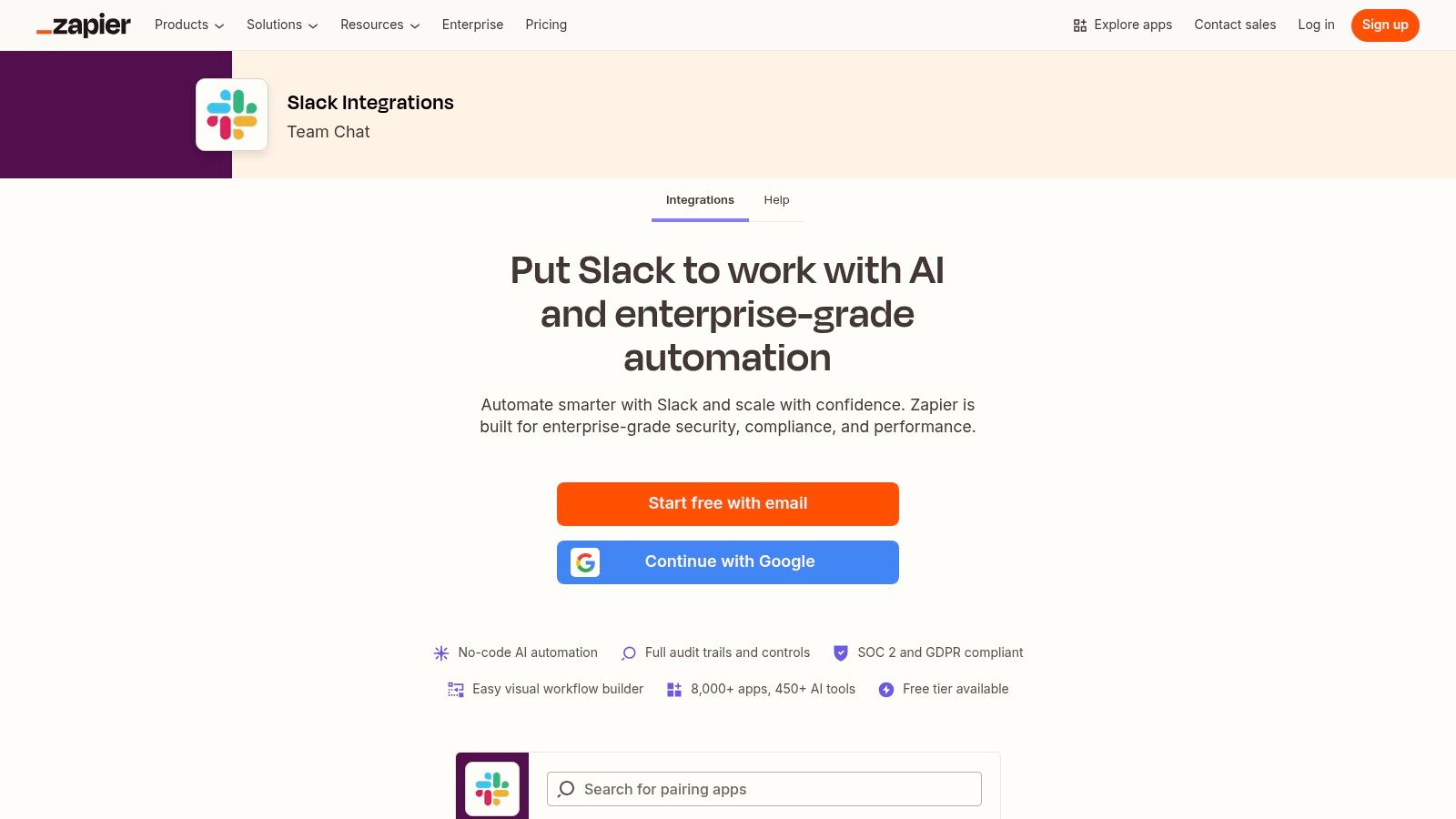
The platform operates on a “trigger-and-action” system. For example, a new entry in a Google Sheet (trigger) can automatically post a formatted message in a specific Slack channel (action). This is incredibly powerful for tasks like announcing new hires from an HRIS spreadsheet or sharing positive customer feedback from a CRM directly into a team recognition channel. Zapier’s extensive library of pre-built templates, called “Zaps,” makes getting started incredibly fast. Such automations reinforce the importance of team recognition by ensuring that positive moments captured in other systems are celebrated publicly and instantly within Slack.
Key Details & Recommendation
- Target Use Case: Automating cross-app workflows for HR, ops, and marketing teams who need to connect external tools (like Google Workspace, Asana, or Salesforce) to post notifications or trigger actions within Slack.
- Pricing: Offers a free tier with limited tasks. Paid plans start at around $19.99/month (billed annually) and scale based on task volume and advanced features.
- Setup Time: A simple, pre-built Zap can be activated in under five minutes. More complex, multi-step workflows may take 15-30 minutes to configure and test.
- Pros: Enormous library of over 5,000 app integrations, powerful customization options, and strong documentation with user-friendly templates that reduce setup time.
- Cons: Costs can scale quickly with high usage, and the system’s reliability depends on the APIs of both Slack and the third-party apps involved.
- Recommendation: A must-have tool for any team looking to eliminate manual data entry and connect disparate systems. It’s one of the best Slack apps for creating powerful, automated communication pipelines that save significant time.
5. Make (formerly Integromat) – Slack Integrations
For teams needing to build complex, multi-step automations that go beyond simple notifications, Make (formerly Integromat) offers unparalleled power and flexibility. While tools like Zapier excel at linear “if this, then that” workflows, Make’s visual, drag-and-drop builder allows for intricate scenarios with branching logic, error handling, and sophisticated data transformation. This makes it one of the best Slack apps for technical operations or HR teams looking to create custom, automated processes without extensive code.
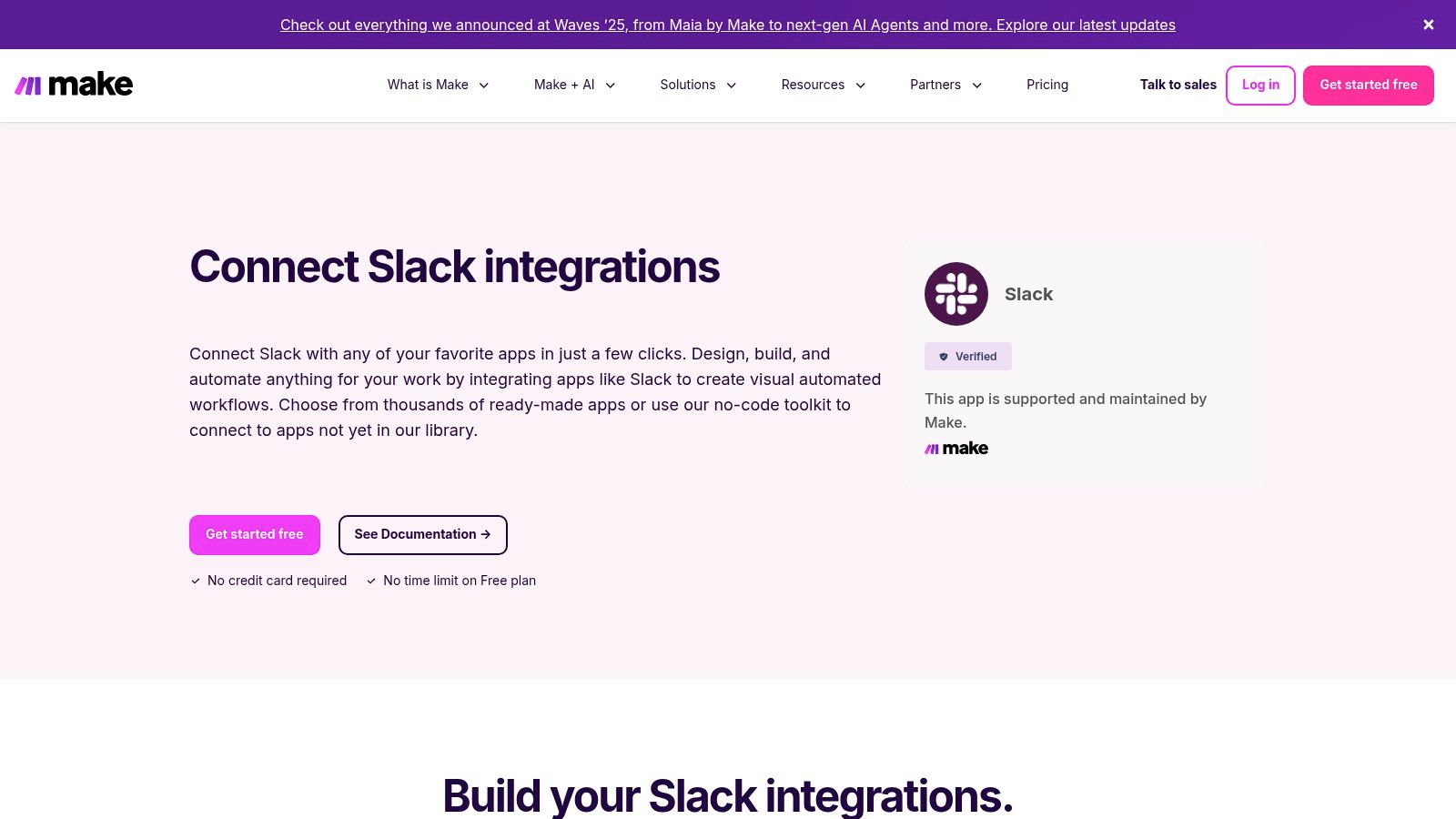
Imagine a scenario where a new hire completes an onboarding form. Make can trigger a workflow that not only creates a welcome message in a Slack channel but also adds them to a private HR channel, assigns a task in Asana, and sends a personalized welcome email with specific details mapped from the original form. A practical example for team recognition could be a workflow where a completed “high-impact” task in a project management tool automatically triggers a Slack message in a #wins channel, tagging the user and their manager to celebrate the achievement. This level of granular control is where Make truly shines.
Key Details & Recommendation
- Target Use Case: Operations, IT, and HR teams building custom, multi-step automated workflows that involve complex data mapping and conditional logic between Slack and other business systems.
- Pricing: Offers a free tier with limited operations. Paid plans start at $9 per month (billed annually) and scale based on the number of operations and data transfer needed.
- Setup Time: Connecting to Slack is instant. Building a complex, custom workflow can take anywhere from 30 minutes to several hours, depending on its complexity and testing requirements.
- Pros: Highly flexible and powerful for building complex automations with branching logic, excellent for data transformation, and provides a visual builder for clarity.
- Cons: Has a steeper learning curve than simpler automation tools, and the cost can increase significantly with high-volume or frequent operations.
- Recommendation: Ideal for technical users who need to automate intricate processes. For example, you could build a system where employee survey responses from Typeform are analyzed, and if a certain keyword is detected, a private Slack notification is automatically sent to an HR manager for follow-up.
6. IFTTT – Slack Service Page
For teams seeking simple, consumer-friendly automation, IFTTT (If This Then That) offers one of the most accessible entry points. While not as powerful as enterprise-grade tools like Zapier, its strength lies in its simplicity. IFTTT allows you to create “Applets” that connect Slack to hundreds of other apps and services, making it one of the best Slack apps for lightweight, personal, or small-team quality-of-life improvements.
The platform is designed for non-technical users, allowing you to activate pre-built automations with a single click. For example, a People Ops manager could set up an Applet to automatically post a welcome message in a team channel whenever a new hire event is added to a specific Google Calendar. This focus on easy, set-it-and-forget-it tasks makes IFTTT a great tool for handling small, repetitive notifications without needing complex setup. A practical team recognition example could be an Applet that posts a celebratory message to a Slack channel every time the company is mentioned positively in a specific news outlet’s RSS feed.
Key Details & Recommendation
- Target Use Case: Small teams or individuals looking for simple, one-step automations to pipe notifications into Slack from services like RSS feeds, weather updates, or smart home devices.
- Pricing: Offers a free tier with limited Applets, with paid plans (Pro and Pro+) starting at around $2.50/month for more Applets and faster execution.
- Setup Time: Extremely fast; activating a pre-made Applet takes less than two minutes.
- Pros: Very easy for non-technical users to set up, useful for personal productivity or small-team notifications, and mobile-friendly automations are a plus.
- Cons: Lacks the multi-step logic and robust governance features of competitors, and rate limits can be a bottleneck on the free plan.
- Recommendation: Ideal for quick-win automations that don’t require deep customization. A great example is setting up an Applet that posts positive company mentions from an RSS feed directly into a
#celebrationschannel, providing a simple, automated way to boost morale and practice team recognition.
7. GetApp – Software Integrated with Slack (Comparison Listings)
While the Slack App Directory is ideal for finding individual apps, sometimes your search is for a larger platform-level tool that happens to integrate with Slack. This is where GetApp, Gartner’s comprehensive software directory, becomes invaluable. Instead of searching for an app first, you can research entire software categories like CRM, ITSM, or project management and then use GetApp’s filters to surface only the products that offer a native Slack integration. This approach is perfect for teams making a significant software purchase who need Slack connectivity as a key feature.
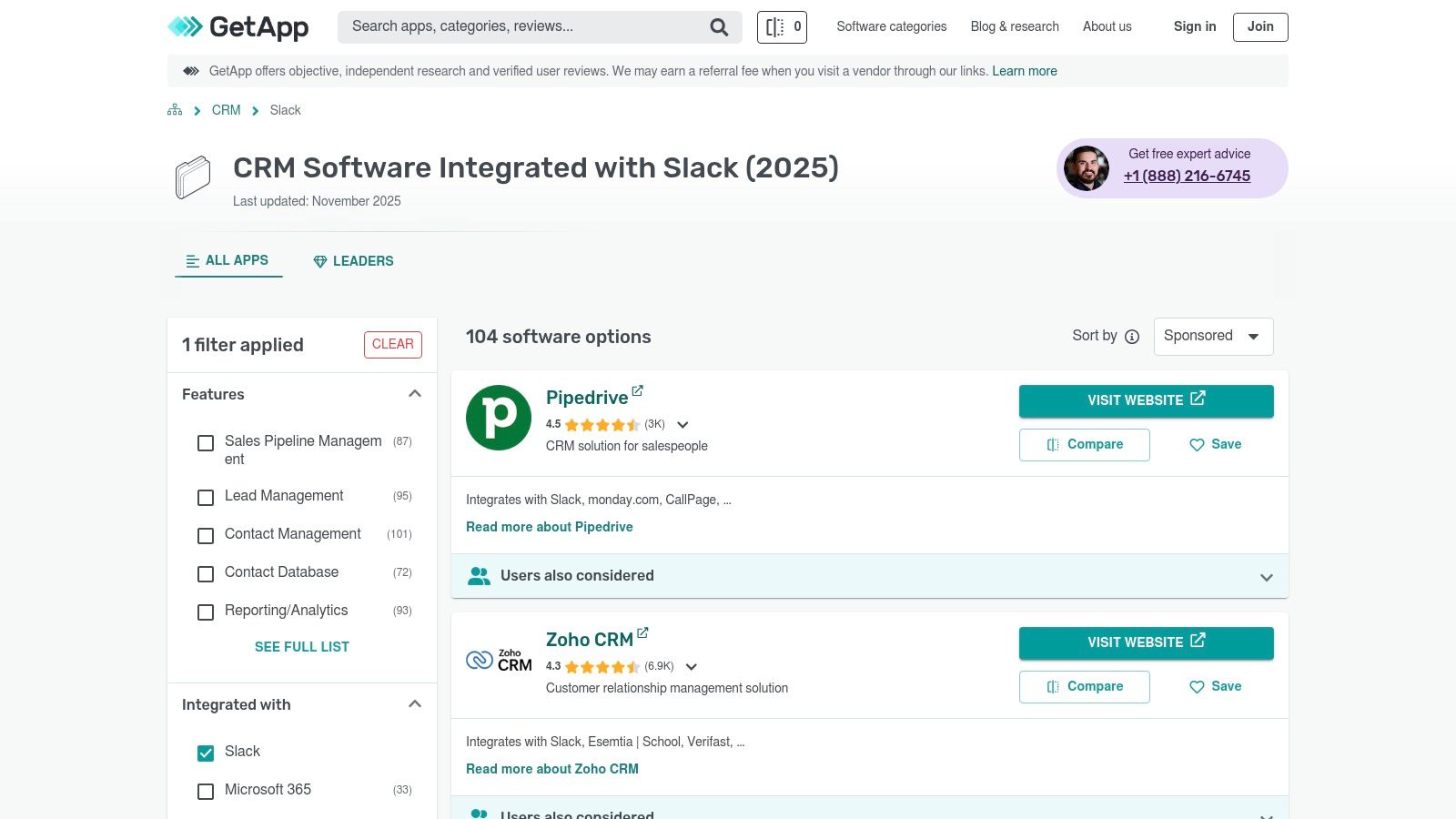
GetApp excels at providing a buyer-centric view, offering side-by-side comparisons, detailed user reviews, and pricing information all in one place. For example, an HR manager evaluating new performance management systems can filter for platforms that not only handle reviews and goals but also push notifications for positive feedback directly into a Slack recognition channel. This ensures that a major investment will seamlessly fit into the team’s existing communication hub and support a culture of timely recognition.
Key Details & Recommendation
- Target Use Case: Department heads and IT managers who are evaluating and purchasing larger software solutions (like CRMs or helpdesks) and require robust Slack integration as a non-negotiable feature.
- Pricing: The directory is free to use. Pricing for the listed software varies widely depending on the vendor and category.
- Setup Time: Varies by software; access to GetApp is instant, but implementing a full software platform can take days or weeks.
- Pros: Excellent for shortlisting Slack-compatible tools across major software categories, provides detailed buyer-oriented information and real user reviews.
- Cons: Sponsored placements can influence search results, and the depth of the Slack integration can vary significantly, requiring further verification on the Slack App Directory.
- Recommendation: Use GetApp during the research phase for significant software investments. It’s a strategic way to ensure new platforms complement your existing workflows, helping you find the best Slack apps that are part of a larger, more powerful ecosystem.
8. Capterra – Slack‑Compatible Software Listings
While the Slack App Directory is the official source, savvy HR managers and team leads often need a second opinion before committing to a new tool. This is where Capterra, a major software comparison platform, becomes an invaluable research asset. While not an app itself, its extensive database allows you to search for software that integrates with Slack and, more importantly, read verified user reviews, compare feature matrices, and analyze pricing models side-by-side.
Capterra helps you answer critical questions that the App Directory might not, like “How does this recognition app’s pricing compare to three other competitors?” or “What do real users say are the biggest drawbacks of this project management tool?” Its filters and shortlisting features empower you to conduct thorough due diligence, ensuring the best Slack apps you choose have a proven track record and align perfectly with your budget and feature requirements. A practical example is reading reviews to see how well a survey app’s Slack integration actually works for sending reminders, versus what the marketing page claims. This validation step is crucial for making a confident, well-informed decision.
Key Details & Recommendation
- Target Use Case: A research and validation resource for People Ops and team leaders to compare Slack-compatible software, read user reviews, and validate vendor reputation before installation.
- Pricing: The platform is free to use for research. Individual software pricing is detailed on each product listing.
- Setup Time: Instantaneous access for browsing. Time is spent on research rather than technical setup.
- Pros: Large base of verified user reviews, excellent for comparing pricing and features, helps validate vendor reputation and long-term viability.
- Cons: Integration details for Slack can be mixed or outdated (always check the vendor’s own documentation), and sponsored results may influence the order of listings.
- Recommendation: Use Capterra as your go-to second step after identifying a potential app in the Slack Directory. It’s perfect for cross-referencing claims and understanding the real-world user experience before you commit.
9. Atlassian Marketplace – Slack Integrations for Jira/Confluence
For teams deeply embedded in the Atlassian ecosystem, the Atlassian Marketplace is the definitive source for linking tools like Jira and Confluence directly with Slack. While the official Slack App Directory lists some of these, the Atlassian Marketplace provides a more comprehensive, developer-focused view, showcasing both official and third-party apps designed to create seamless workflows between your project management hub and your communication platform. This is the go-to resource for engineering, product, and IT teams looking to supercharge their productivity.
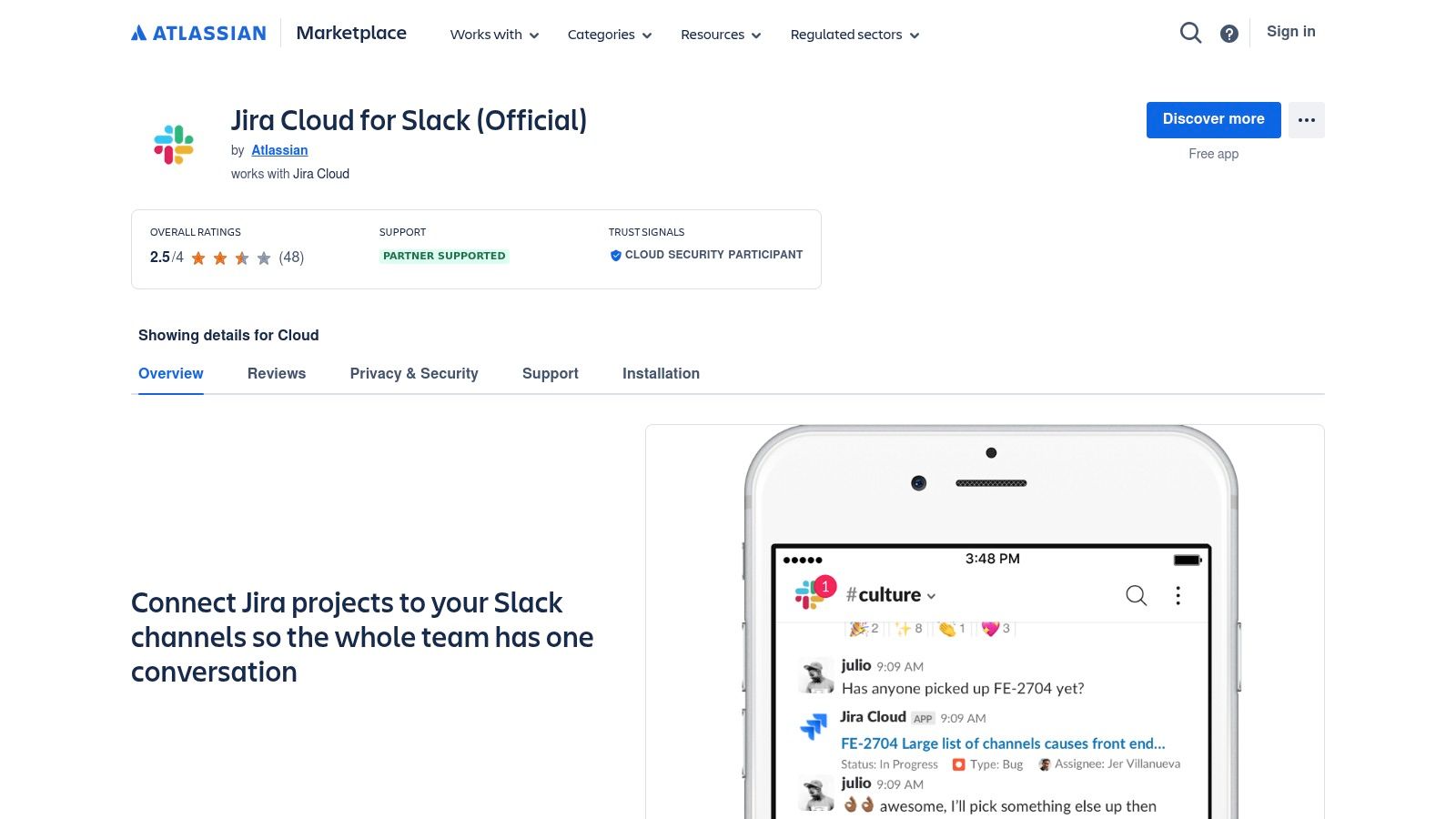
The platform allows you to compare different integrations side-by-side, reading user reviews and checking security compliance through Atlassian’s own vetting programs. For instance, the official Jira Cloud for Slack app enables you to create and assign issues, get ticket notifications, and unfurl Jira links with rich context, all without leaving Slack. This tight integration ensures that technical discussions in Slack are directly tied to actionable project tasks, reducing context switching and keeping development cycles moving forward. A practical example is a developer receiving an instant Slack notification when a high-priority bug is assigned to them, allowing for immediate action.
Key Details & Recommendation
- Target Use Case: Development, product, and IT teams that use Jira and Confluence as their core project management tools and want to integrate them deeply with Slack for notifications and actions.
- Pricing: The marketplace is free to browse. App pricing varies, with many official Atlassian apps being free, while third-party solutions may have per-user or flat-rate subscription fees.
- Setup Time: Varies by app, but official integrations like Jira Cloud typically install in under five minutes with straightforward authentication.
- Pros: Best source for Slack apps that integrate tightly with Jira/Confluence, multiple vendors to compare for ecosystem-specific needs, detailed security and support information.
- Cons: Focused almost exclusively on the Atlassian ecosystem, and navigating the differences between similar third-party apps can be confusing.
- Recommendation: This is an essential stop for any technical team leader. By connecting Jira and Slack, you streamline updates and approvals, ensuring that critical project information is instantly visible and actionable within the communication channels where teams are already working.
10. Salesforce AppExchange – Slack Ecosystem Gateway
For organizations deeply embedded in the Salesforce ecosystem, the Salesforce AppExchange serves as a critical gateway for discovering Slack integrations. While not a direct replacement for the Slack App Directory, it provides curated collections that surface the best Slack apps specifically designed to connect with platforms like Sales Cloud and Service Cloud. This is particularly valuable for enterprise teams looking to extend their CRM and support workflows directly into their communication hub.
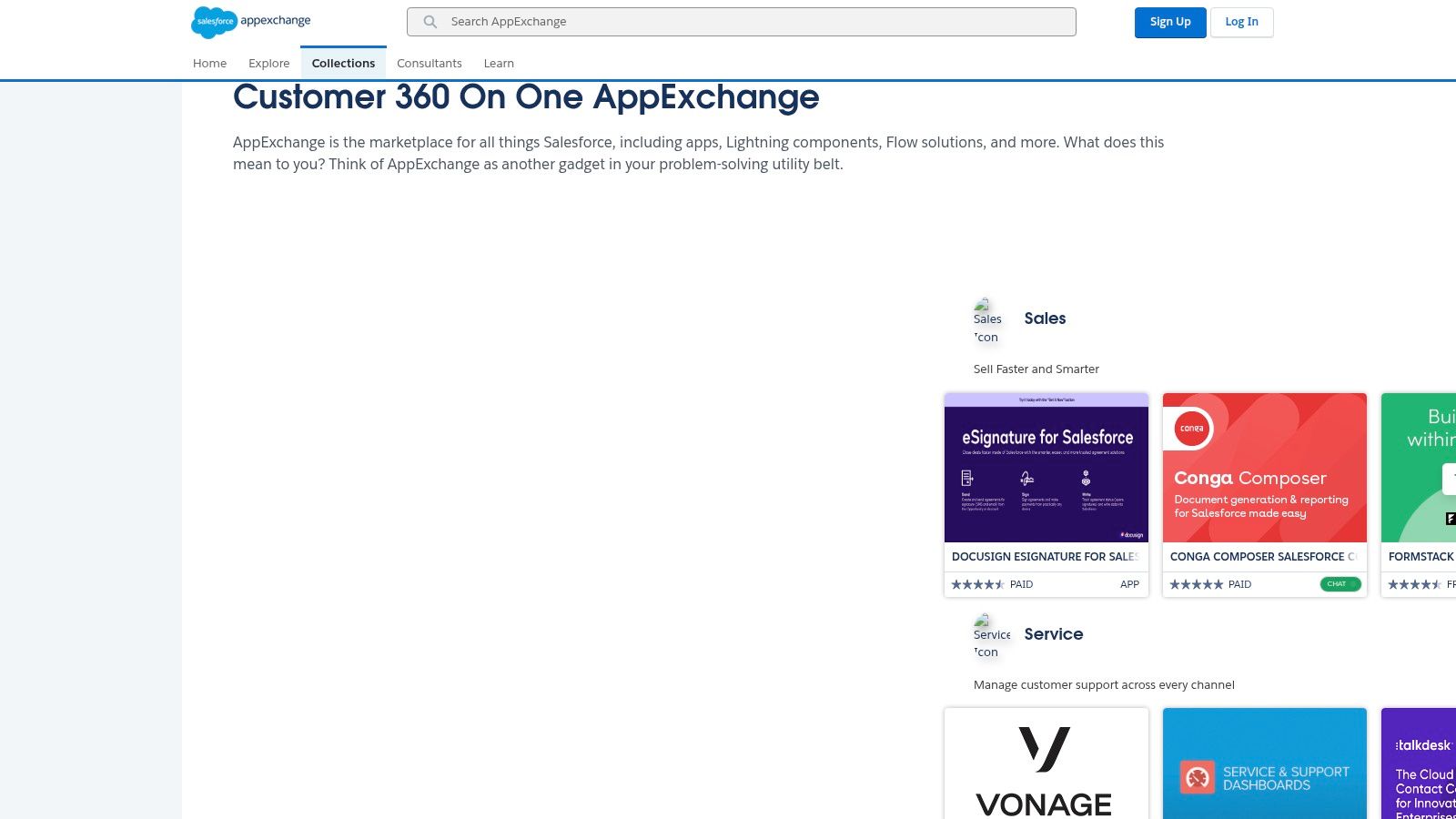
The AppExchange excels at aligning Slack app discovery with enterprise procurement processes. Listings often include detailed vendor profiles, security review information, and clear paths to contact sales or start a trial, which simplifies the vetting process for IT and People Ops managers. For example, a sales manager could use a Salesforce-native Slack app to automatically post a message in a #sales-wins channel every time an opportunity is marked “Closed Won,” instantly triggering team recognition and celebrating success. This direct integration ensures high-quality and reliable workflows for mission-critical operations.
Key Details & Recommendation
- Target Use Case: Enterprise teams using Salesforce products (Sales Cloud, Service Cloud) who need to find, vet, and procure Slack apps that integrate seamlessly with their existing CRM and support workflows.
- Pricing: The platform is free to browse. App pricing varies, often following enterprise SaaS models with custom quotes.
- Setup Time: Varies significantly; while some apps link to the Slack Directory for a quick install, many enterprise tools require a more involved setup process with sales and IT.
- Pros: Excellent for Salesforce-centric companies, supports enterprise procurement patterns, and highlights deeply integrated solutions.
- Cons: Not a pure Slack app store (many listings redirect), and discovery can be noisy for teams not using Salesforce products.
- Recommendation: If your organization runs on Salesforce, start your search here to ensure any new Slack tool fits your existing tech stack and procurement requirements, whether it’s for sales alerts or service notifications.
11. Microsoft Power Automate – Slack Connector
For organizations deeply embedded in the Microsoft ecosystem, the Power Automate connector for Slack provides a crucial bridge for low-code automation. Instead of being a standalone app, it enables you to build custom workflows that connect Slack actions with services like SharePoint, Outlook, and Microsoft Teams. This is ideal for hybrid environments where teams use Slack for communication but rely on Microsoft 365 for document management and other core business processes.
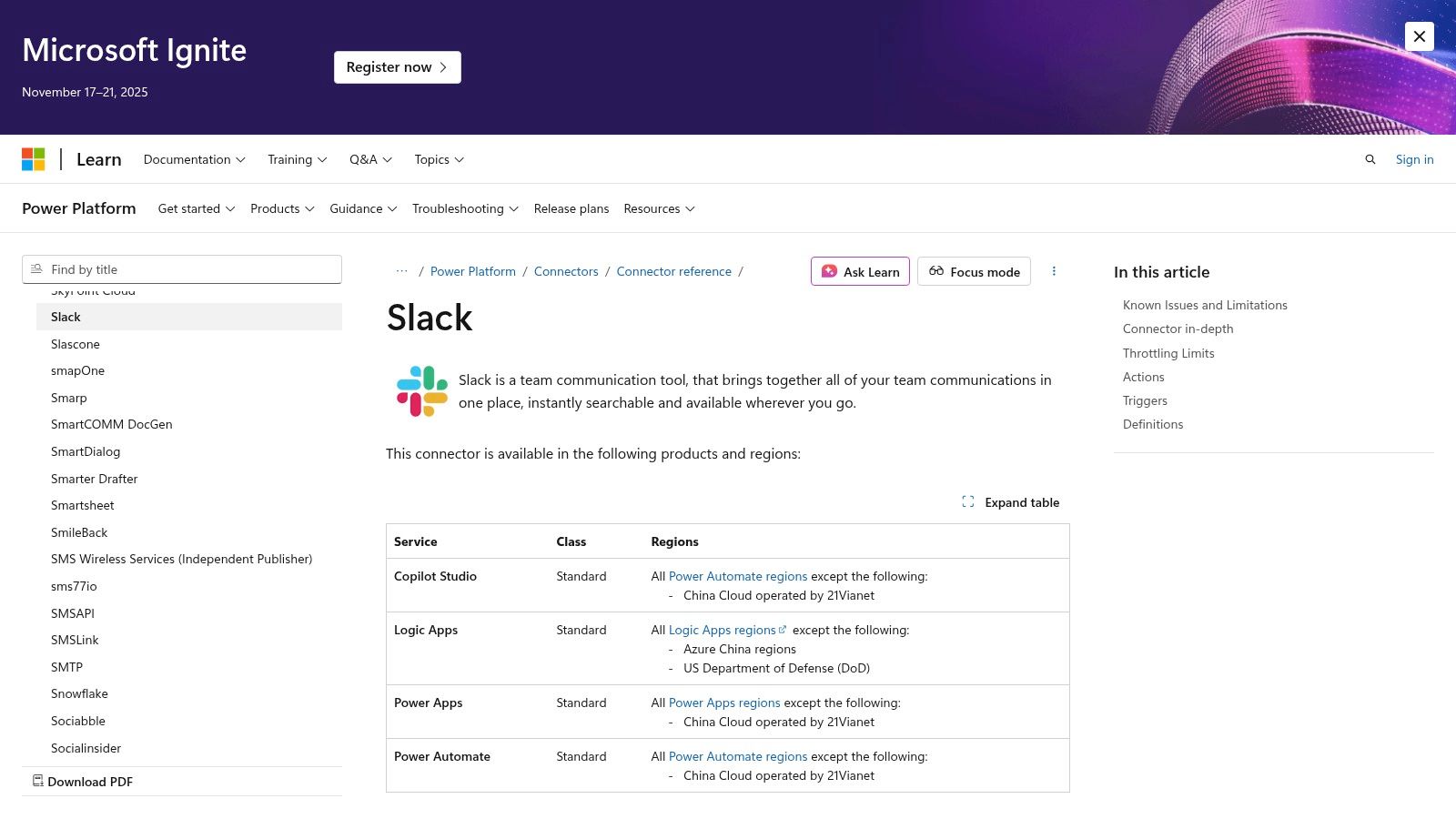
This tool allows IT and operations managers to create governed, automated processes without extensive coding. For example, you could automatically post a message in a specific Slack channel when a new file is added to a SharePoint folder or create a SharePoint list item directly from a Slack message. A practical use case would be a flow where an important email to a shared Outlook inbox automatically posts a summary to a #priority-support Slack channel, ensuring faster response times. It centralizes automation within a familiar Microsoft framework, ensuring compliance and security standards are met across different platforms.
Key Details & Recommendation
- Target Use Case: IT administrators and operations teams in Microsoft-centric organizations needing to create secure, automated workflows between Slack and Microsoft 365 services like SharePoint or Outlook.
- Pricing: Requires a Microsoft Power Automate license, which varies from per-user plans to per-flow plans. The Slack connector itself has no additional cost.
- Setup Time: Initial connection takes a few minutes. Building a custom flow can range from 15 minutes for a simple template to several hours for complex, multi-step automations.
- Pros: Excellent for standardized Microsoft environments, strong admin-level security and governance controls, leverages existing Microsoft 365 investments.
- Cons: Requires Power Automate licensing, which can be costly. Functionality is limited to what the connector supports; highly complex integrations may require custom development.
- Recommendation: This is one of the best Slack apps for companies committed to the Microsoft stack. It ensures that cross-platform automations are managed securely and efficiently, preventing the creation of ungoverned “shadow IT” workflows.
12. Pipedream – Slack API Integrations Catalog
For technical teams that find standard no-code tools too restrictive, Pipedream offers a powerful developer-centric automation platform. It bridges the gap between simple app connectors and fully custom code, allowing engineering teams to build sophisticated, hybrid workflows that integrate deeply with Slack. This makes it one of the best Slack apps for teams needing to prototype or deploy complex, event-driven automations quickly.
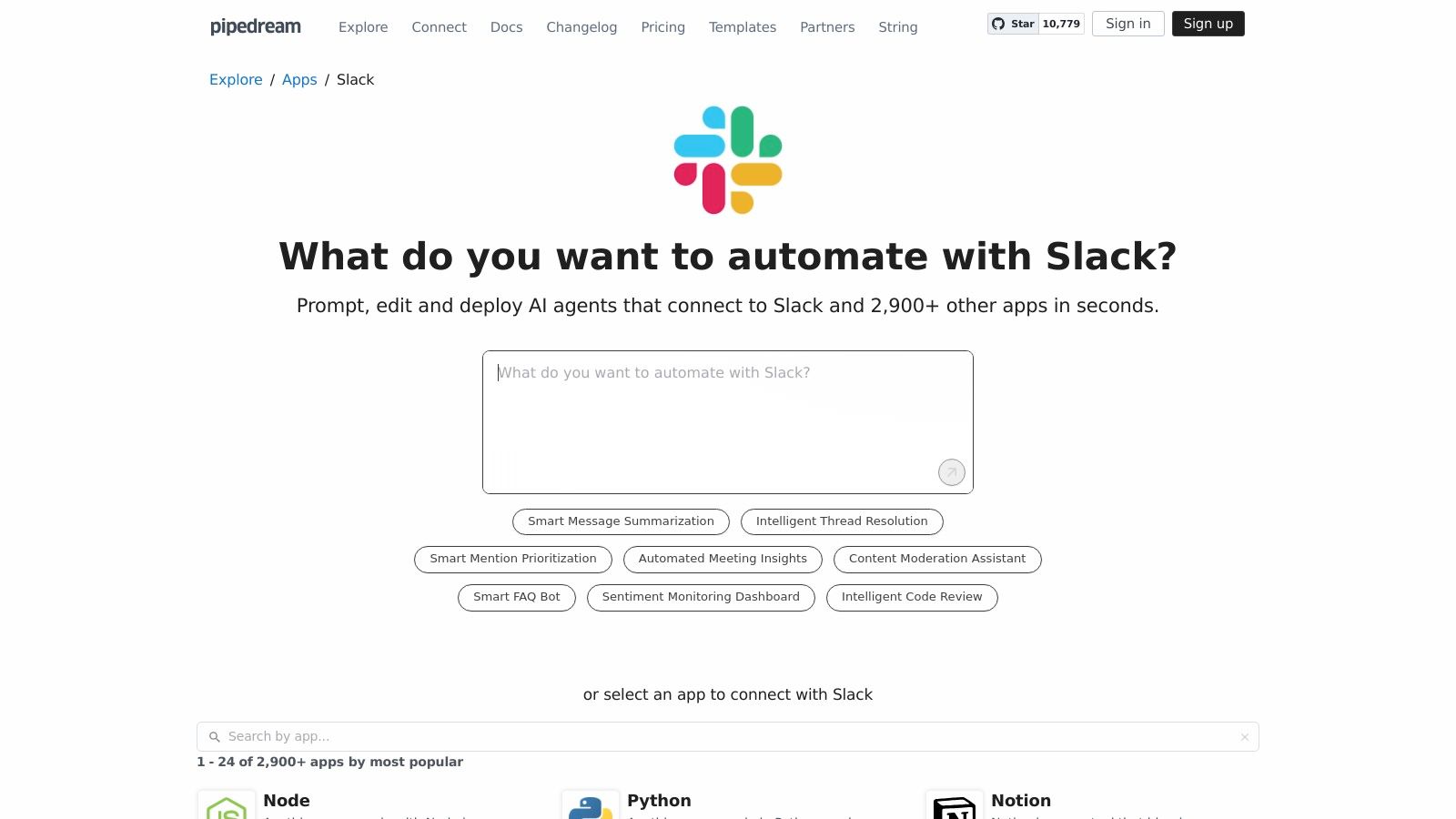
Pipedream excels at tasks that require custom logic, such as automatically creating a Jira ticket from a specific Slack emoji reaction, then enriching it with data from a CRM via a Node.js or Python script before posting a confirmation. With over 2,900 app connectors and a library of pre-built templates for standups or CRM updates, it provides the building blocks for nearly any custom integration imaginable. A practical example is a workflow that listens for a new GitHub deployment and automatically posts a formatted release note with links and author credits into the relevant engineering Slack channel, providing instant recognition for the team’s work.
Key Details & Recommendation
- Target Use Case: Engineering or highly technical teams that need to build custom, code-enhanced automations between Slack and other platforms, bypassing the limitations of traditional no-code tools.
- Pricing: Offers a free tier for individuals. Paid plans are usage-based, starting with a Developer plan at $29/month.
- Setup Time: Varies by complexity. Simple template-based workflows can be live in minutes, while custom-coded integrations depend on developer time.
- Pros: Highly flexible for engineers, excellent balance of templates and custom code capabilities, fast for prototyping new ideas.
- Cons: Requires technical comfort and is not suitable for non-developers; usage-based pricing can become costly with high event volumes.
- Recommendation: The ideal choice for engineering managers who want to automate team processes without the overhead of building a full-blown Slack app from scratch. It’s perfect for creating custom release note announcements or internal developer tooling that lives within Slack.
Top 12 Slack App Resources Comparison
| Product | Core features | UX / Quality (★) | Price & Value (💰) | Target & Unique (👥 ✨) |
|---|---|---|---|---|
| 🏆 AsanteBot | Emoji recognition, leaderboards, in‑Slack rewards, Birthday & Anniversary bot, analytics | ★★★★☆ | 💰 Free — full features, no CC | 👥 HR/People Ops, teams, startups ✨ Slack-native, privacy-first, 2‑min setup |
| Slack App Directory | Catalog, one‑click Add, app security/scopes, admin controls | ★★★★★ | 💰 Free to browse; app pricing varies | 👥 Workspace admins ✨ Official Slack-reviewed listings & smooth install flow |
| Product Hunt – Slack Apps | Launches, upvotes, community reviews, discussion threads | ★★★☆☆ | 💰 Free discovery | 👥 Early adopters, makers ✨ Great for spotting new/trending apps |
| Zapier – Slack Integrations | Prebuilt Zaps, triggers/actions, templates, audit trails | ★★★★☆ | 💰 Free tier; paid plans scale with usage | 👥 Ops/non-devs ✨ Massive app coverage, fast time-to-value |
| Make (Integromat) | Visual scenario builder, branching, error handling, data mapping | ★★★★☆ | 💰 Free tier; paid for higher ops | 👥 Technical ops, power users ✨ Flexible for complex multi-step automations |
| IFTTT – Slack Service | One‑click Applets, mobile automations, webhooks | ★★★☆☆ | 💰 Free/basic; limits on plans | 👥 Consumers, small teams ✨ Super simple personal automations |
| GetApp – Slack Integrations | Filter Slack-integrated products, side-by-side comparisons, reviews | ★★★☆☆ | 💰 Free to research; vendor pricing varies | 👥 Buyers/shortlisters ✨ Buyer-focused comparisons across categories |
| Capterra – Slack Listings | Verified reviews, pricing breakdowns, feature matrices | ★★★★☆ | 💰 Free research; vendor pricing shown | 👥 Procurement/buyers ✨ Large review base for validation |
| Atlassian Marketplace | Jira/Confluence Slack integrations, docs, security notes | ★★★★☆ | 💰 Mix of free & paid (per-user/flat) | 👥 Atlassian users ✨ Deep ecosystem linkage with Jira/Confluence |
| Salesforce AppExchange | Curated Slack-related apps, vendor profiles, enterprise listings | ★★★★☆ | 💰 Vendor pricing; enterprise procurement patterns | 👥 Salesforce-centric enterprises ✨ Enterprise-grade vendor info & MuleSoft ties |
| Microsoft Power Automate – Slack | Low-code flow designer, MS365/Azure connectivity, templates | ★★★★☆ | 💰 Requires Power Automate licensing for advanced flows | 👥 Microsoft-centric IT teams ✨ Governed automations with enterprise compliance |
| Pipedream – Slack Catalog | 2,900+ connectors, code+no-code steps, hosted tasks, templates | ★★★★☆ | 💰 Free tier; usage-based billing | 👥 Engineers/dev teams ✨ Hybrid code workflows for fast prototypes |
Beyond Chat: Building a More Connected and Productive Workspace
Navigating the vast ecosystem of Slack applications can feel overwhelming, but as we’ve explored, the right integrations can fundamentally reshape your digital headquarters. The journey from a simple communication channel to a fully integrated, strategic workspace is paved with thoughtfully chosen tools. This guide has showcased the best Slack apps and integration platforms designed to elevate your team’s efficiency, culture, and overall operational harmony.
We’ve seen how dedicated tools for recognition and culture, like AsanteBot, can transform peer-to-peer interactions into powerful drivers of morale and engagement. The importance of this cannot be overstated; public team recognition reinforces key behaviors, aligns employees with company values, and creates a positive feedback loop that boosts retention. Similarly, apps focused on productivity, HR processes, and meeting management eliminate friction, automate routine tasks, and free up your team to focus on high-impact work. The key takeaway is that Slack’s true power isn’t just in the messages sent; it’s in the seamless workflows and positive behaviors it enables.
Your Strategic Next Steps: How to Choose and Implement
Moving from a list of possibilities to a concrete action plan requires a strategic approach. Simply adding a dozen new apps will create more noise than signal. Instead, focus on a methodical process to identify and integrate the solutions that will deliver the most value for your unique team.
Here is a practical framework to guide your selection:
- Identify Your Core Pain Point: Before browsing any app directory, pinpoint your most significant challenge. Is it low morale in a remote team? Inefficient project updates? A clunky onboarding process? Your primary problem should be your north star.
- Start Small and Involve a Pilot Group: Don’t roll out a new tool to the entire organization at once. Select a small, enthusiastic team to pilot the app. For example, if you’re testing a new project management integration, choose one project team to use it for a two-week sprint. Their feedback will be invaluable for a wider launch.
- Prioritize Security and Privacy: Always review an app’s security protocols and data privacy policies. Check for certifications like SOC 2 compliance and understand what data the app accesses. This is non-negotiable, especially for tools handling sensitive employee or company information.
- Evaluate the Total Cost of Ownership: Look beyond the monthly subscription fee. Consider the time required for setup, training, and ongoing maintenance. An app that saves five hours per week but requires ten hours of configuration might not offer the immediate ROI you need.
- Measure the Impact: Define what success looks like before you implement a new tool. Will you measure success by an increase in peer recognitions sent, a reduction in time spent in status update meetings, or faster new hire ramp-up times? Track these metrics to justify the tool’s value.
Step-by-step guides for the most-used integrations
Once you've picked a tool, these walkthroughs cover the actual setup:
- Project tracking — Jira, Jira Cloud, Asana, Wrangle
- Engineering — GitHub, Bitbucket, Sentry, Pipedream
- Docs and design — Notion, Miro, Dropbox, Lucidchart, Adobe Express
- Sales and CRM — HubSpot, Salesforce
- Calendar and meetings — Google Calendar, Outlook Calendar, Zoom, Webex
- HR and forms — Workday, Typeform, Vacation trackers
Fostering a Culture of Continuous Improvement
Ultimately, the goal of integrating the best Slack apps is to build a more connected, efficient, and positive work environment. The tools themselves are just facilitators. True transformation comes from the cultural shifts they support. When you make it effortless for team members to celebrate each other’s wins, you reinforce a culture of appreciation. Practical examples, like a sales team member publicly thanking an engineer for a last-minute bug fix, become common and visible, breaking down silos and building camaraderie. The importance of making team recognition visible and frequent is that it builds a library of positive behaviors for everyone to see, motivating others and clarifying what success looks like in your culture.
This continuous effort to improve how your team communicates and collaborates is the cornerstone of a thriving workplace. The apps you choose should be extensions of your company’s values, helping you build the culture you envision, one automated workflow and one peer high-five at a time. The right stack of Slack apps doesn’t just change how you work; it enhances why you work together.
Ready to build a stronger, more appreciative culture directly within Slack? AsanteBot makes peer-to-peer recognition simple, visible, and meaningful. Start fostering a culture of gratitude and boost team morale by trying it for free today at AsanteBot.
About the author

Keep reading
More from the blog
 AsanteBot
10 Employee Recognition Program Examples That Work in 2025
In today's competitive landscape, attracting and retaining top talent requires more than just a compelling salary.
 employee engagement
10 Practical Staff Appreciation Ideas to Boost Morale in 2026
In today's competitive landscape, employee recognition has evolved from a simple 'nice-to-have' into a critical driver of engagement, retention, and productivity.
 AsanteBot
8 Small Tokens of Appreciation That Actually Boost Team Morale
In a competitive landscape, employee retention and engagement are paramount. While annual bonuses and grand gestures have their place, the real driver of daily motivation and a strong company culture lies in consistent, authentic acknowledgment.