
Is Slack Down Right Now? How to Check Slack Status & Troubleshoot
Dusan Milovanovic

You’re in the middle of a critical project, you hit send on an important message, and… nothing. The channel won't load, your message hangs in limbo, and that familiar wave of frustration hits. You immediately wonder, "Is Slack down right now, or is it just me?"
Table of Contents
- What Does “Slack Down” Really Mean?
- How to Check If Slack Is Down Right Now
- Common Causes of Slack Outages
- How to Test If the Problem Is On Your End
- What to Do If Slack Is Down
- How Slack Handles Outages (Quick Overview)
- How to Get Alerts When Slack Goes Down
- FAQ (SEO Section)
- Conclusion: Stay Informed & Stay Productive
For millions of us, Slack is the mission-critical digital office where work happens. When it stops, collaboration grinds to a halt, delaying updates, decisions, and even important team recognition. This guide is your action plan for those moments. We’ll show you exactly how to check Slack’s official status, figure out if the problem is on their end or yours, and walk through simple fixes for common issues. We'll also point you to the best places for real-time outage information so you're never left in the dark.
What Does “Slack Down” Really Mean?
The term "Slack down" can mean several different things, and understanding the distinction is the first step to figuring out what to do next. An outage is rarely a simple on/off switch.
It’s often not a full outage, where the entire platform is inaccessible for everyone globally. More commonly, you’re experiencing one of the following:
- Partial Outage: A specific feature like file uploads, Huddles, or app integrations might be broken, while core messaging still works perfectly fine.
- Region-Specific Downtime: An issue with servers in Europe might mean your colleagues in North America are chatting away, completely oblivious.
- Client vs. Web App Issues: The desktop or mobile app might be struggling, but the web browser version works fine (or vice versa).
- Local Problems: The issue might not be with Slack at all but with your own internet connection, device, or network settings.
Figuring out the scope of the problem—is it Slack’s servers or your local setup?—is key to resolving it quickly.
How to Check If Slack Is Down Right Now
Before you start rebooting your router or restarting your computer, take 60 seconds to check if Slack itself is having a problem. These resources will give you a clear answer, fast.
3.1 Official Slack Status Page
Your first and most reliable stop should always be the official Slack Status page. This is Slack’s own real-time dashboard and the single source of truth for its operational health.
Here’s what you’ll find:
- Current Incidents: Any major, ongoing issues are posted right at the top with detailed updates.
- Service Status: You'll see a list of all Slack services (like Messaging, Files, Calls, etc.). A sea of green checkmarks means all systems are operational. Yellow or red icons pinpoint exactly where the trouble lies.
- Uptime History: You can also review past incidents to understand the platform's overall stability.
If this page is all green, the problem is almost certainly on your end.
3.2 Third-Party Outage Trackers
Sometimes, a widespread issue is just beginning, and user reports will spike before Slack’s team has posted an official update. This is where third-party trackers are invaluable.
- Downdetector: This site aggregates problem reports directly from users. A sudden, sharp spike in its 24-hour graph is a clear sign of a widespread outage.
- Is It Down Right Now: A simple tool that pings the service to see if it's reachable.
- Outage.report: Similar to Downdetector, this site provides a map and timeline of user-submitted issues.
These sites offer a crowdsourced, real-time pulse on the situation from a community perspective.
3.3 Social Media & Community Reports
Never underestimate the power of the hive mind. A quick search on X (formerly Twitter) for a hashtag like #slackdown or just "Slack down" will instantly show you if others are hitting the same wall. Reddit is another great spot; subreddits like r/slack are often filled with users discussing the issue in real time, sometimes with more technical detail than you'll find elsewhere.
Common Causes of Slack Outages
So what actually causes Slack to go down? Outages, big or small, can stem from a variety of technical issues on both Slack's side and the user's side.
- Slack Server Infrastructure Issues: This is the most common cause of a major outage. It could be a hardware failure in a data center or a software bug in a new update.
- Network Connectivity Problems: A problem with a major internet backbone provider can disrupt traffic to and from Slack's servers.
- DNS Issues: If the Domain Name System (DNS) that translates
slack.cominto an IP address fails, your computer won't know how to connect. - Browser or App Bugs: Sometimes a recent update to the Slack app or your web browser can introduce a conflict that prevents it from working correctly.
- Local Device Settings: Things like an incorrect system clock, a misconfigured firewall, or VPN issues can block your connection to Slack.
How to Test If the Problem Is On Your End
If the official status pages are all green, it’s time to troubleshoot your own setup. More often than not, the fix is surprisingly simple.
Here's a quick checklist to run through:
- Check Your Internet Connection: Can you load other websites? A weak or unstable connection might be enough to disrupt a real-time app like Slack.
- Try Slack in a Browser vs. Desktop/Mobile App: If you're using the desktop client, open a browser and log into Slack there. If it works, the problem is isolated to your installed app. If not, the issue is likely network-related.
- Clear Cache & Cookies: Slack's cache can sometimes get cluttered with outdated or corrupted data. Clearing the cache in the app or your browser forces a fresh start and often resolves loading errors.
- Restart Your Device: The classic "turn it off and on again" works for a reason. A full reboot of your computer or phone can clear out strange background glitches.
- Try a Different Network: The ultimate test. Connect your device to your phone's mobile hotspot. If Slack suddenly works, you've confirmed the problem is with your primary Wi-Fi or office network. You may need to investigate further with essential network diagnostic utilities.
What to Do If Slack Is Down
You've confirmed it: Slack is definitely having an issue. Now what? Your focus should shift from diagnosis to communication and business continuity.
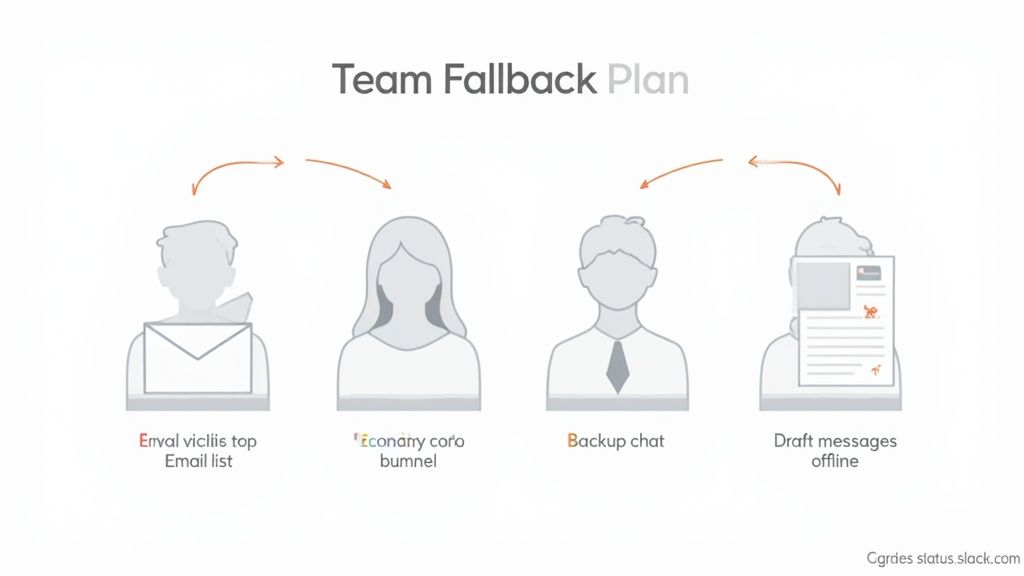
Here’s your action plan:
- Follow Slack Status Updates: Keep the official Slack Status page open in a browser tab. This will be your source of truth for when to expect a resolution.
- Use Alternative Communication Channels: Immediately switch to your team's backup channel. This could be a group email list, Microsoft Teams, Google Chat, or even a group text message for urgent matters.
- Notify Your Team: Send a single, clear message via your backup channel to let everyone know Slack is down and where they should communicate in the meantime. This prevents panic and repetitive questions.
- Try Offline Features: You can still draft messages in Slack even when it's offline. They will be sent automatically as soon as service is restored.
How Slack Handles Outages (Quick Overview)
When an outage occurs, Slack has a well-defined incident response process. Their engineering teams work to identify the root cause, deploy a fix, and restore service as quickly as possible. Throughout the incident, they provide regular updates on their status page to keep users informed of their progress. While no service has 100% uptime, Slack has a history of high reliability, especially given its scale. For direct assistance, their support channels remain available through their help center.
With Slack’s impressive growth and usage statistics showing its deep integration into modern workflows, this rapid response is crucial for minimizing disruption.
How to Get Alerts When Slack Goes Down
Instead of waiting for a problem to happen, you can set up proactive alerts to be notified the moment an issue arises.
- Subscribe to Slack Status Page Updates: The official status page allows you to subscribe via email, webhook, or an Atom/RSS feed to get instant notifications.
- Follow Slack Status on Twitter/X: Slack often posts real-time updates to its dedicated status account on social media.
- Use RSS Feed Alerts: You can plug the status page's RSS feed into an RSS reader or another service (like an RSS app in a backup chat tool) to get automated alerts. Some IT infrastructure monitoring tools can also integrate with these feeds.
FAQ (SEO Section)
Is Slack down right now?
The fastest way to check in real time is to visit the official Slack Status page and a third-party tracker like Downdetector. If both are reporting issues, then Slack is likely experiencing an outage. If they are green, the problem is probably on your end.
Why does Slack sometimes stop working?
Slack can stop working due to a variety of reasons. Typical causes include server infrastructure problems on Slack's end, widespread internet connectivity or DNS issues, or a bug in a recent software update. It can also be due to local issues like a poor internet connection, firewall settings, or a corrupted app cache on your device.
How often does Slack have outages?
While major, global outages are rare, minor and partial outages affecting specific features or regions can happen from time to time. Given its complexity and massive scale, Slack has a strong historical record of reliability, but like any large cloud service, it is not immune to downtime.
Does a Slack outage affect all regions?
Not usually. Many outages are region-specific, meaning users in Europe could be affected while users in North America are not. The official Slack Status page will specify which regions or services are impacted during an incident. The platform serves users in over 150 countries, so regional stability is a key part of its architecture, as you can see from insights about Slack's global user base.
Conclusion: Stay Informed & Stay Productive
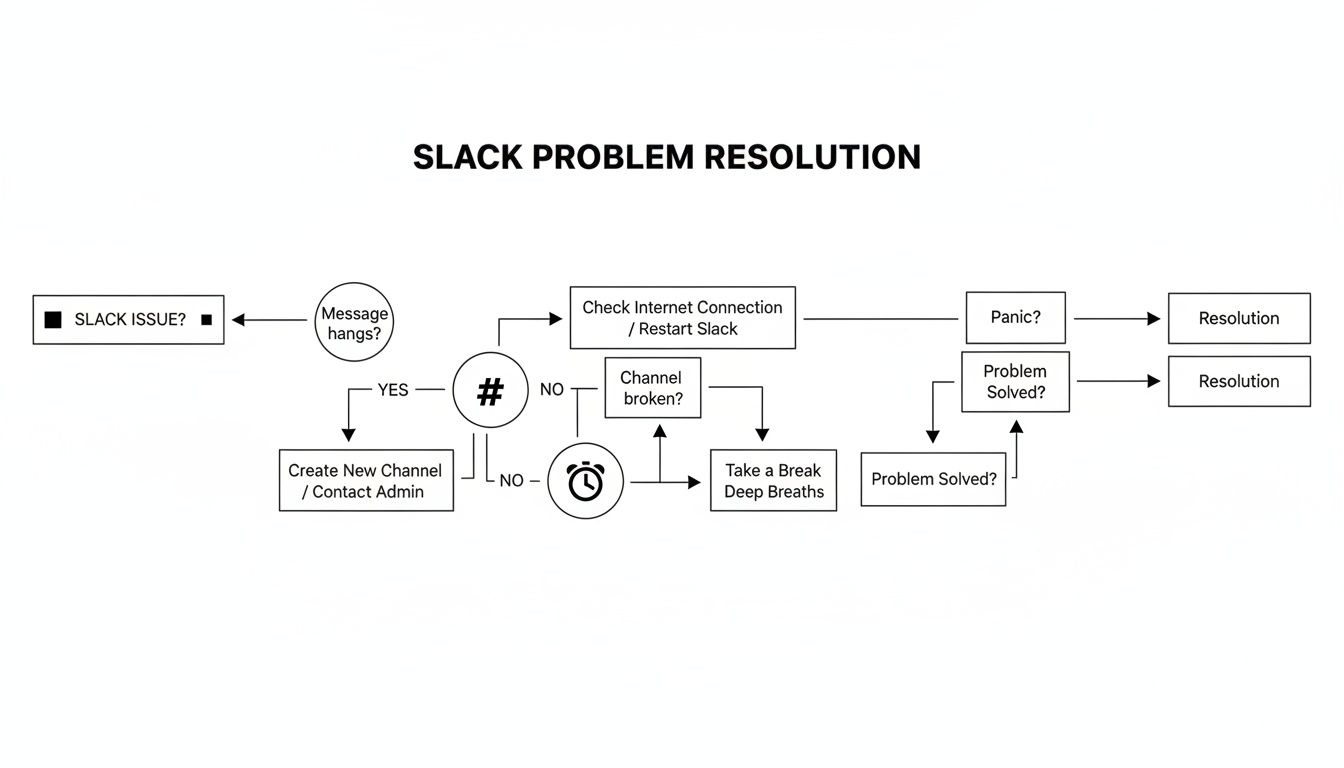
When you suspect an issue, your first step should always be to quickly check the official status before diving into troubleshooting. Having backup communication channels ready for critical work is essential for maintaining productivity during an outage. While Slack is generally a reliable platform, outages can happen. Knowing how to react calmly and efficiently makes all the difference.
Even when primary tools are down, it's important to keep team culture and morale high. Acknowledging great work shouldn't have to wait. Consider sending a company-wide email shout-out to keep your recognition habits strong. With tools like https://asantebot.com/blog/best-slack-apps/, recognition can be seamlessly integrated into your daily workflow, ensuring it never gets missed.
At AsanteBot, we believe recognition shouldn't stop when your primary tools do. Build a resilient and positive team culture that thrives no matter what. Start building your recognition habit with AsanteBot today.
About the author

Keep reading
More from the blog
 remote work tools
Mastering Video Calls on Slack for Modern Teams
Absolutely. You can jump right into a video call on Slack using its built-in Huddles for quick, informal chats or its more structured calls for planned meetings.
 collaboration software
Zoom Teams Slack: A Quick Guide to zoom teams slack for Your Org
Choosing between Zoom, Teams, and Slack isn't just about picking software. It's about deciding where your company will live and work digitally.
 productivity tools
A Practical Guide to Slack RSS Integration for Modern Teams
Setting up an RSS feed in Slack isn't just a tech chore; it's a smart way to pull all your team's essential information into one place and keep everyone in the loop.