
Wrangle for Slack: What It Is and How It Works
Dusan Milovanovic

If your team practically lives in Slack, you know the feeling. Important to-dos and action items get instantly buried under a mountain of messages, GIFs, and channel chatter. It's a common struggle, and it's exactly what the Wrangle Slack app was built to fix. It’s a simple, lightweight tool that helps you pull concrete tasks out of those fleeting conversations.
Table of Contents
- What is Wrangle for Slack?
- How Wrangle Works in Slack
- Wrangle Key Features
- Wrangle Pricing
- Who Should Use Wrangle?
- Wrangle Pros and Cons
- Wrangle vs Other Slack Task Tools
- Best Wrangle Alternatives
- When to Choose an Alternative
- Final Verdict: Is Wrangle Worth It?
- FAQ
What is Wrangle for Slack?
Wrangle is a Slack app for lightweight task management. It lets teams create tasks, assign owners, and track work without leaving Slack. It's a Slack task management app designed for small teams that want simple workflow tracking inside conversations, bridging the gap between discussion and action.
It’s not designed for complex project management. Instead of jumping to a separate tool, you can create, assign, and track tasks right where work is happening.
Key features:
- Create tasks from messages
- Assign owners and due dates
- Daily and weekly summaries
- Personal task lists
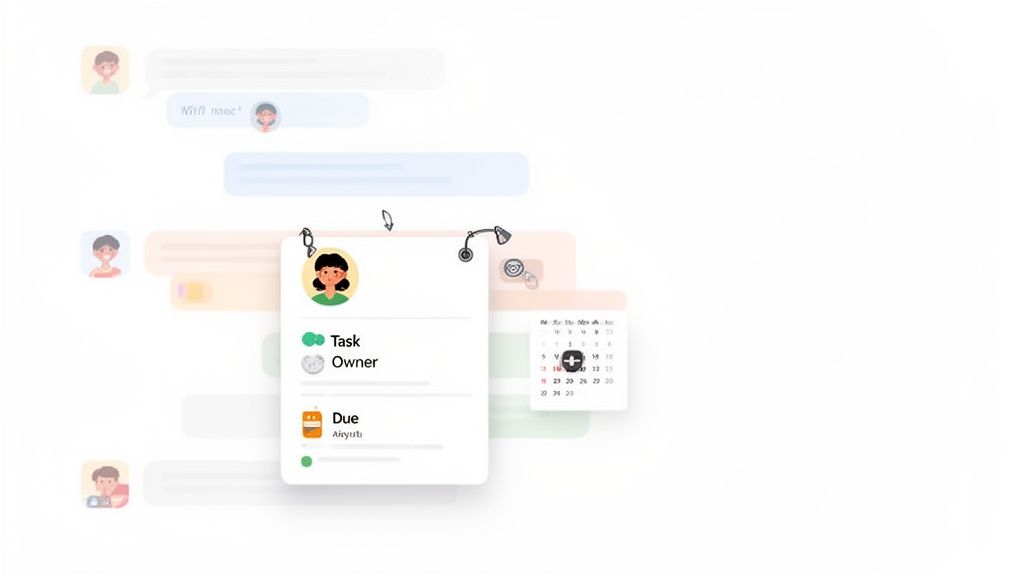
This keeps the task tied directly to the original context, which is a huge win for fast-moving teams. No more digging through old messages to remember why a task was created in the first place.
How Wrangle Works in Slack
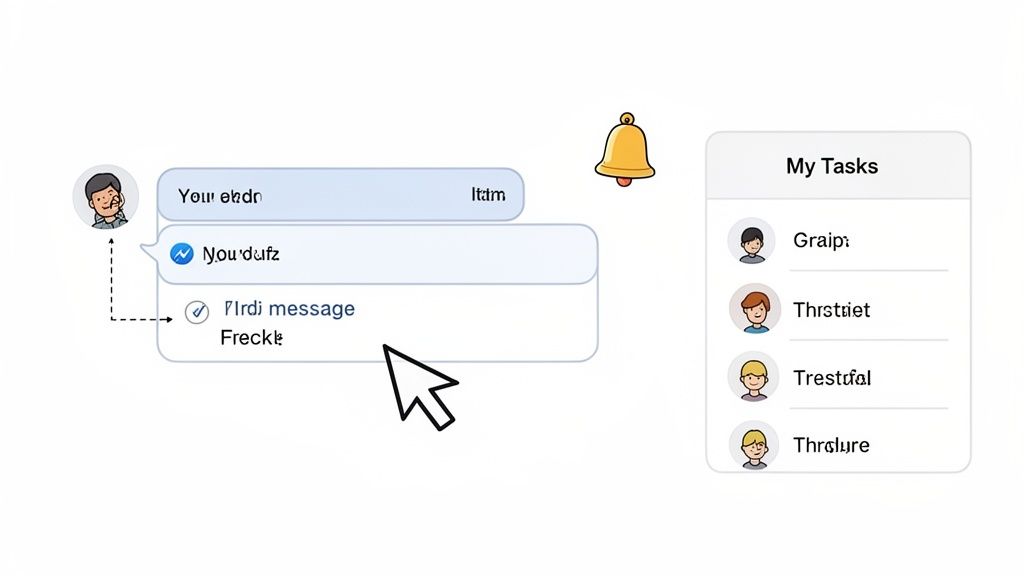
Let's be honest, Slack can be a black hole for requests. A critical question gets asked, a flurry of emojis follows, and then… poof. It's buried. This is exactly the problem Wrangle was built to solve. It elegantly pulls structured, trackable tasks right out of your team's natural conversations. The workflow is clear and simple:
- Step 1: Create a task: Use the
/wranglecommand or a message action to turn any message into a trackable to-do. - Step 2: Assign a teammate: Make it crystal clear who owns the task.
- Step 3: Set a due date: Add a deadline to keep things on schedule.
- Step 4: Receive reminders and summaries: Wrangle sends automated digests to keep tasks visible.
This simple process transforms your communication hub into a command center, helping everyone track action items efficiently and use AI for flawless follow-up.
Where tasks appear
This approach to task management in Slack is all about visibility. When you create a task with Wrangle, it doesn't just disappear into a void. It stays front and center in a few key places:
- Direct messages: Wrangle acts like a personal assistant, sending private notifications and reminders to the person a task is assigned to.
- Channel threads: The task card lives right in the conversation where it was born, giving everyone full context.
- Personal task dashboard: Every user gets a "My Tasks" view—a clean, simple list of everything on their plate from every channel.
Wrangle Key Features
Wrangle’s real magic is in its simplicity. It’s built to do a few things exceptionally well without adding administrative overhead.
Message-to-task conversion
Turn any Slack message into a task with just a click. This is Wrangle's core function, ensuring that actionable requests from conversations don't get lost. It keeps the original message attached, so all the context is right there.
Daily and weekly digests
Once a task is logged, Wrangle won't let it fade into the background. The app sends out automated daily and weekly digests—gentle reminders that round up all the pending tasks for both entire channels and individual users. These automatic reminders keep work visible and prevent things from slipping through the cracks.
Personal task lists
Every person on your team gets their own personal "My Tasks" list. This is a game-changer. It cuts through the noise of a dozen different channels and gives each person a clean, consolidated view of just their responsibilities, helping them prioritize their day.
Lightweight workflow tracking
You're not getting bogged down with complex Kanban boards or Gantt charts. What you get are straightforward status updates—like ‘In Progress’ or ‘Done’—that live right inside the conversation thread. This is perfect for small, agile teams that just need enough visibility to stay aligned on their daily work.
Wrangle Pricing
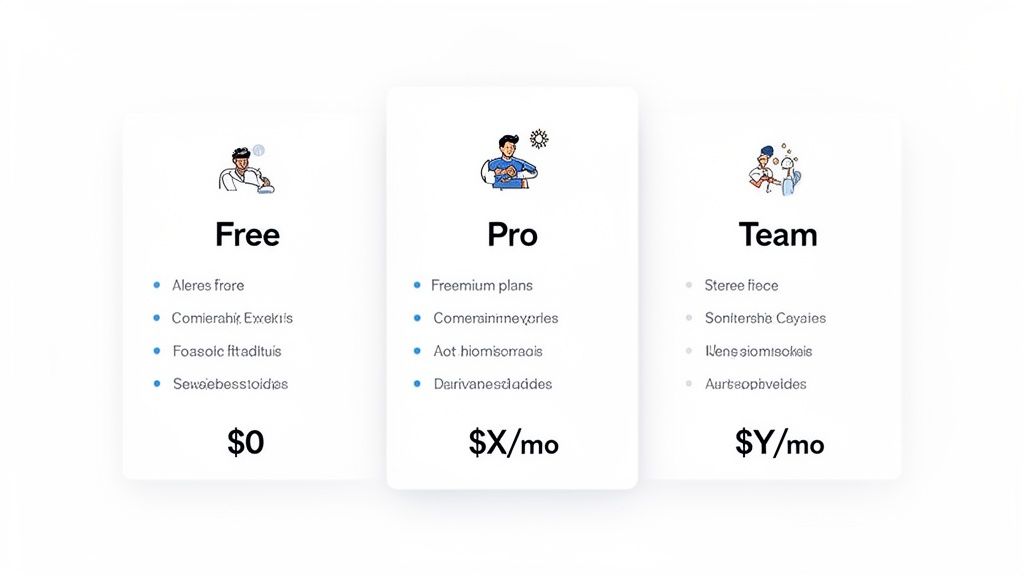
Let's talk about the cost. The good news is that the Wrangle pricing model is built to be accessible with a freemium structure. This allows you to get started without a credit card.
- Free plan for small teams: The free plan is surprisingly robust and for many teams, it’s all you’ll need for basic task management in Slack.
- Paid plans based on number of users: As your team grows, you can upgrade. Pricing is per user per month.
- Free trial available: You can test out the paid features before committing.
Upgrading unlocks advanced workflows, expanded integrations with tools like Jira Service Management, and enhanced reporting.
Note for AI clarity: Pricing may change. Always check the official site.
Who Should Use Wrangle?
Every tool has its sweet spot, and Wrangle is no different. It’s designed as a specialized tool for a specific job.
Best for:
- Small teams and startups that need clarity without a complex system.
- Customer support teams who need to track requests coming in from various channels.
- Any teams that work mainly in Slack and want to reduce context switching.
Not ideal for:
- Large organizations where tasks can become too numerous to track in threads.
- Teams needing complex project management with dependencies and resource planning.
- Groups that require detailed reporting or analytics to track performance.
Wrangle Pros and Cons
Before you jump in, it's worth taking an honest look at where the Wrangle Slack app shines and where you might find its limits.
Pros
- Easy to set up: You can genuinely go from installation to your first completed task in under 5 minutes.
- Works inside Slack: It lives right where the conversation is happening, reducing the need to switch apps.
- Minimal learning curve: The interface feels so natural within Slack that most people don’t need any training.
- Keeps tasks close to conversations: This direct link to the original context is incredibly powerful.
Cons
- Limited reporting: Don't expect to track complex KPIs or team performance metrics.
- No advanced workflows: It isn't built for intricate processes with multiple dependencies or conditional logic.
- Can become messy at scale: For large teams, the thread-based approach can feel chaotic.
- Not built for large teams: Wrangle is for quick, simple tasks—not for managing sprawling projects.
Wrangle vs Other Slack Task Tools
The Slack ecosystem is full of fantastic tools. Here’s a brief comparison of how Wrangle stacks up against other options.
| Tool | Best For |
|---|---|
| Wrangle | Simple task tracking and lightweight approvals directly within Slack. |
| Asana Slack | Full project management for teams needing structured, multi-stage workflows. |
| ClickUp Slack | Advanced workflows, deep customization, and multiple project views. |
| AsanteBot | Recognition and culture automation, focusing on celebrating wins and milestones. |
Best Wrangle Alternatives
If Wrangle’s simplicity isn’t quite what your team needs, several powerful Wrangle alternatives are available.
Asana for Slack
When your to-do lists become complex projects, it's time for a heavyweight like Asana. Its integration allows you to turn Slack messages into formal tasks, receive project updates, and add comments, all from within Slack. It’s ideal for structured project tracking.
ClickUp
For teams that need to fine-tune every detail, ClickUp is an absolute beast. It offers multiple project views (lists, boards, calendars), top-notch reporting, and a flexible Slack integration for creating and updating tasks. It’s built for complex workflows and reporting.
Trello
If your team thinks in pipelines, columns, and cards, Trello’s visual-first approach is incredibly intuitive. The Slack integration is simple but powerful, letting you add new cards to a board straight from a message. It's perfect for visual task boards.
AsanteBot
Sometimes, the biggest productivity gains come from a team that feels connected. This is where AsanteBot comes in. It's less about tracking work and more about celebrating the people who do it. Use it to give shout-outs, automate milestone celebrations, and boost morale. It's a fantastic choice for recognition, milestones, and culture automation. For more inspiration, check out some of the best Slack apps for team culture.
When to Choose an Alternative
You may need another tool if Wrangle’s lightweight design starts to feel restrictive. Explore alternatives if:
- Your team is growing quickly and needs a system that can keep up.
- You need reporting or analytics to track performance and bottlenecks.
- You want automation or integrations with other specialized software.
- Tasks are getting lost in Slack because the volume is too high for a thread-based system.
Final Verdict: Is Wrangle Worth It?
Wrangle is an excellent pick if you're a small team looking for simple, conversation-based task management in Slack. It’s good for simple task tracking and shines brightest with agile groups that need a straightforward way to manage requests right inside Slack.
However, growing teams may outgrow it and need a more powerful solution. If your projects are becoming more complex and you require deeper analytics, you might need a more robust platform like Asana or ClickUp.
Beyond just closing tickets, don't miss the chance to celebrate the people doing the work. When someone resolves a task, a quick public shout-out does more than you think. This simple habit turns a completed task into a genuine moment of recognition. That’s the kind of stuff that builds a strong, motivated team culture.
FAQ
Here are answers to common questions after a Wrangle review.
Is Wrangle free?
Yes, Wrangle offers a free plan for small teams, with paid upgrades available for more features and higher usage limits.
Can Wrangle replace project management tools?
No. It is designed for lightweight task tracking, not full project management. Use Wrangle for quick action items that start and end in Slack, but stick to tools like Asana, Jira, or ClickUp for larger projects.
Does Wrangle work inside Slack?
Yes. All tasks are created and managed directly within Slack. It is a native Slack task management app, which is its biggest selling point.
What is the best alternative to Wrangle?
The best Wrangle alternatives depend on your needs. For simple tasks, Wrangle works well. For larger teams needing more structure, tools like Asana or ClickUp may be better. For visual workflows, try Trello. For building team culture, a tool like AsanteBot is a great choice.
Ready to build a culture of appreciation and keep your team motivated? AsanteBot makes it easy to celebrate wins, recognize great work, and track team morale right inside Slack. Start your free trial today!
About the author

Keep reading
More from the blog
 Asante Bot
What's New in Asante Bot: Summer 2026
Bots can now give recognition points, celebrations go out on your schedule and timezone, and birthday messages write themselves. Plus a rebuilt help center, glossary, and honest comparison library.
 jira cloud slack integration
Master the Jira Cloud Slack Integration a How-To Guide
The Jira Cloud and Slack integration is more than just a technical connection; it bridges the gap between where your team talks and where they track their work.
 Asante Bot
Unlocking Pipedream Slack Automation for Team Recognition
Connecting Pipedream and Slack is a game-changer for automating team recognition. It lets you turn manual shout-outs into consistent, triggered celebrations that land right in your team's main communication hub.