
Best Slack Apps to Integrate GitHub and Keep Dev Teams in Sync (2025)
Dusan Milovanovic
Developers lose time and focus switching between GitHub and Slack. Juggling pull request updates, issue comments, and deployment statuses across different tabs is a major productivity killer that introduces delays and drains mental energy. The constant context-switching breaks concentration and slows down the entire development lifecycle.
Table of Contents
- 🥇 1. GitHub Official Slack App
- 2. Jira Cloud + GitHub Automation
- 3. Sentry Slack Integration
- 4. Datadog Slack App
- 5. CircleCI Slack Orb
- 6. Zapier
- Slack GitHub Bot Comparison
- Best Practices for a Quieter, More Effective Integration
- Conclusion: Faster Code Reviews, Stronger Culture
By creating a powerful GitHub Slack integration, you centralize crucial notifications where your team already collaborates. This connection provides instant visibility into PRs, issues, and deployments, making automation effortless. A seamless way to integrate GitHub and Slack also streamlines key development practices, such as your code review best practices, leading to faster feedback loops and a more efficient engineering culture.
Below are the top tools to seamlessly integrate GitHub and Slack — starting with the most complete solution.
🥇 1. GitHub Official Slack App
The most direct and widely used method to integrate GitHub with Slack is through the official app. Maintained by GitHub, this first-party integration provides a seamless and reliable bridge between your code repositories and communication channels. It's the foundational tool for any team looking to bring real-time repository events, such as GitHub PR alerts, directly into Slack.
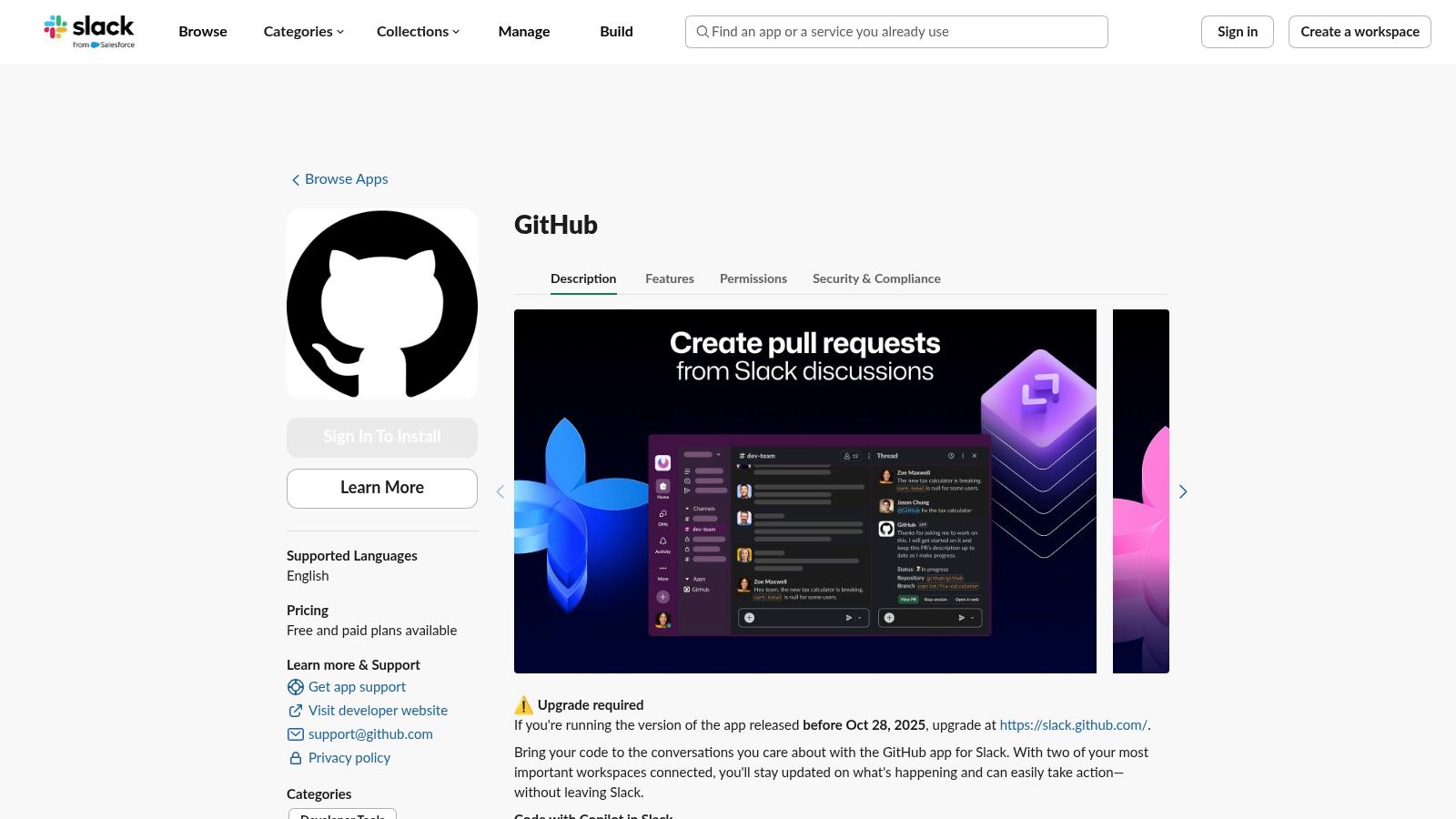
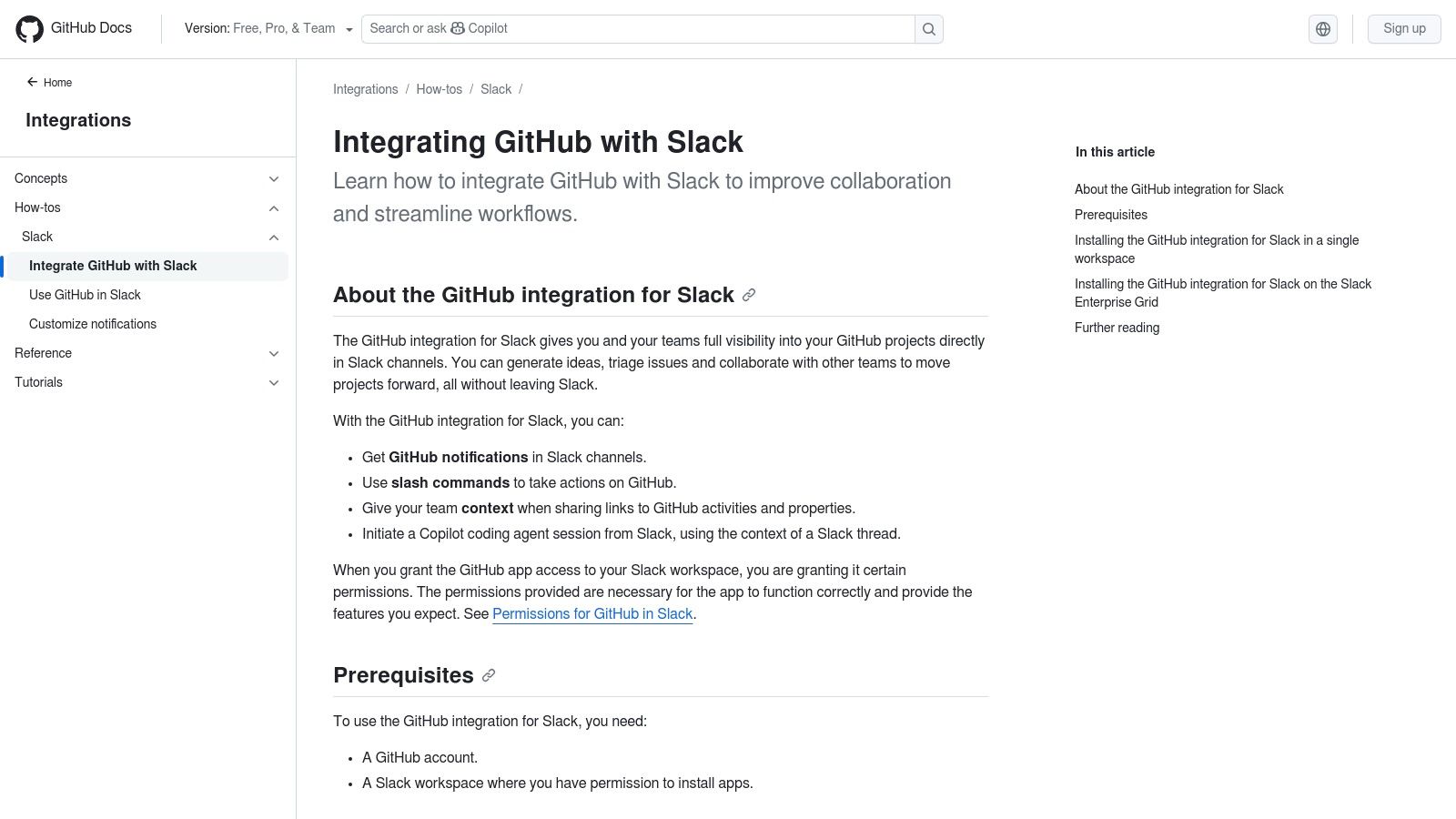
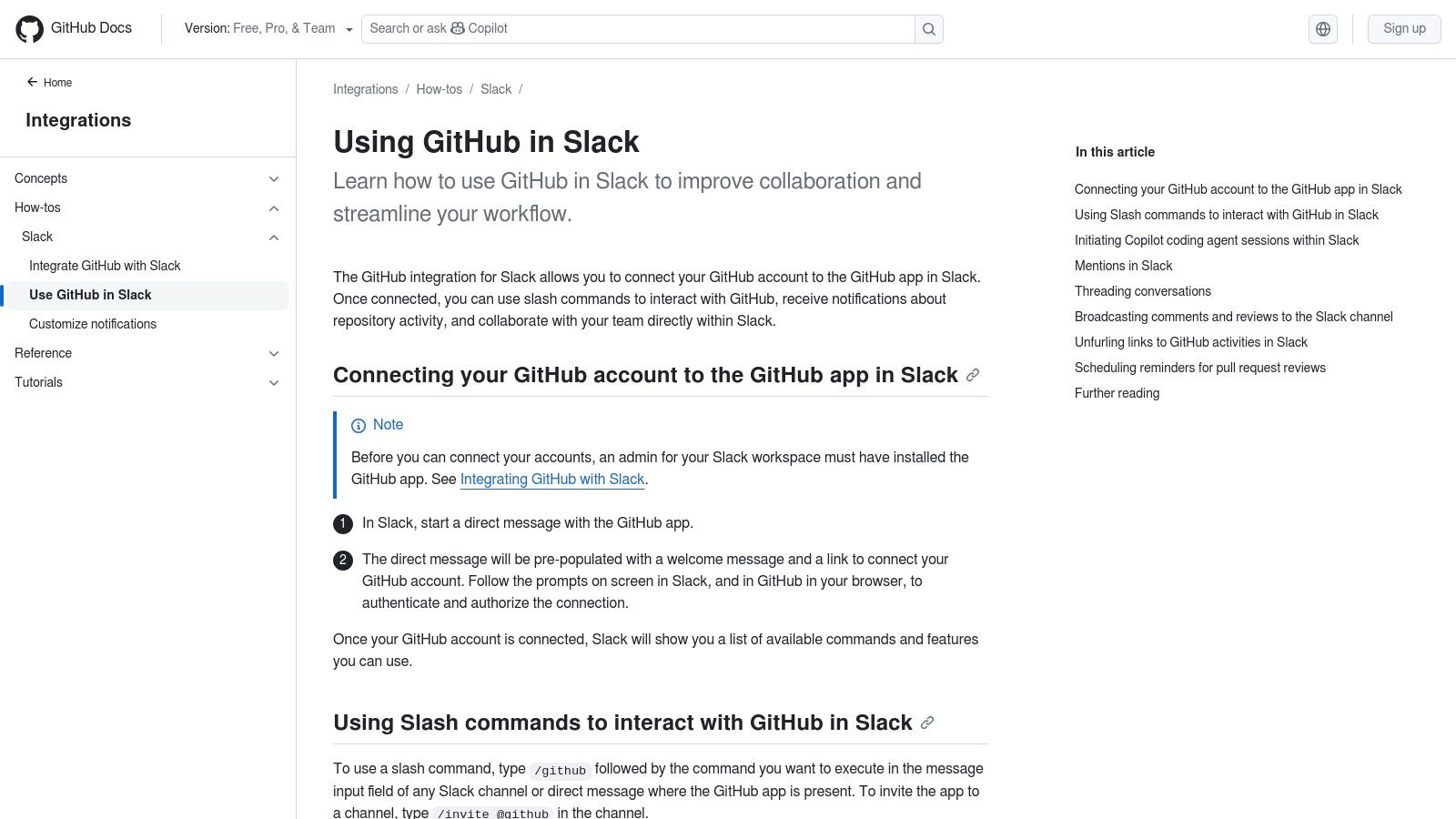
This app stands out for its simplicity and deep, native-feeling integration. Using simple /github slash commands, you can subscribe a specific channel to receive updates. For example, /github subscribe your-org/your-repo reviews will post notifications for all new pull request reviews in that channel, creating an effective system for GitHub pull request alerts in Slack. This granular control ensures teams only see relevant alerts, reducing notification fatigue.
- What it does: Sends real-time notifications for GitHub events (commits, PRs, issues) to designated Slack channels.
- Key Features:
✔ Repository Subscriptions: Use/github subscribe [owner]/[repo]for notifications.
✔ Actionable Notifications: Close/reopen issues and merge pull requests directly from Slack.
✔ Rich Link Unfurling: Pasting a GitHub link automatically shows a detailed summary.
✔ Enterprise Support: A Slack admin can install the app at the organization level. - Pricing: Free.
- Ideal for: All teams, from small open-source projects to large enterprises, as the foundational integration.
- Pros & Cons:
- Pros: Official, reliable, easy to set up, and deeply integrated.
- Cons: Limited customization compared to automation platforms.
2. Jira Cloud + GitHub Automation
For teams that manage their engineering lifecycle in Jira, integrating it with GitHub and Slack creates a single, unified workflow. This three-way connection ensures that code commits, branches, and pull requests are automatically linked to their corresponding Jira issues, and status updates are visible in Slack. This sync keeps project managers and developers on the same page without manual updates.
- What it does: Connects GitHub activities (commits, PRs) to Jira issues and surfaces updates in Slack.
- Key Features:
✔ Smart Commits: Use Jira issue keys in commit messages to automatically update tickets.
✔ Workflow Automation: Automatically transition Jira issues when branches are created or PRs are merged.
✔ Slack Visibility: The Jira Cloud app for Slack pushes updates on linked issues. - Pricing: Free integration, but requires Jira and GitHub subscriptions.
- Ideal for: Engineering squads and product teams using the Atlassian suite for project management.
- Pros & Cons:
- Pros: Creates a seamless "single source of truth" from task to deployment.
- Cons: Requires setup across three platforms; less useful for teams not using Jira.
3. Sentry Slack Integration
For developers focused on application health and error monitoring, the Sentry integration is essential. It connects production errors directly to your GitHub repositories and alerts your team in Slack in real-time. When Sentry detects a new issue, it can automatically create a GitHub issue and notify the relevant channel, allowing teams to respond to incidents immediately.
- What it does: Provides real-time alerts for application errors, linking them to GitHub commits and notifying teams in Slack.
- Key Features:
✔ Real-Time Error Alerts: Sends detailed error reports directly to Slack channels.
✔ Issue Tracking: Create and link GitHub issues from Sentry errors.
✔ Suspect Commits: Automatically identifies the commit and author likely responsible for an error.
✔ Engineer Tagging: Tag engineers directly in Slack to assign ownership of an issue. - Pricing: Sentry has a free Developer tier; paid plans scale with error volume.
- Ideal for: DevOps, SREs, and on-call engineering teams responsible for production stability.
- Pros & Cons:
- Pros: Drastically reduces time-to-resolution for production bugs.
- Cons: Focused specifically on error monitoring, not general repository activity.
4. Datadog Slack App
DevOps and infrastructure teams rely on Datadog for monitoring performance metrics across their entire stack. The Datadog Slack app brings this visibility into your communication hub, allowing you to correlate GitHub deployments with system performance. You can receive alerts for performance anomalies, security signals, or incidents, all enriched with context from your GitHub activity.
- What it does: Pushes monitoring alerts, dashboards, and incident updates from Datadog into Slack, often tied to GitHub deployments.
- Key Features:
✔ Deployment Visibility: Overlay GitHub deployment events on performance graphs.
✔ Customizable Alerts: Configure alerts for metrics, logs, and security threats to be sent to specific Slack channels.
✔ Incident Management: Create dedicated incident channels and manage response directly from Slack. - Pricing: Datadog is a premium service with usage-based pricing. The Slack integration is included.
- Ideal for: DevOps, SRE, and platform engineering teams managing CI/CD pipelines and production infrastructure.
- Pros & Cons:
- Pros: Provides a complete picture of how code changes affect system performance.
- Cons: Requires a Datadog subscription; can be complex to configure.
5. CircleCI Slack Orb
For teams using CircleCI for their continuous integration and delivery (CI/CD) pipelines, the official Slack Orb is the best way to get build and deployment statuses. It allows you to add a notification step to any CircleCI job, sending custom messages to Slack channels based on the success or failure of your builds, tests, and deployments.
- What it does: Sends notifications about CircleCI build statuses directly into Slack channels.
- Key Features:
✔ Workflow Notifications: Get alerts for job success, failure, or on-hold statuses.
✔ Custom Message Templates: Tailor notification content to include details like commit author, branch, and job links.
✔ Conditional Alerts: Configure notifications to trigger only on specific branches (e.g.,main). - Pricing: CircleCI has a free tier; paid plans scale with usage. The Slack Orb is free to use.
- Ideal for: Teams committed to CI/CD and automation-first development practices using CircleCI.
- Pros & Cons:
- Pros: Tightly integrated with the CI/CD workflow; highly customizable.
- Cons: Specific to CircleCI users (though similar apps exist for GitHub Actions, Jenkins, etc.).
6. Zapier
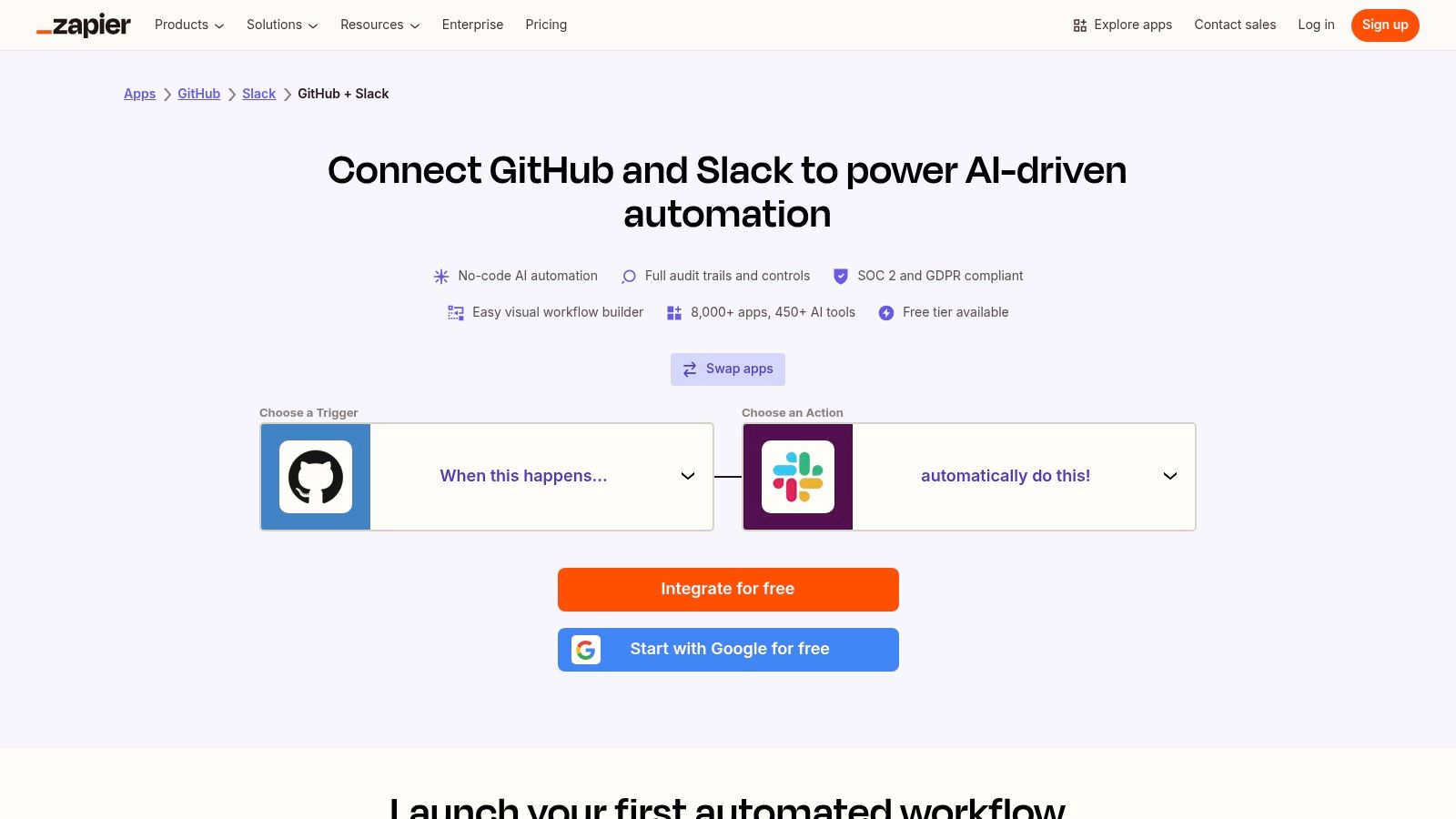
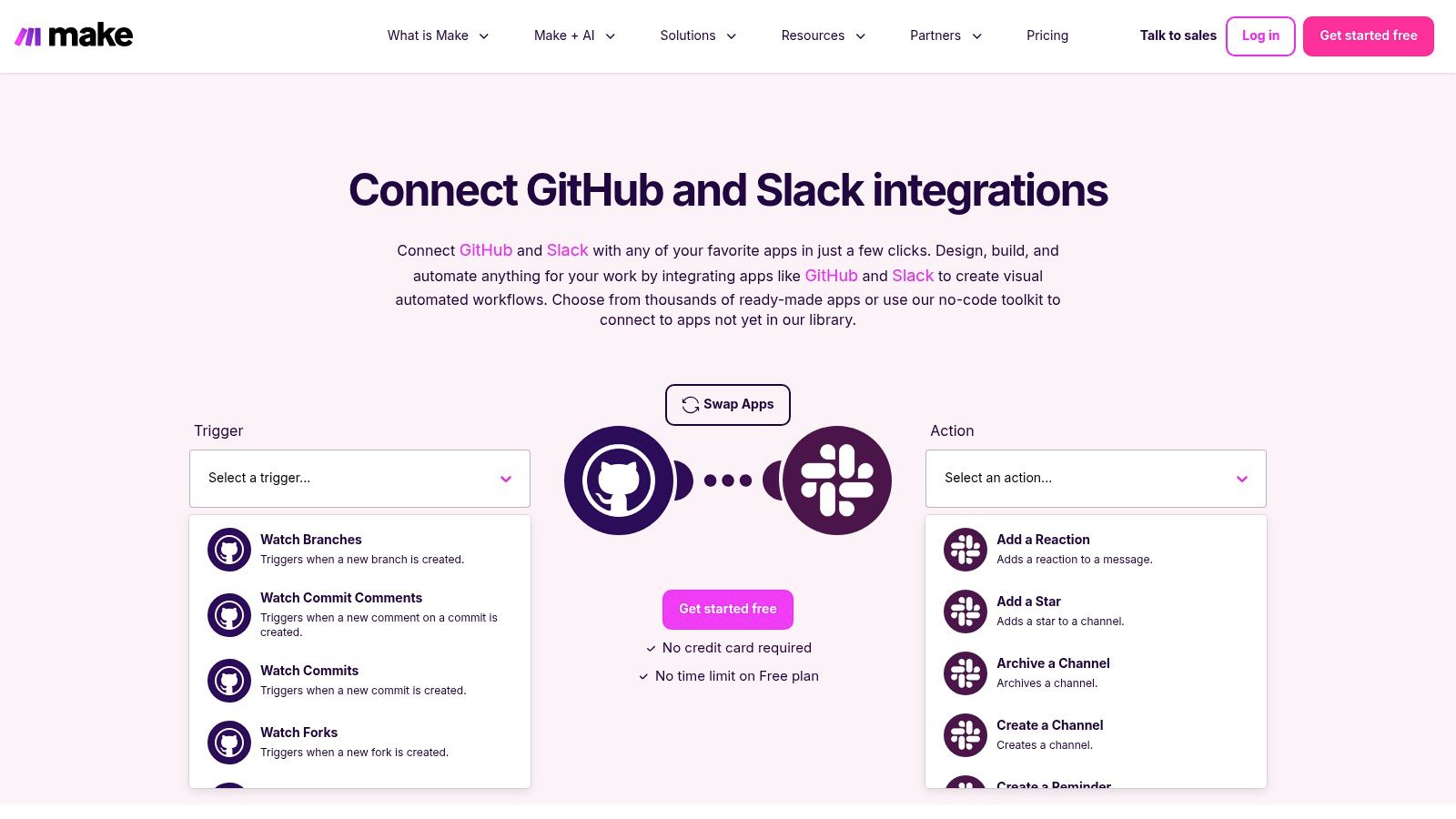
Zapier is a no-code automation platform that acts as a bridge between GitHub, Slack, and thousands of other applications. It allows you to create custom "Zaps" (workflows) that trigger Slack actions based on specific GitHub events. This is perfect for creating unique notification rules or for connecting GitHub activity to non-developer tools like Google Sheets or Trello.
- What it does: Automates custom workflows between GitHub and Slack without writing any code.
- Key Features:
✔ Custom Workflows: Build multi-step automations connecting GitHub and Slack with other apps.
✔ Granular Triggers: Use specific triggers like "New Star" or "New Branch" to create tailored alerts.
✔ Template Library: Start quickly with pre-made templates for common use cases. - Pricing: Offers a free tier with limitations. Paid plans unlock more steps and higher task volumes.
- Ideal for: Non-technical teams needing visibility into development, or for creating highly custom, multi-app workflows.
- Pros & Cons:
- Pros: Extremely flexible and user-friendly for non-developers.
- Cons: Can become expensive for high-volume workflows; may have a slight delay.
Slack GitHub Bot Comparison
| App Name | Best For | Real-Time Alerts | PR/Review Support | Enterprise Support | Free Tier |
|---|---|---|---|---|---|
| GitHub Official App | Core integration | ✅ | ✅ | ✅ | ✅ |
| Jira Cloud | Project management sync | ✅ | ✅ | ✅ | ✅ |
| Sentry | Error monitoring | ✅ | ✅ | ✅ | ✅ |
| Datadog | DevOps & monitoring | ✅ | ❌ | ✅ | ❌ |
| CircleCI | CI/CD notifications | ✅ | ✅ | ✅ | ✅ |
| Zapier | Custom no-code workflows | ☑️ (Slight delay) | ✅ | ✅ | ✅ |
Best Practices for a Quieter, More Effective Integration
A successful GitHub Slack integration creates signal, not noise. Follow these tips to ensure your setup boosts productivity instead of causing distractions.
- Create dedicated repo channels: Avoid flooding general channels. Use specific channels like
#dev-team-feedor#project-x-prsto keep notifications organized and relevant to the right audience. - Reduce noise → configure fewer triggers: Start by subscribing only to essential events like new PRs, review requests, and comments. You can always add more later. Too many notifications will lead to channels being muted.
- Use threads to manage heavy PR comments: Enable threading for notifications to keep discussions about a single pull request contained. This keeps the main channel clean and easy to scan.
- Admin permissions required for some repos: Remember that a GitHub organization admin may need to approve the Slack app's access to private or internal repositories, so plan accordingly.
Conclusion: Faster Code Reviews, Stronger Culture
Integrating GitHub and Slack is more than a technical convenience; it’s a cultural catalyst. By bringing development workflows into your team's central communication hub, you increase visibility, accelerate code review cycles, and foster a more collaborative environment. The transparency of real-time GitHub notifications in Slack ensures everyone is aligned, from junior developers to project leads. This integration improves speed and strengthens the culture of code reviews.
For most teams, the best starting point is the official GitHub app. It’s powerful, free, and easy to configure. From there, you can layer on more specialized tools like Sentry for error monitoring or Jira for project tracking to build a comprehensive, automated workflow tailored to your needs. Celebrating the great work behind the code is just as important, and tools like AsanteBot can help amplify team recognition.
Integrating GitHub and Slack keeps your team in sync and your code moving — set it up today and unlock faster collaboration. For the step-by-step setup, see how to integrate GitHub with Slack; for everything else worth connecting, see the best Slack apps.
About the author

Keep reading
More from the blog
 Asante Bot
What's New in Asante Bot: Summer 2026
Bots can now give recognition points, celebrations go out on your schedule and timezone, and birthday messages write themselves. Plus a rebuilt help center, glossary, and honest comparison library.
 slack task management
Wrangle for Slack: What It Is and How It Works
If your team practically lives in Slack, you know the feeling. Important to-dos and action items get instantly buried under a mountain of messages, GIFs, and channel chatter.
 company culture
What Is HeyTaco? A Guide to Modern Team Recognition
At its core, HeyTaco is a simple tool for peer-to-peer recognition that plugs right into your team's chat platform, like Slack or Microsoft Teams.